モーション プランニング
R2026bモーション プランニングを使用して、環境内を通るパスを計画します。RRT、RRT*、ハイブリッド A* などの一般的なサンプリングベースのプランナー、深層学習ベースのプランナーを使用するか、独自のカスタマイズ可能なパス計画インターフェイスを指定することができます。パス メトリクス、状態空間のサンプリング、および状態検証を使用して、パスが有効であり障害物とのクリアランスまたは滑らかさが適切であることを確認します。Pure Pursuit、Vector Field Histogram (VFH) アルゴリズム、Timed Elastic Band (TEB) アルゴリズムを使用して、パスを追従し障害物を回避します。
関数
ブロック
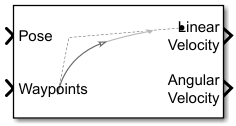 | Pure Pursuit | 線形と曲率の制御コマンド |
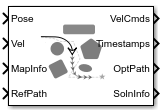 | Timed Elastic Band | Plan path to avoid obstacles and generate time-optimal trajectories (R2025a 以降) |
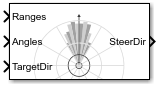 | Vector Field Histogram | Avoid obstacles using vector field histogram |
トピック
- Get Started with Motion Planning Networks
Motion Planning Networks for state space sampling and path planning.
- ナビゲーションのためのパス プランニング アルゴリズムの選択
さまざまなパスおよびモーション プランニング アルゴリズムの利点に関する詳細。
- Optimal Trajectory Generation for Urban Driving
This example shows how to perform dynamic replanning in an urban scenario using
trajectoryOptimalFrenet. - Motion Planning in Urban Environments Using Dynamic Occupancy Grid Map
This example shows you how to perform dynamic replanning in an urban driving scene using a Frenet reference path.
- Path Following with Obstacle Avoidance in Simulink
Use Simulink® to avoid obstacles while following a path for a differential drive robot.
- Obstacle Avoidance with TurtleBot and VFH
This example shows how to use ROS Toolbox and a TurtleBot® with vector field histograms (VFH) to perform obstacle avoidance when driving a robot in an environment.
- Vector Field Histogram
VFH algorithm details and tunable properties.
- 単純追跡コントローラー
単純追跡コントローラーの機能とアルゴリズムの詳細。
- Follow Waypoints in Simulink Using Pure Pursuit Block
Guide a car-like vehicle along a series of waypoints in Simulink using the Pure Pursuit block.
注目の例
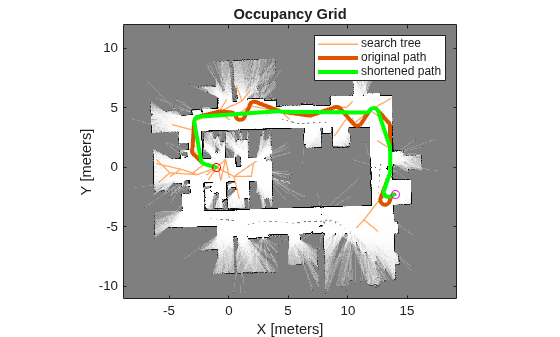
RRT を使用したモバイル ロボットのパスの計画
この例では、Rapidly-exploring Random Tree (RRT) アルゴリズムを使用して、既知のマップでビークルのパスを計画する方法を説明します。カスタム状態空間により、特殊なビークル制約も適用されます。カスタム状態空間とパス検証オブジェクトを使って、独自のプランナーを任意のナビゲーション アプリケーション用に調整できます。

屋内マップでの動的再計画
この例では、距離計と A* パス プランナーを使用して、倉庫のマップで動的な再計画を行う方法を説明します。
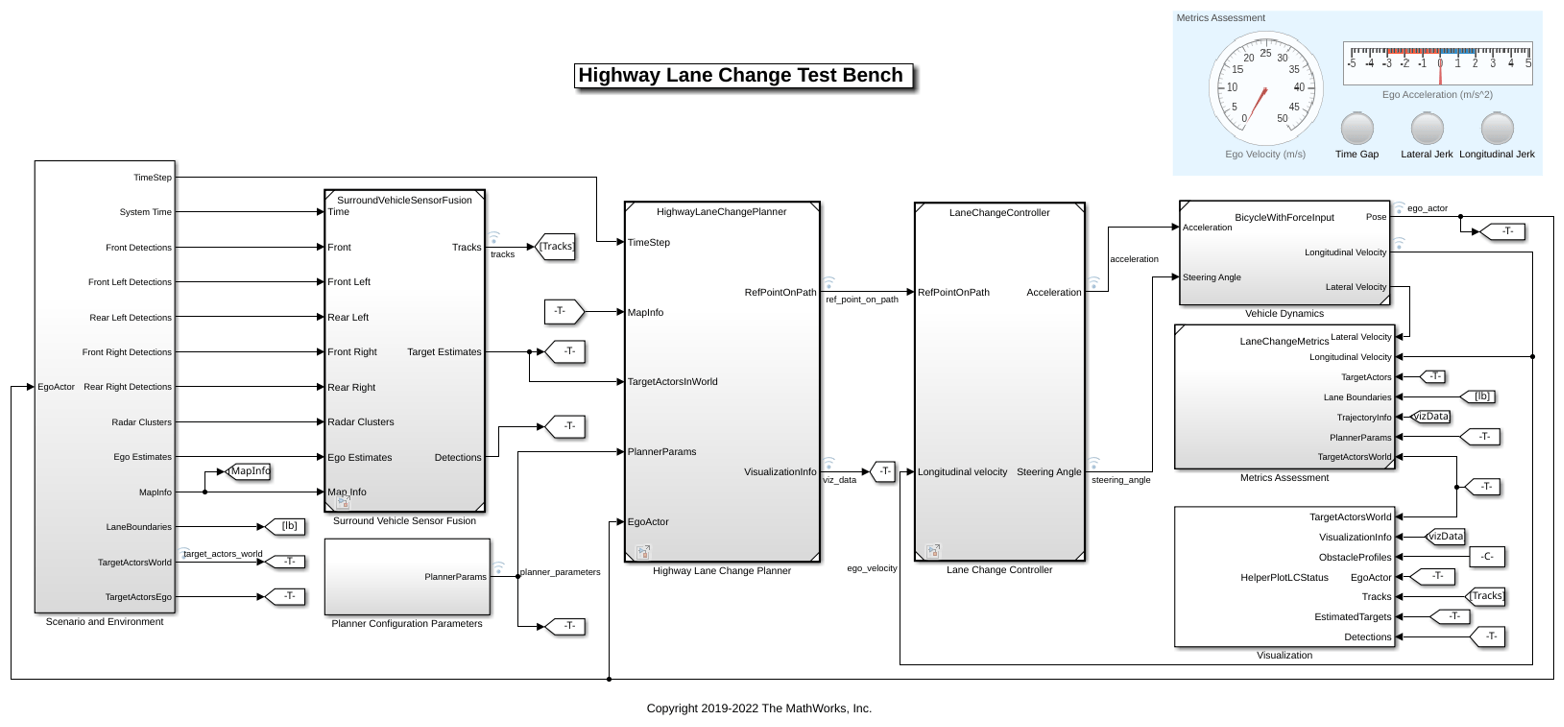
Highway Lane Change
Perceive surround-view information and use it to design an automated lane change maneuver system for highway driving scenarios.
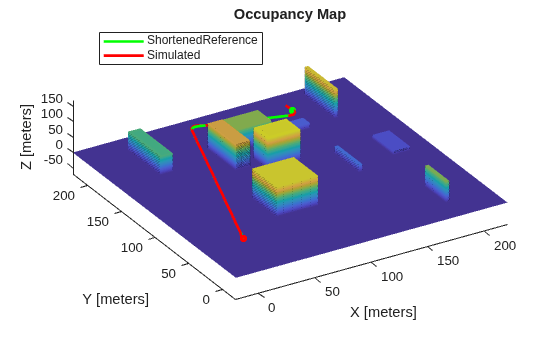
Motion Planning with RRT for Fixed-Wing UAV
Plan the 3D motion of a fixed-wing UAV using the rapidly exploring random tree (RRT) algorithm, given a start and goal pose.
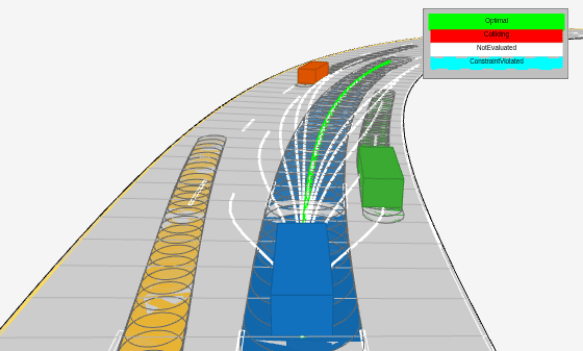
Highway Trajectory Planning Using Frenet Reference Path
Demonstrates how to plan a local trajectory in a highway driving scenario. This example uses a reference path and dynamic list of obstacles to generate alternative trajectories for an ego vehicle. The ego vehicle navigates through traffic defined in a provided driving scenario from a drivingScenario object. The vehicle alternates between adaptive cruise control, lane changing, and vehicle following maneuvers based on cost, feasibility, and collision-free motion.
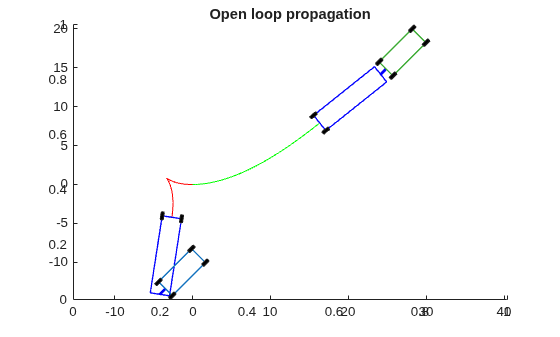
Reverse-Capable Motion Planning for Tractor-Trailer Model Using plannerControlRRT
Find global path-planning solutions for systems with complex kinematics using the kinematics-based planner, plannerControlRRT. The example is organized into three primary sections:
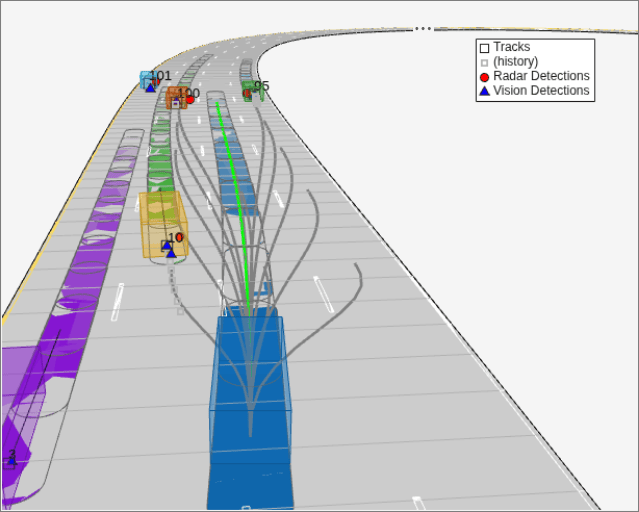
Object Tracking and Motion Planning Using Frenet Reference Path
Dynamically replan the motion of an autonomous vehicle based on the estimate of the surrounding environment. You use a Frenet reference path and a joint probabilistic data association (JPDA) tracker to estimate and predict the motion of other vehicles on the highway. Compared to the Highway Trajectory Planning Using Frenet Reference Path example, you use these estimated trajectories from the multi-object tracker in this example instead of ground truth for motion planning.
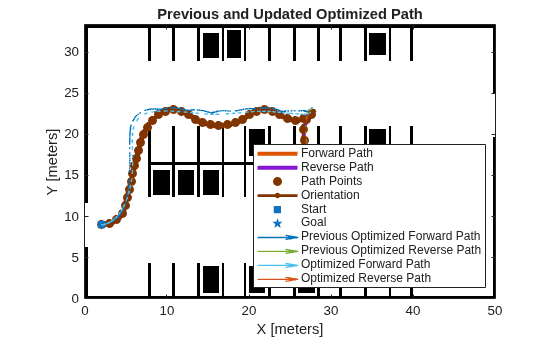
Optimization Based Path Smoothing for Autonomous Vehicles
Optimize the path for a car-like robot by maintaining a smooth curvature and a safe distance from the obstacles in a parking lot.
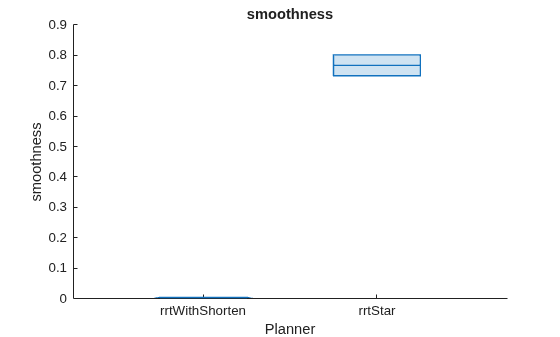
Benchmark Path Planners for Differential Drive Robots in Warehouse Map
Choose the best 2-D path planner for a differential drive robot in a warehouse environment from the available path planners. Use the plannerBenchmark object to benchmark the path planners plannerRRT, plannerRRTStar, plannerBiRRT, plannerPRM, and plannerHybridAstar on the warehouse environment with the randomly chosen start and goal poses. Compare the path planners based on their ability to find a valid path, clearance from the obstacles, time taken to initialize a planner, time taken to find a path, length of the path, and smoothness of the path. A suitable planner is chosen based on the performance of each path planner on the above mentioned metrics.
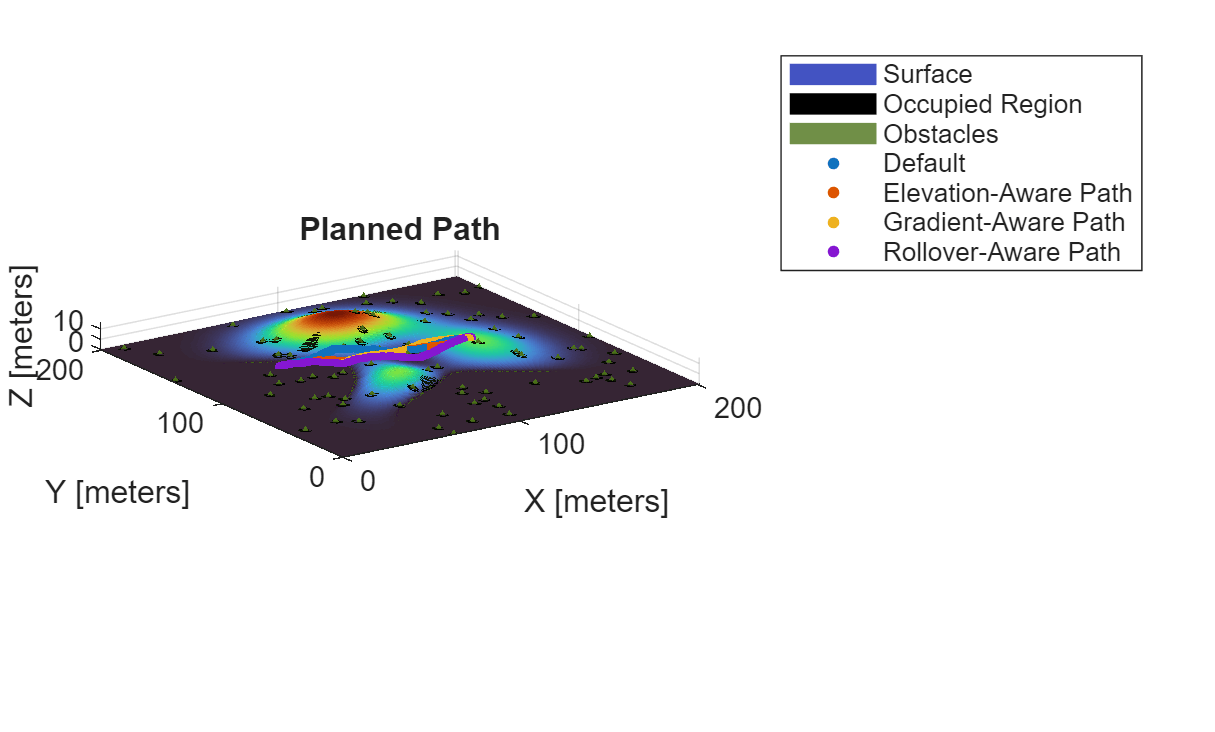
Offroad Planning with Digital Elevation Models
Process and store 2.5-D information, and presents various techniques for using it for an offroad path planner.
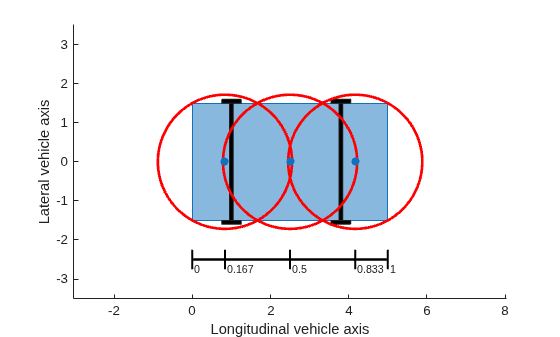
Enable Vehicle Collision Checking for Path Planning Using Hybrid A*
Use a Hybrid A* planner to plan a path to a narrow parking space, while accounting for the shape of a car-like robot.
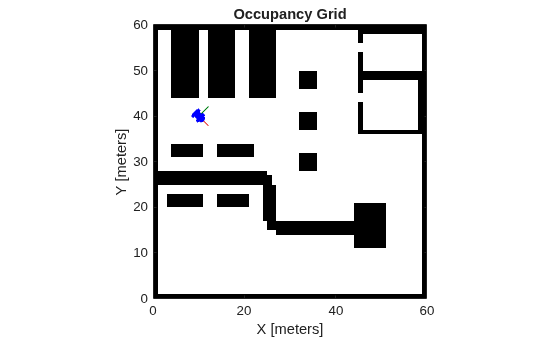
Plan Path to Custom Goal Region for Mobile Robot
Plan a path for a mobile robot to a goal region using a rapidly exploring random tree (RRT) path planner. In this example, you can define a custom goal region as a 2-D polygon, and then plan a path to it.
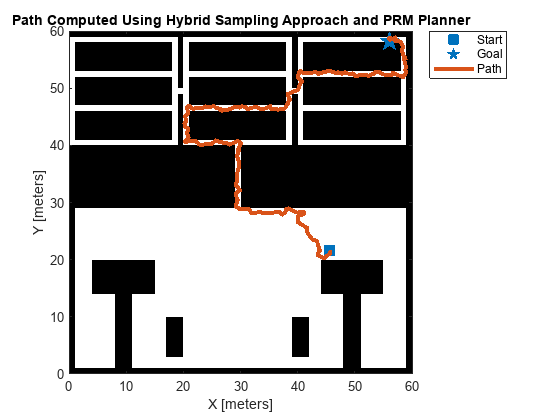
Hybrid Sampling Method for Motion Planning in Warehouse Environment
Combine uniform sampling and Gaussian sampling approaches for motion planning in narrow passages and wide spaces.
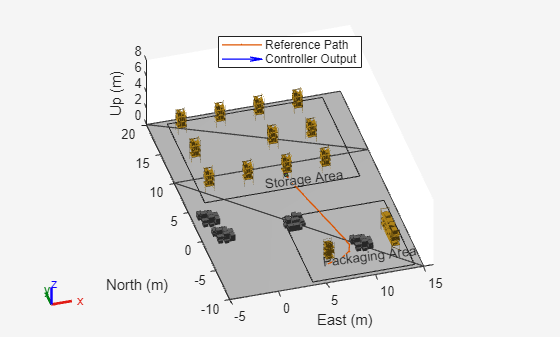
Plan Path in Warehouse Scenario with Unseen Obstacle Avoidance
Plan path in a warehouse scenario by avoiding unseen obstacles using TEB algorithm.
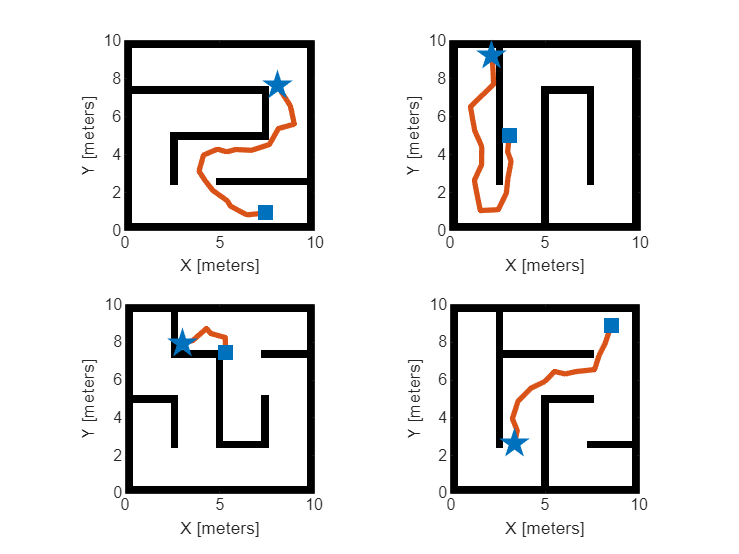
Train Deep Learning-Based Sampler for Motion Planning
Create a deep learning-based sampler using Motion Planning Networks to speed up path planning using sampling-based planners like RRT (rapidly-exploring random tree) and RRT*. For information about Motion Planning Networks (MPNet) for state space sampling, see Get Started with Motion Planning Networks.
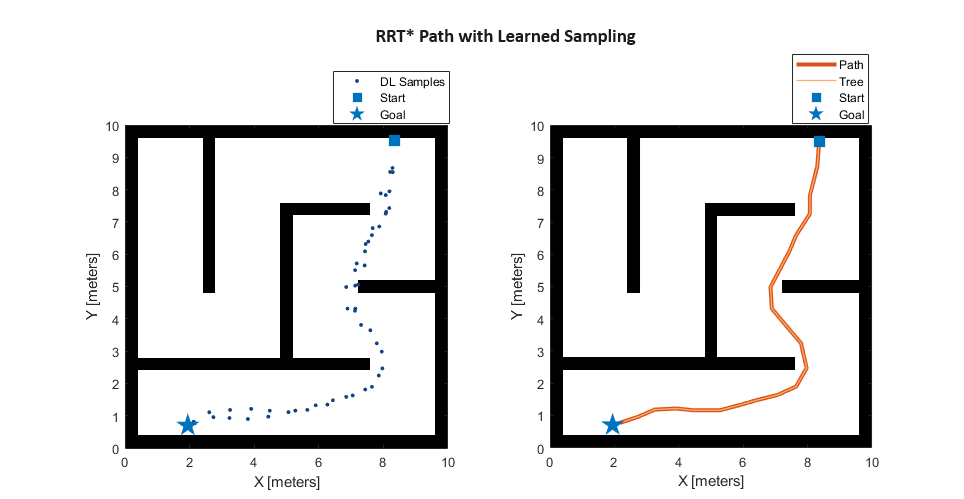
Accelerate Motion Planning with Deep-Learning-Based Sampler
The example shows how to use sampling-based planners such as RRT (rapidly-exploring random tree) and RRT* with Motion Planning Networks (MPNet), deep-learning-based sampler to find optimal paths efficiently.
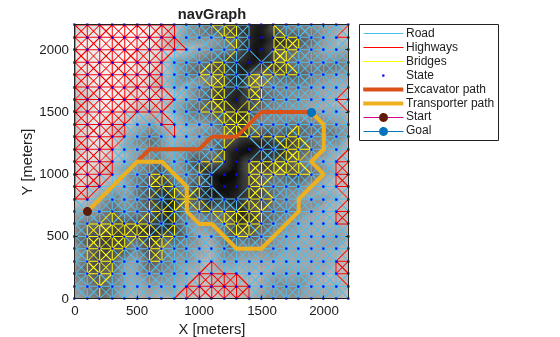
Route Planning in Uneven Terrain Based on Vehicle Requirements
Use navGraph and plannerAStar to find a path through rough terrain while accounting for vehicle-based requirements and constraints.
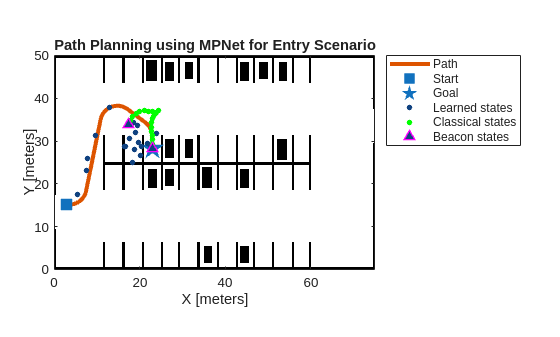
Path Planning Using MPNet for Automated Parking Valet System
Perform path planning for an automated parking valet system using a pretrained MPNet.
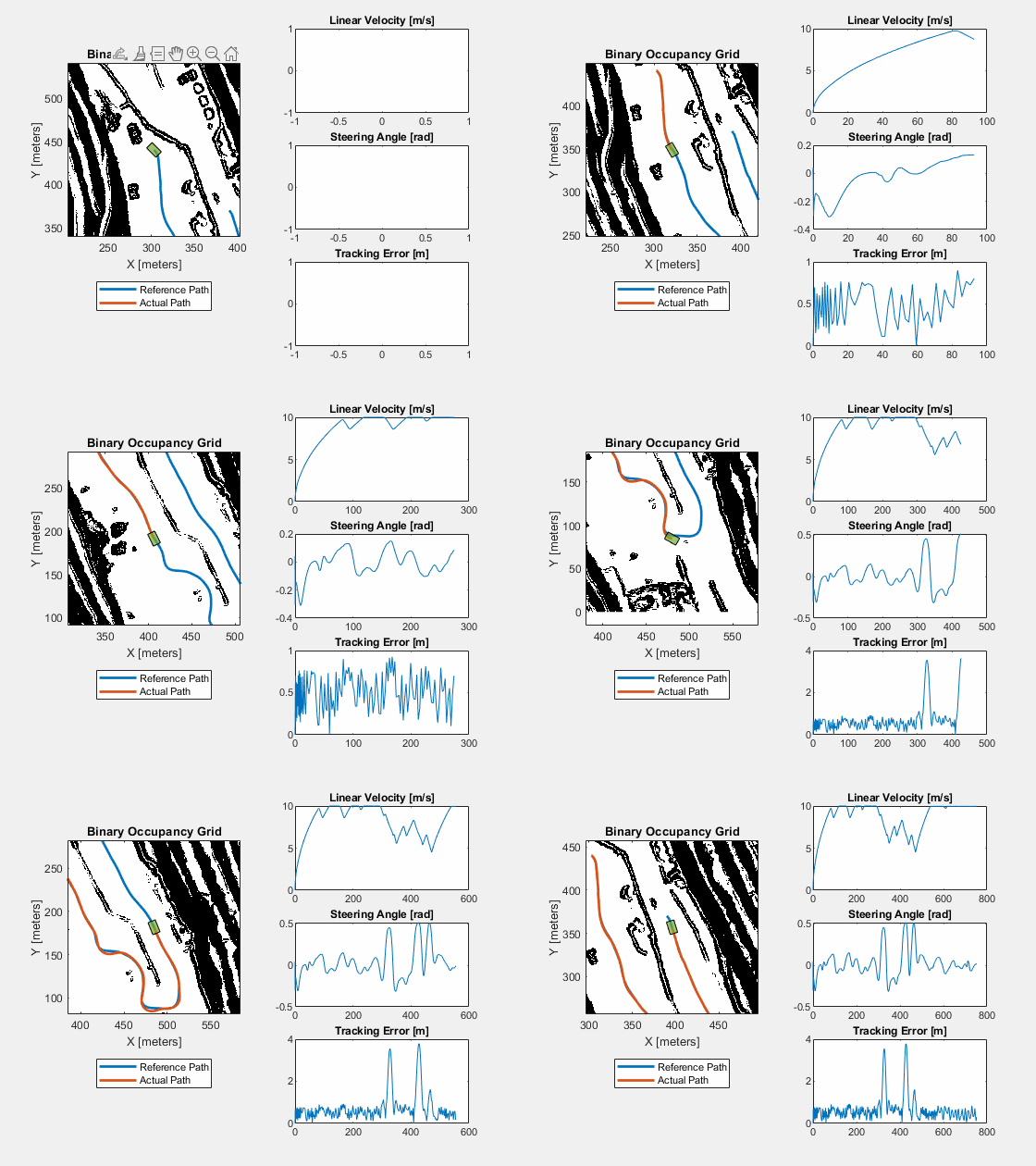
Simulate Path Following on Speedgoat Real-Time Target Machine
Perform real-time simulation of path following on Speedgoat real-time target machine.
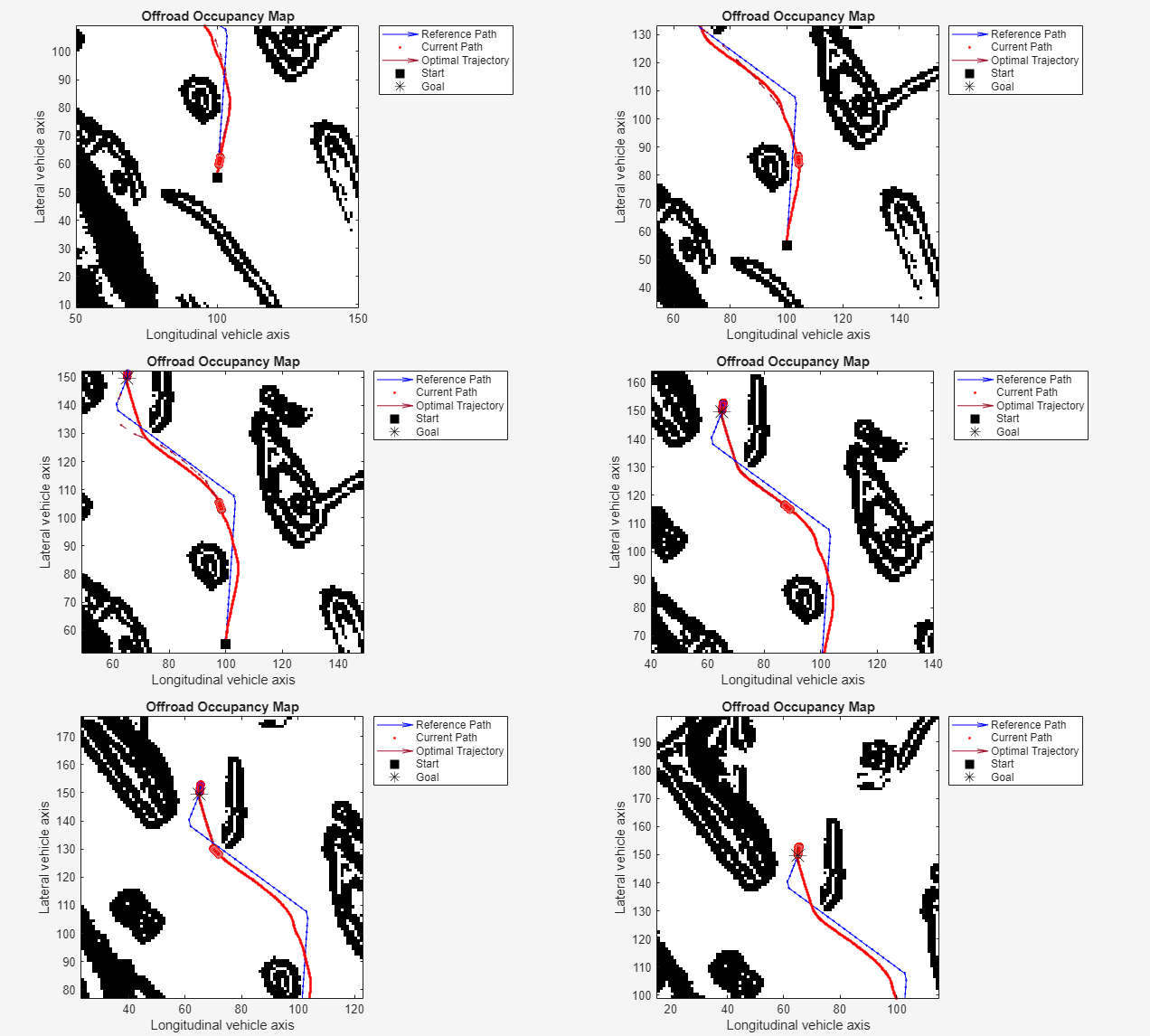
Avoid Obstacles Using TEB Local Planner in Simulink
Perform path following using TEB local planner in Simulink.

