モデル化
R2026bハードウェア接続用の Simulink モデルを準備し、NVIDIA ハードウェアをサポートするブロックを追加します。
ブロック
 | ALSA Audio Capture | ALSA を使用してサウンド カードからオーディオを取得する |
 | ALSA Audio Playback | Send audio to sound card for playback using ALSA |
 | Audio File Read | Read audio frames from an audio file |
 | Camera | Capture video from a USB or CSI camera connected to the NVIDIA target |
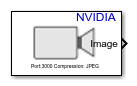 | Network Video Receive | Receive video from network RTP or IP camera RTSP stream on NVIDIA Jetson hardware |
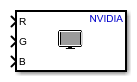 | SDL Video Display | Display video on a monitor connected to the NVIDIA target |
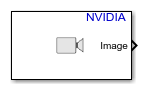 | Video Read | Read video frames from multimedia file on NVIDIA target (R2024a 以降) |
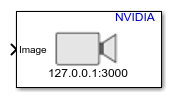 | Video Send | Send video stream to remote hardware (R2023b 以降) |
 | GPIO Read | Read logical state of an input pin |
 | GPIO Write | Set logical state of an output pin |
 | CAN Receive | Receive messages from the controller area network (CAN) bus |
 | CAN Transmit | Transmit messages on the controller area network (CAN) bus |
 | Serial Read | Read data from serial port |
 | Serial Write | Write data to serial port |
 | SPI Register Write | Write to register of SPI device connected to NVIDIA Jetson board (R2026a 以降) |
 | SPI Register Read | Read from register of SPI device connected to NVIDIA Jetson board (R2026a 以降) |
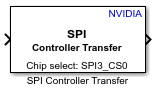 | SPI Controller Transfer | Write to and read from SPI device connected to NVIDIA Jetson board (R2026a 以降) |
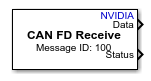 | CAN FD Receive | Receive messages on controller area network (CAN) bus with flexible data rate (R2026b 以降) |
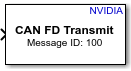 | CAN FD Transmit | Transmit messages on controller area network (CAN) bus with flexible data rate (R2026b 以降) |
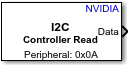 | I2C Controller Read | Read from I2C device connected to NVIDIA Jetson (R2026b 以降) |
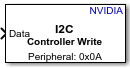 | I2C Controller Write | Write to I2C device connected to NVIDIA Jetson board (R2026b 以降) |
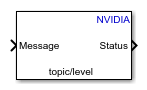 | MQTT Publish | Publish messages to MQTT broker on specified topic (R2023a 以降) |
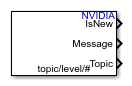 | MQTT Subscribe | Receive messages from the MQTT broker for specified topic (R2023a 以降) |
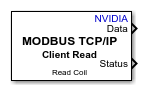 | Modbus TCP/IP Client Read | Client device reads data from server device register(s) over TCP/IP network (R2022a 以降) |
 | Modbus TCP/IP Client Write | Client device writes data to server device register(s) over TCP/IP network (R2022a 以降) |
 | Modbus TCP/IP Server Read | Server device reads data from server device register over TCP/IP network (R2022a 以降) |
 | Modbus TCP/IP Server Write | Server device writes data to server device register over TCP/IP network (R2022a 以降) |
 | TCP/IP Receive | リモート ホストから TCP/IP ネットワーク経由でデータを受信する |
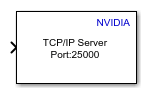 | TCP/IP Send | 別のリモート ホストに TCP/IP ネットワーク経由でデータを送信する |
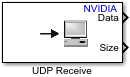 | UDP Receive | Receive UDP packets from UDP host |
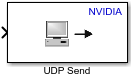 | UDP Send | Send UDP packets to UDP host |
モデル設定
トピック
- Model Configuration Parameters for NVIDIA Hardware Board
Parameter and configuration options for creating and running applications on an NVIDIA hardware board.
- Open Block Library for NVIDIA Hardware
Locate Simulink block library for NVIDIA hardware.
- GPU Coder を使用したシミュレーション速度の高速化 (GPU Coder)
MATLAB Function ブロックを含むモデルのシミュレーションを高速化する。
- GPU Coder を使用した Simulink モデルからのコード生成 (GPU Coder)
GPU Coder™ を使用して、Simulink モデルから CUDA® コードを生成する。
- MATLAB Function ブロックを使用した深層学習ネットワーク用の GPU コード生成 (GPU Coder)
MATLAB Function ブロックを使用して、Simulink で深層学習モデルのシミュレーションとコード生成を行う。
- Deep Neural Networks ライブラリ ブロック用の GPU コード生成 (GPU Coder)
ライブラリ ブロックを使用して、Simulink で深層学習モデルのシミュレーションとコード生成を行う。
- Connecting and Using USB to Serial Converter with Jetson
Connecting the USB to serial converter to a NVIDIA Jetson™ board.
- NVIDIA Jetson ボードのシリアル ポートのマッピング
NVIDIA Jetson ボードのシリアル ポートの端子名を識別する。
- Read and Write Data over Serial Port on NVIDIA Jetson Platforms
This example shows how to use MATLAB® Coder™ Support Package for NVIDIA® Jetson® and NVIDIA DRIVE® to read and write serial data over the UART port on a Jetson board.
- Introduction to MQTT
Basics of the MQTT messaging protocol.
注目の例
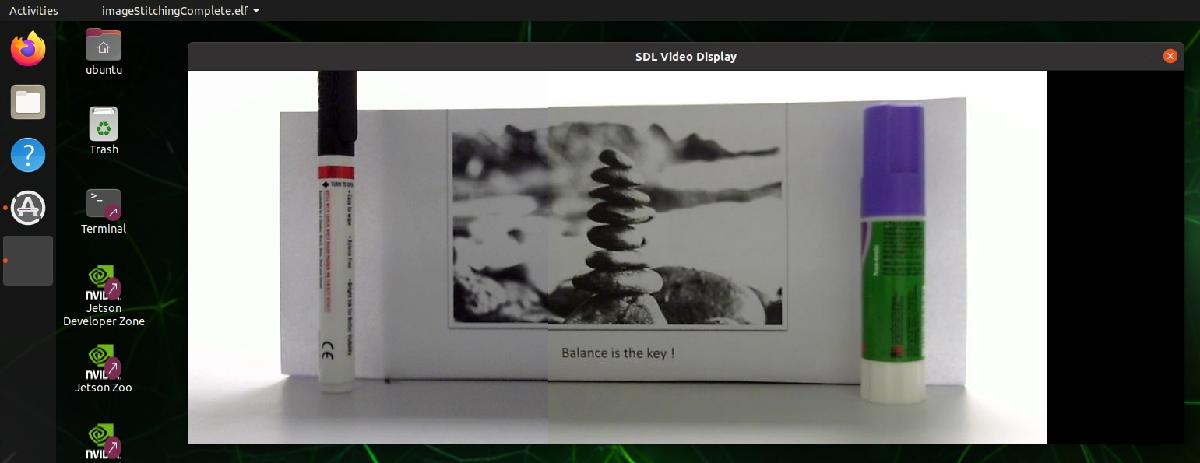
Capture and Stitch Together Images from Multiple Cameras on NVIDIA Jetson
Capture video from two cameras on an NVIDIA Jetson to create a composite image.
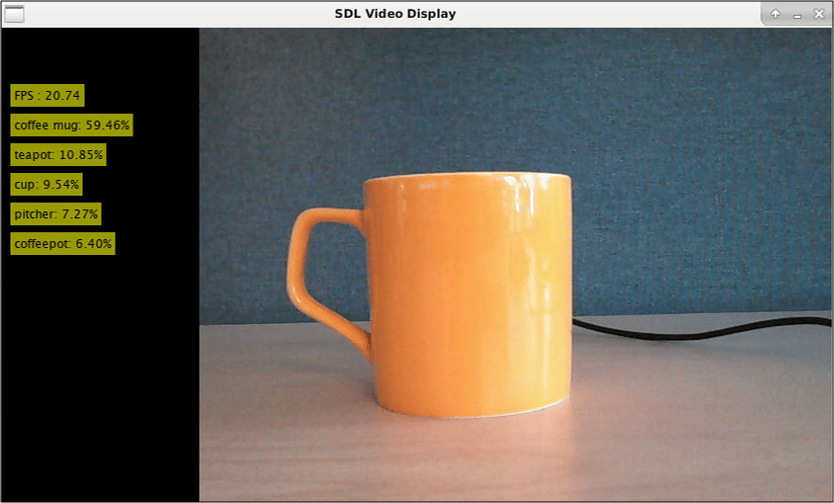
Deploy and Classify Webcam Images on NVIDIA Jetson Platform from Simulink
Deploy a Simulink® model on the NVIDIA® Jetson™ board for classifying webcam images. This example classifies images from a webcam in real-time by using the pretrained deep convolutional neural network, ResNet-50. The Simulink model in the example uses the camera and display blocks from the MATLAB® Coder™ Support Package for NVIDIA Jetson and NVIDIA DRIVE™ Platforms to capture the live video stream from a webcam and display the prediction results on a monitor connected to the Jetson platform.

ECG 信号を分類する深層学習 Simulink モデルのコード生成
この例では、強力な信号処理手法と畳み込みニューラル ネットワークを組み合わせて使用して ECG 信号を分類する方法を示します。また、Simulink® モデルから CUDA® コードを生成する方法も紹介します。この例では、Wavelet Toolbox™ の "ウェーブレット解析と深層学習を使用した時系列の分類" の例の事前学習済み CNN ネットワークを使用して、時系列データの CWT からのイメージを基に ECG 信号を分類します。学習の詳細については、ウェーブレット解析と深層学習を使用した時系列の分類 (Wavelet Toolbox)を参照してください。

車線検出と車両検出を実行する深層学習 Simulink モデルのコード生成
この例では、車線検出と車両検出を実行する Simulink® モデルから、畳み込みニューラル ネットワーク (CNN) を使用して CUDA® アプリケーションを開発する方法を説明します。この例では、交通量ビデオのフレームを入力として受け取り、エゴ ビークルの左右の車線に対応する 2 つの車線境界線を出力し、フレーム内の車両を検出します。この例では、GPU Coder™ 製品の "GPU Coder で最適化した車線検出" の例の事前学習済み車線検出ネットワークを使用します。詳細については、GPU Coder で最適化した車線検出 (GPU Coder)を参照してください。この例では、Computer Vision Toolbox™ の "YOLO v2 深層学習を使用したオブジェクト検出" の例の事前学習済み車両検出ネットワークも使用します。詳細については、YOLO v2 深層学習を使用したオブジェクトの検出 (Computer Vision Toolbox)を参照してください。

ウェーブレット解析と深層学習を使用した NVIDIA Jetson への信号分類器の展開
この例では、連続ウェーブレット変換 (CWT) と事前学習済みの畳み込みニューラル ネットワーク (CNN) を使用して人間の心電図 (ECG) 信号を分類する CUDA® 実行可能ファイルを生成および展開する方法を説明します。
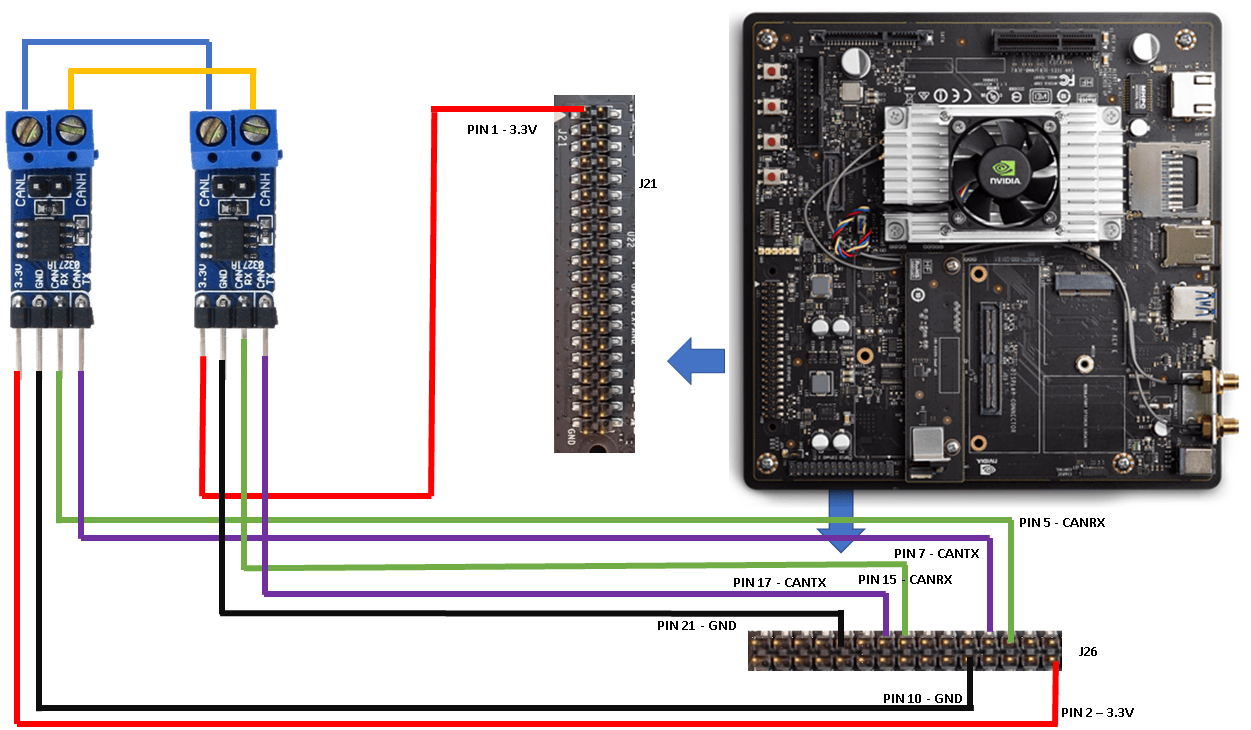
CAN Bus Communication on NVIDIA Jetson TX2 in Simulink
Deploy a Simulink® model that uses CAN communication for a deep learning application. The Simulink model in this example uses the CAN Transmit and CAN Receive blocks from the MATLAB® Coder™ Support Package for NVIDIA® Jetson® and NVIDIA DRIVE® Platforms to model a CAN bus system on the Jetson TX2 platform. The model uses the CAN bus to transmit the recognized traffic sign objects in a video frame from one CAN node to another CAN node.
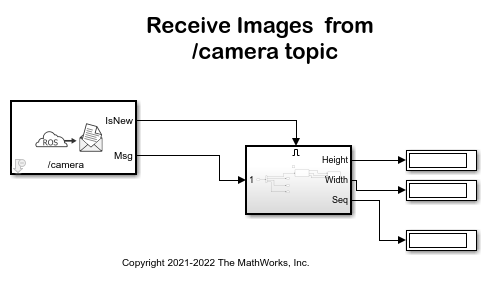
Stream Images from NVIDIA Jetson Xavier NX Using Robot Operating System (ROS)
Stream images captured from a webcam on NVIDIA® Jetson™ Xavier NX board to the host computer using ROS communication interface.

Send and Receive Data over UDP on NVIDIA Jetson Platforms
Use MATLAB® Coder™ Support Package for NVIDIA® Jetson® and NVIDIA DRIVE® to send and receive UDP data over the network on a Jetson board.
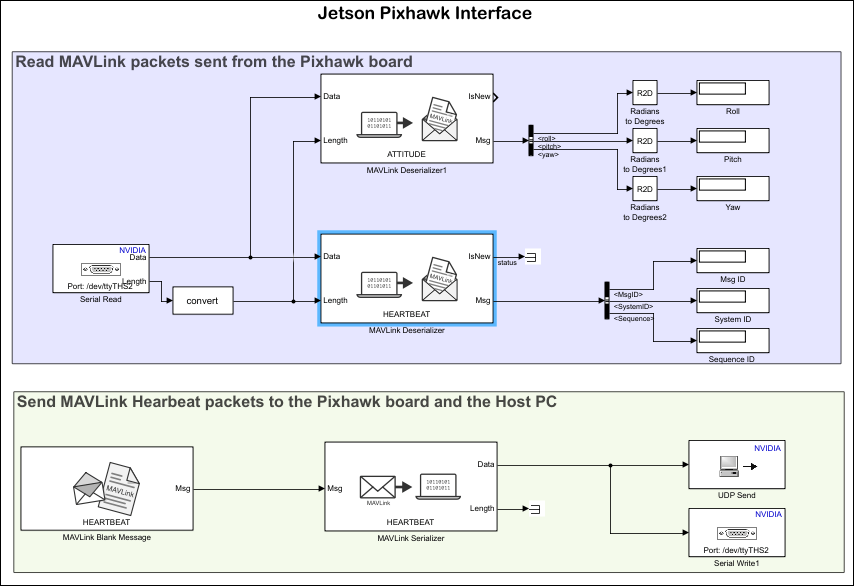
Send and Receive MAVLink Packets on Jetson Boards
Use MATLAB® Coder™ Support Package for NVIDIA® Jetson® and NVIDIA DRIVE® to send and receive MAVLink packets on a Jetson board via serial from a Pixhawk® board.
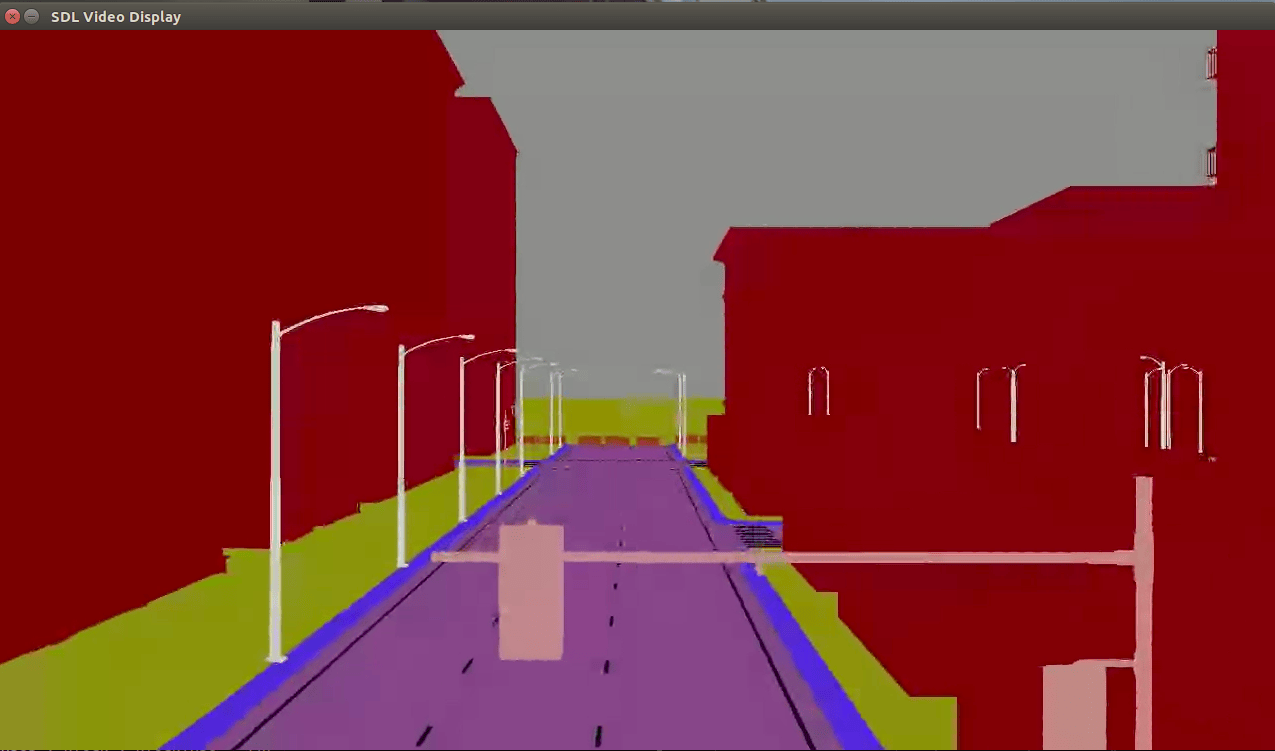
Stream Camera, Depth and Semantic Segmentation Data from Unreal Engine to NVIDIA Jetson
Stream simulated camera, depth, and semantic segmentation label data from an Unreal Engine® scene to NVIDIA® Jetson™ with Simulink®.
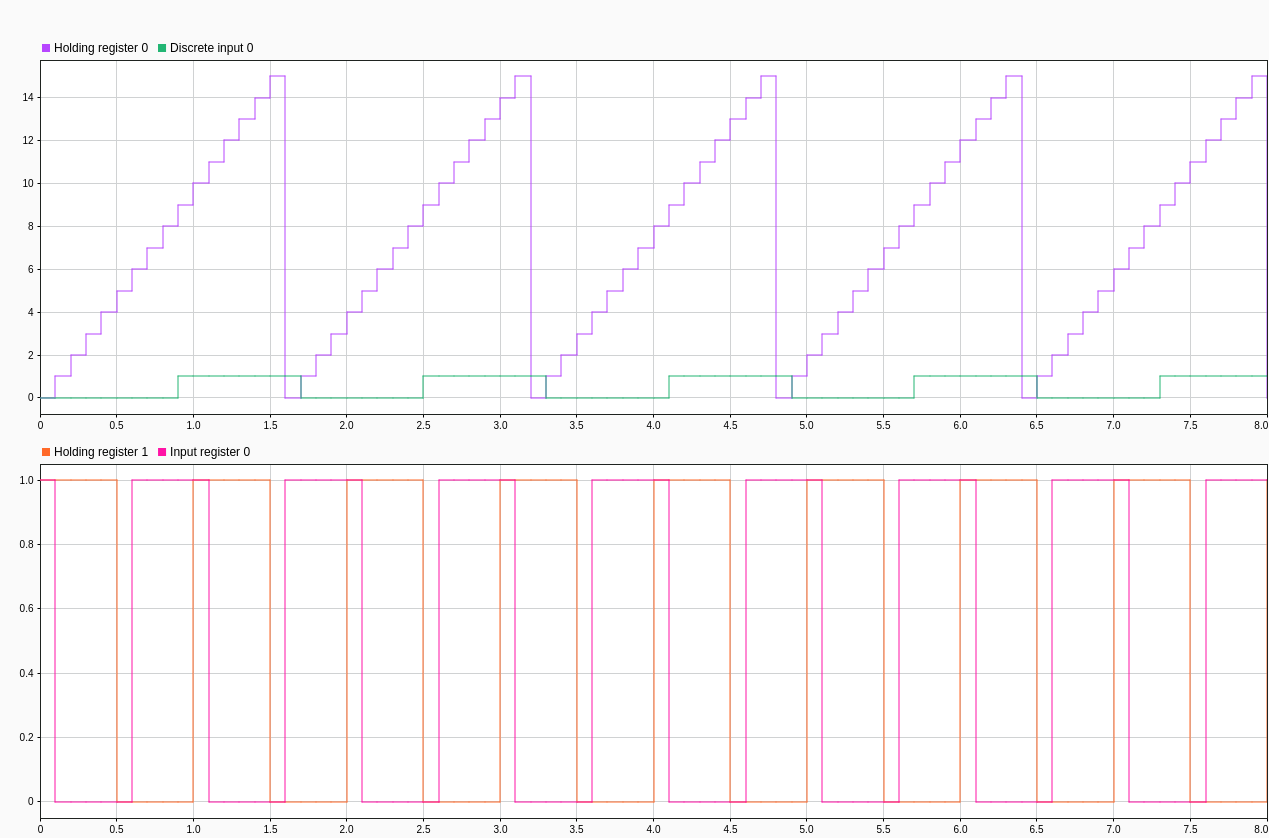
MODBUS TCP/IP Communication Between Client and Server Devices Using NVIDIA Jetson TX2 Hardware
Use the MATLAB® Coder™ Support Package for NVIDIA® Jetson® and NVIDIA DRIVE® Platforms to implement MODBUS® TCP/IP communication between MODBUS client and server devices. It also shows how to communicate between the two devices in four modes of operation, Client Read, Client Write, Server Read, and Server Write.
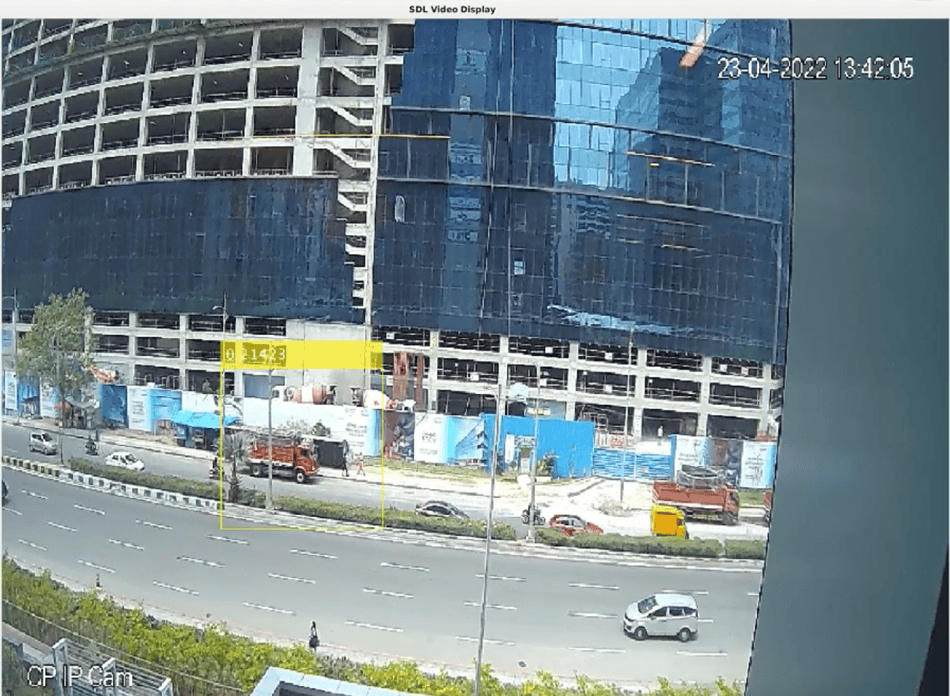
Deep Learning Vehicle Detector from IP Camera Stream on Jetson
Develop a CUDA® application from a Simulink® model that performs vehicle detection using convolutional neural networks (CNN). This example takes the IP camera stream as an input and detects vehicles in the frame. This example uses the pretrained vehicle detection network from the Object Detection Using YOLO v2 Deep Learning example of the Computer Vision Toolbox™. For more information, see YOLO v2 深層学習を使用したオブジェクトの検出 (Computer Vision Toolbox).
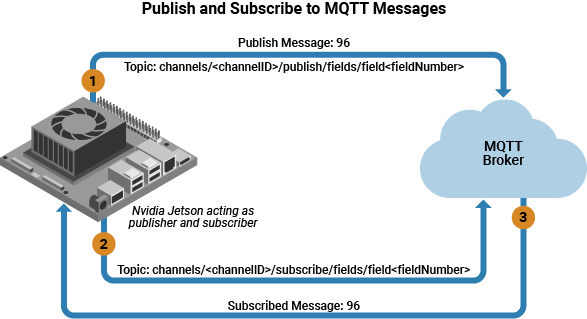
Publish and Subscribe to Messages on ThingSpeak Using MQTT Blocks
Use Simulink blocks to communicate using Message Queuing Telemetry Transport (MQTT) on NVIDIA Jetson or NVIDIA DRIVE®.
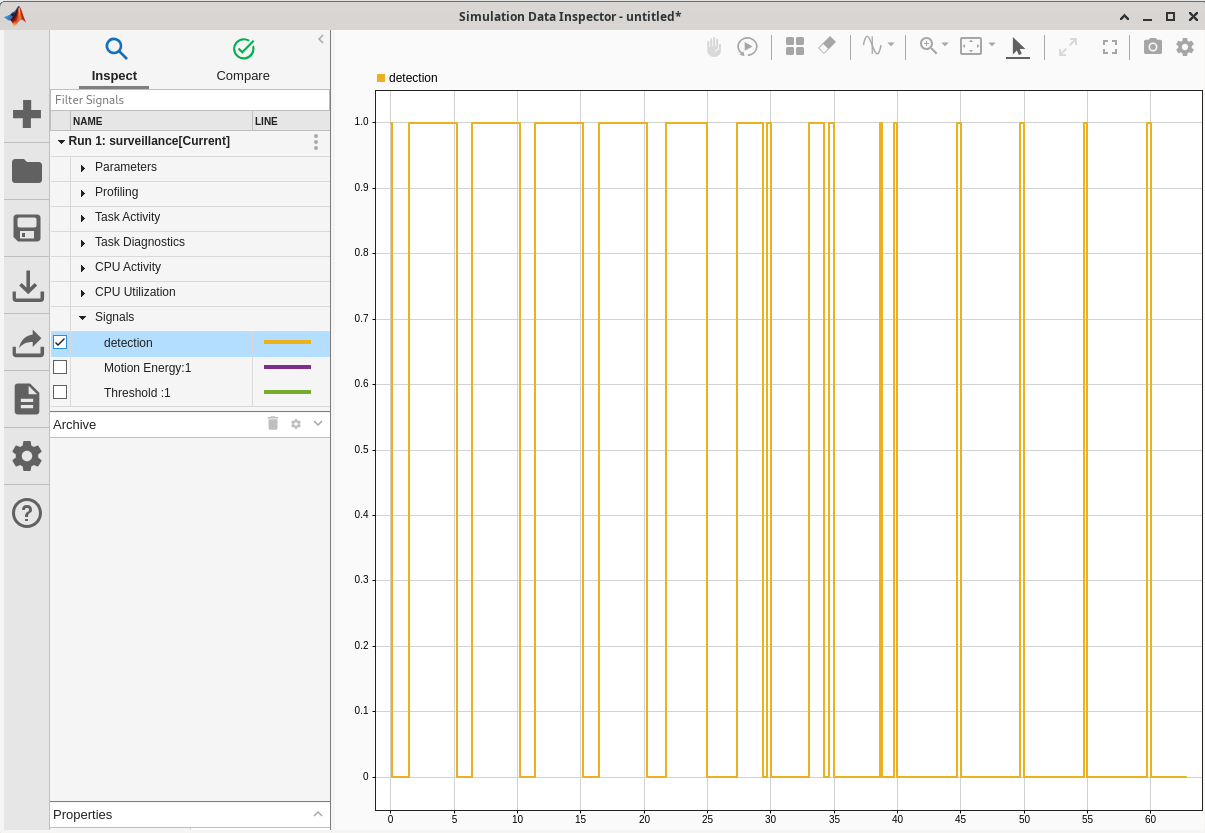
Tune Motion Detection Algorithm Running on NVIDIA Jetson
Monitor and tune a Simulink model that implements a motion detection algorithm.
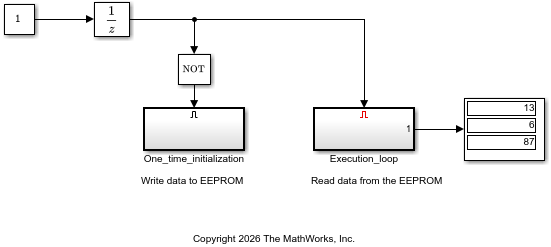
Communicate with EEPROM Device From NVIDIA Jetson Hardware
Read from and write to an EEPROM device by using I2C communication from NVIDIA Jetson hardware.
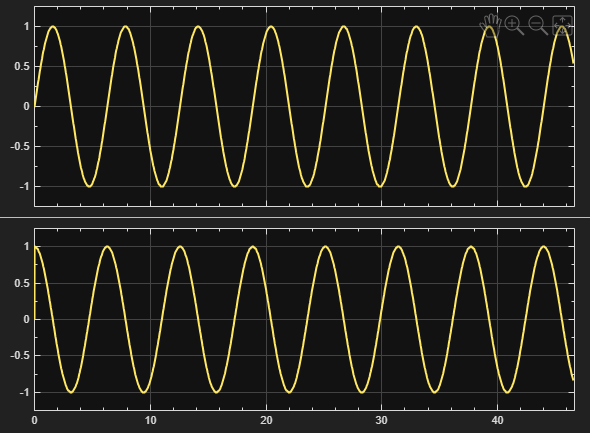
Send and Receive CAN FD Messages on NVIDIA Jetson
Use the CAN FD communication protocol on a Jetson board from Simulink.

