このページの内容は最新ではありません。最新版の英語を参照するには、ここをクリックします。
グラウンド トゥルースのイメージおよびビデオ
R2026aComputer Vision Toolbox™ は、オブジェクト検出、セマンティック セグメンテーション、インスタンス セグメンテーション、テキスト認識、イメージやビデオの分類といったタスクに向けて AI モデルに学習させるために、イメージやビデオからグラウンド トゥルース データを生成するための完全なワークフローを提供します。まずは、イメージ ラベラー アプリとビデオ ラベラー アプリを使って、さまざまなラベル タイプでデータを対話形式で注釈付けすることから始められます。これらには、四角形、多角形、ポリライン、シーン ラベル、およびピクセルレベルのラベルが含まれます。イメージ コレクションのラベル付けを開始するには、イメージ ラベラー入門を参照してください。ビデオまたはイメージ シーケンスのラベル付けを開始するには、ビデオ ラベラー入門を参照してください。
イメージ ラベラー アプリとビデオ ラベラー アプリは、手動、AI アシスト、自動による注釈付けをサポートしており、Segment Anything モデル (SAM) や Grounding DINO などの組み込み AI モデルを使用してラベル付けを高速化できます。詳細については、Get Started with AI-Assisted and Automated Labelingを参照してください。また、独自のオートメーション アルゴリズムを統合することで、ラベル付けプロセスを特定のニーズに合わせて調整することも可能です。詳細については、Create Custom Automation Algorithm for Labelingを参照してください。
ラベル付けが完了したら、注釈付きデータをエクスポートし、後処理を行って AI モデル用の学習データ セットを作成できます。ツールボックスは、ラベル付きデータの整理と管理のためのワークフローをサポートしており、分類、検出、セグメンテーションなどのタスクのための学習パイプラインとのシームレスな統合を可能にします。
共同プロジェクト向けに、イメージ ラベラー アプリにはチームベースのラベル付けを管理する機能が搭載されており、ラベル付けタスクの割り当て、注釈のレビュー、フィードバックの提供、複数のコントリビューター間での進捗状況の追跡などが可能です。これにより、ラベル付け作業の規模拡大が容易になり、大規模なデータ セット全体で一貫性を維持することが可能になります。詳細については、Get Started with Team-Based Labelingを参照してください。

カテゴリ
- イメージとビデオのラベル付け
イメージ ラベラー アプリとビデオ ラベラー アプリを使用して、イメージとビデオにラベルを付ける
- AI アシストによる自動ラベル付け
SAM や Grounding DINO などの AI アシスト ツールを使用してラベル付けを自動化し、カスタム オートメーション アルゴリズムを作成する
- チームでのラベル付けプロジェクトの管理
イメージ ラベラー アプリを使用して、共同ラベル付けプロジェクトを作成および管理し、チーム メンバー間でラベル付けとレビューのタスクを分担する
- AI モデル学習に向けたグラウンド トゥルースの使用
AI モデルの学習と評価のために、グラウンド トゥルース データを前処理、拡張、および分割する
注目の例
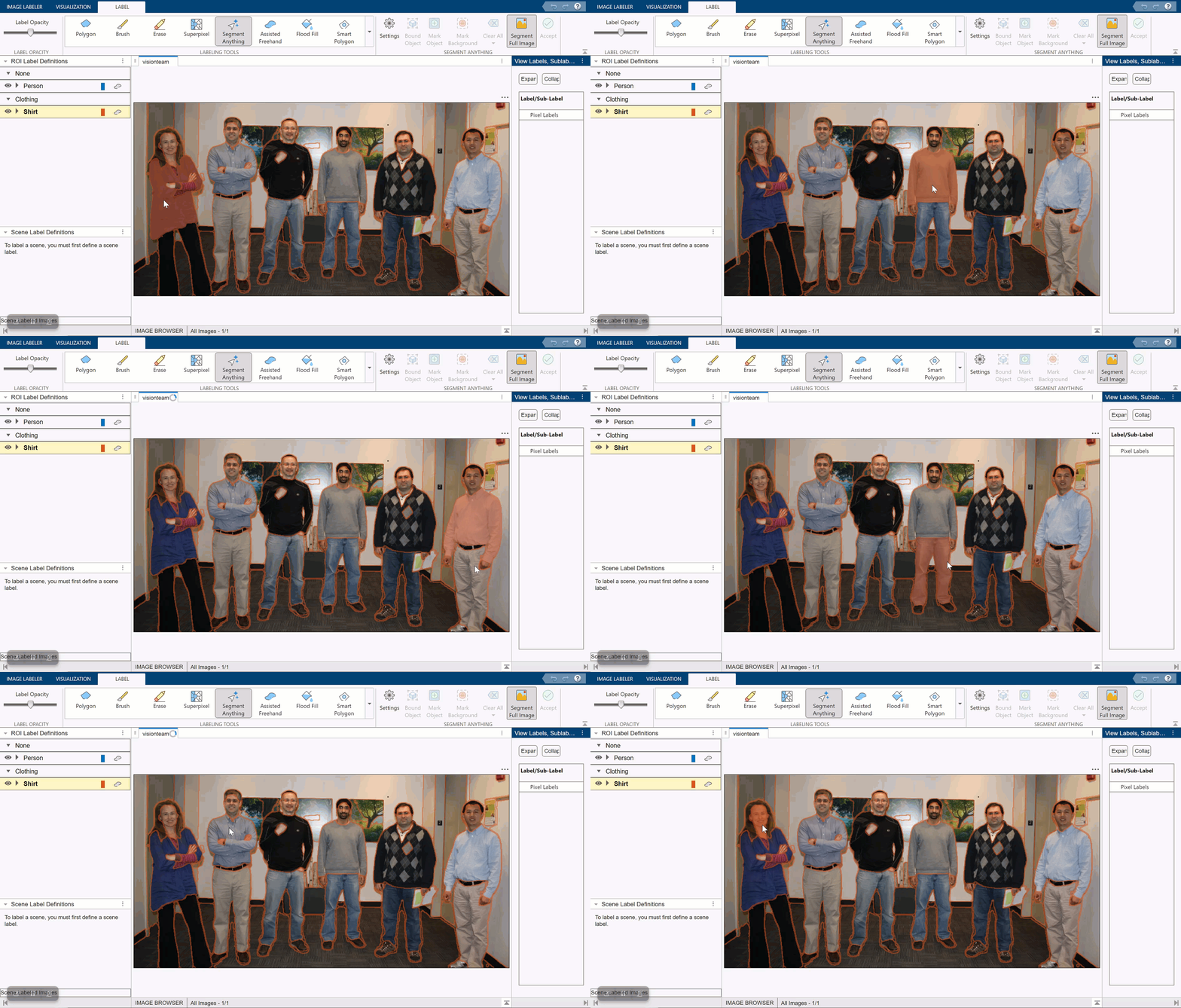
Automatically Label Ground Truth Using Segment Anything Model
Label pixels using the Segment Anything Model (SAM) in the Image Labeler app.
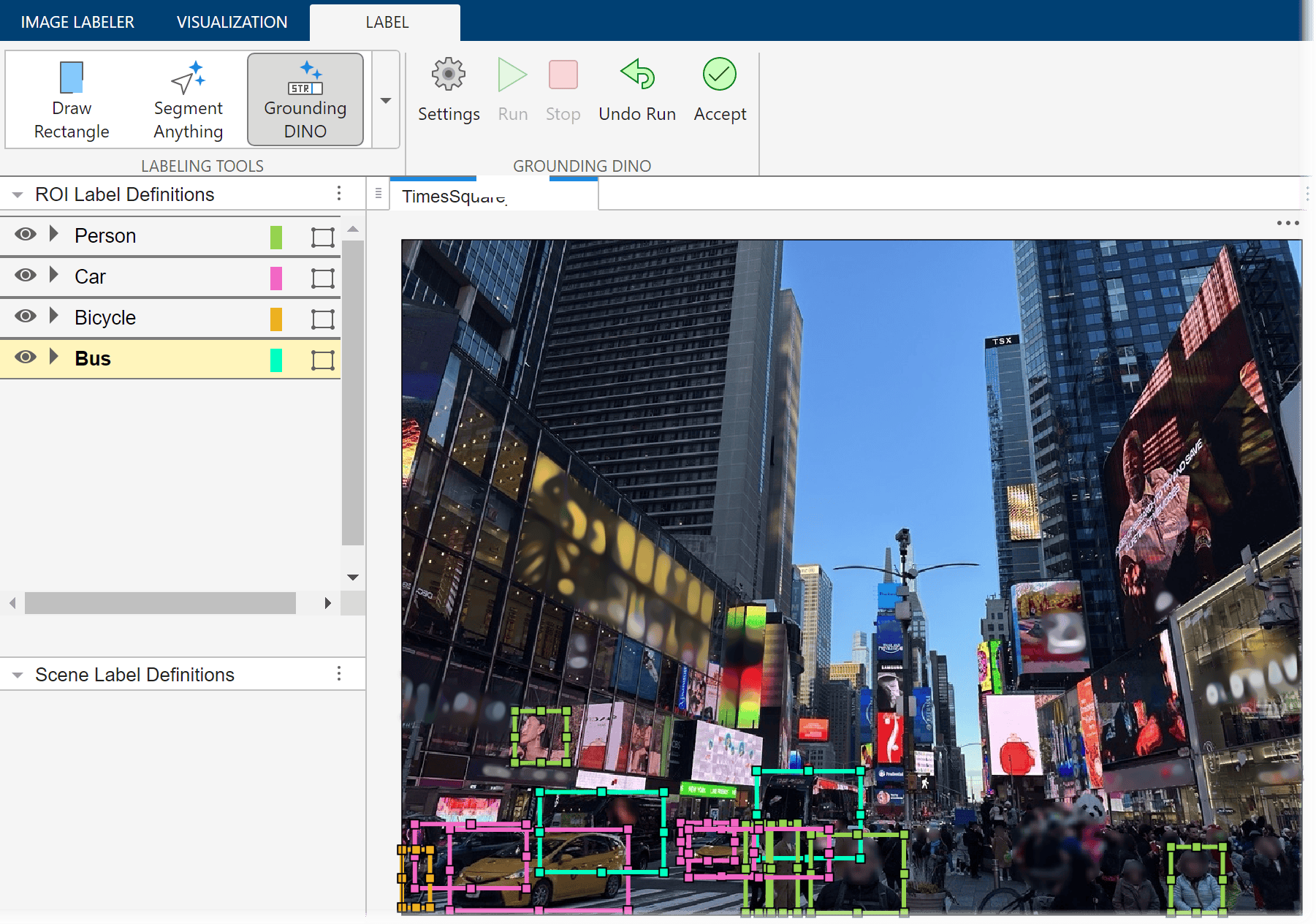
Automatically Label Ground Truth Using Vision-Language Model
Automatically label ground truth images for object detection using the Grounding DINO vision-language model (VLM).
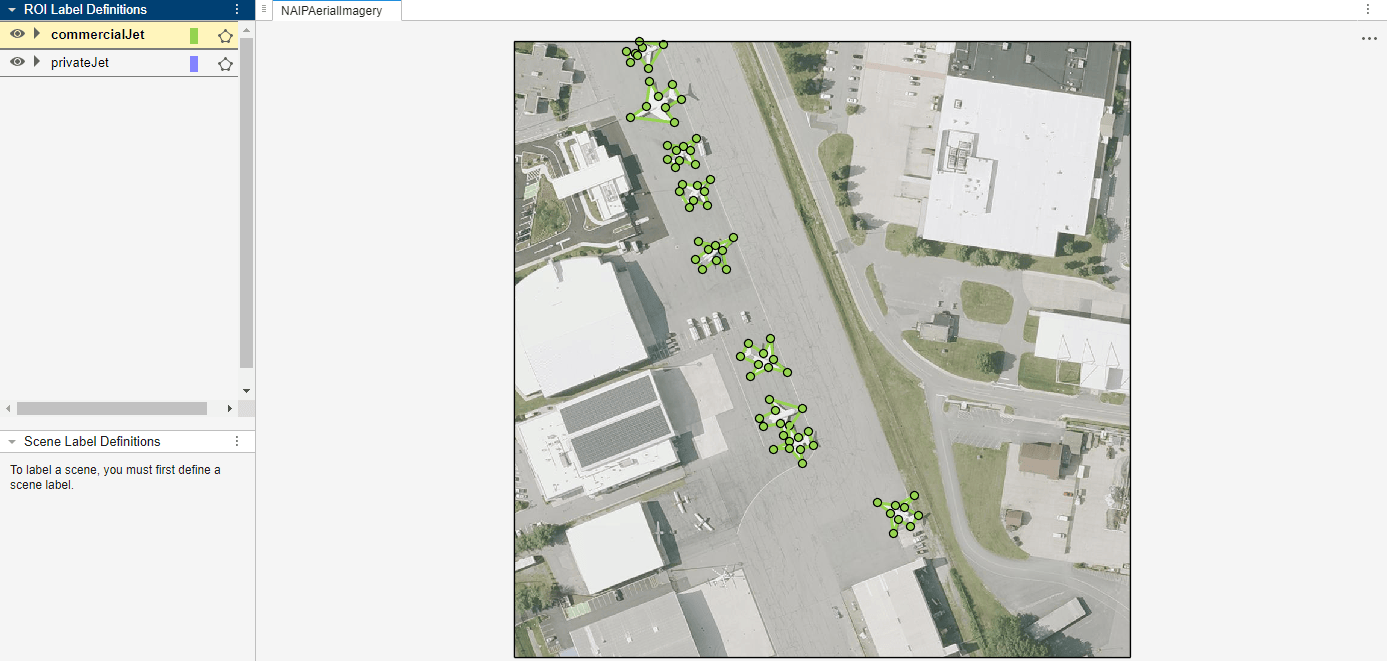
Automate Ground Truth Polygon Labeling Using Grounded SAM Model
Combine Grounding DINO and the Segment Anything Model 2 (SAM 2) to automatically produce polygon labels using the Video Labeler app.

セマンティック セグメンテーションのためのグラウンド トゥルースのラベル付けの自動化
事前学習済みのセマンティック セグメンテーション アルゴリズムを使用して、イメージ内の空と道路をセグメント化する。
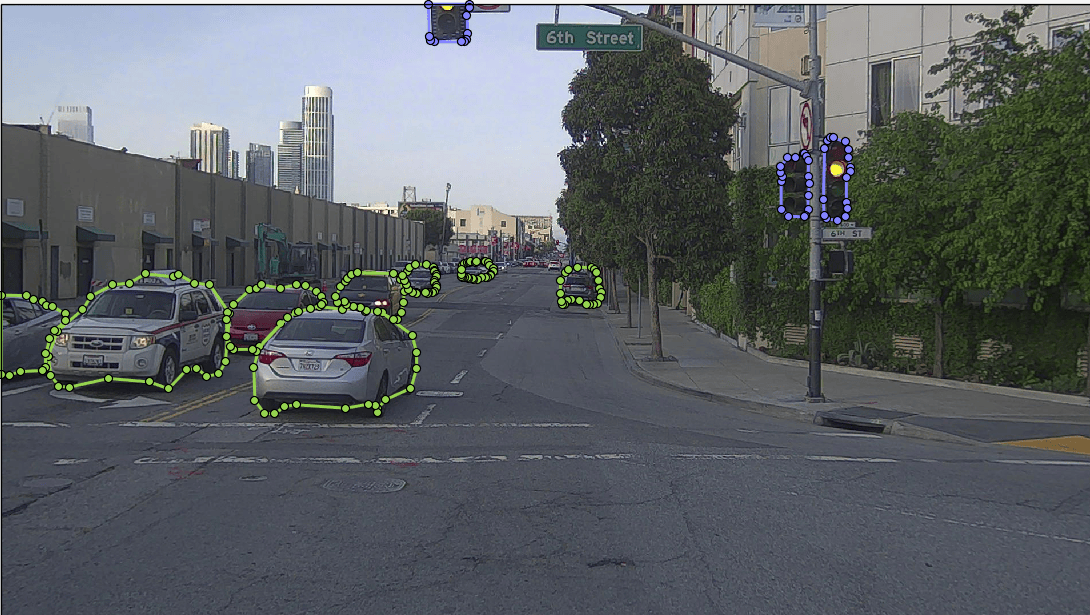
Automate Ground Truth Labeling for Instance Segmentation
Create an automation algorithm to automatically label data for instance segmentation using a pretrained SOLOv2 network in the Video Labeler app.
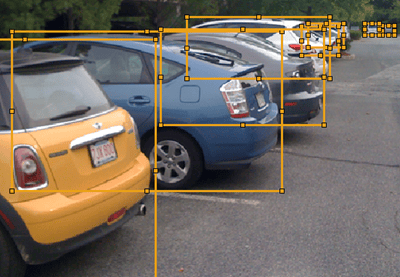
Automate Ground Truth Labeling for Object Detection
Create an automation algorithm to automatically label data for object detection using a pretrained object detector.
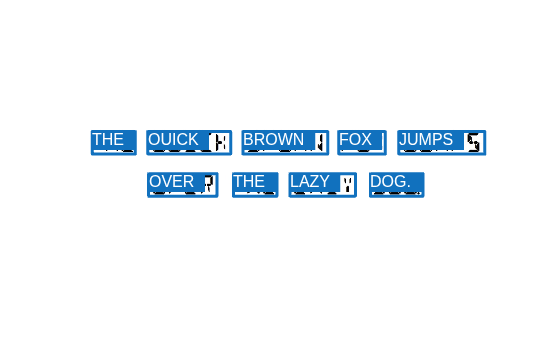
Automate Ground Truth Labeling for OCR
Automate the labeling of text for OCR training and evaluation.
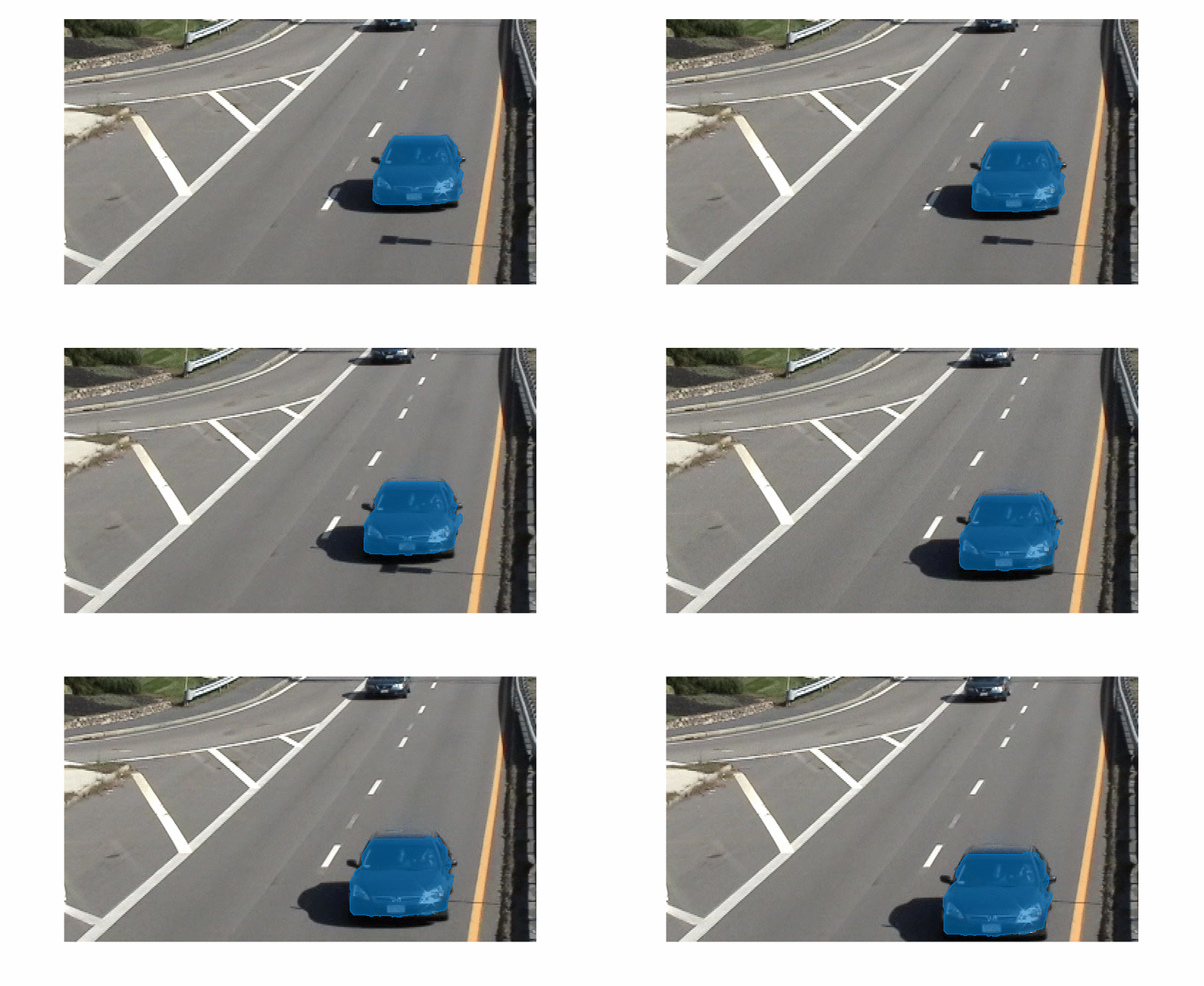
Automate Labeling of Objects in Video Using RAFT Optical Flow
Use a pretrained RAFT optical flow estimation network to propagate a predefined object mask from one frame to the next in a video sequence.
カスタム JSON ファイルおよび COCO JSON ファイルへのグラウンド トゥルース オブジェクトのエクスポート
グラウンド トゥルース オブジェクトをカスタム データ形式の JavaScript Object Notation (JSON) ファイルと COCO データ形式の JSON ファイルにエクスポートする。
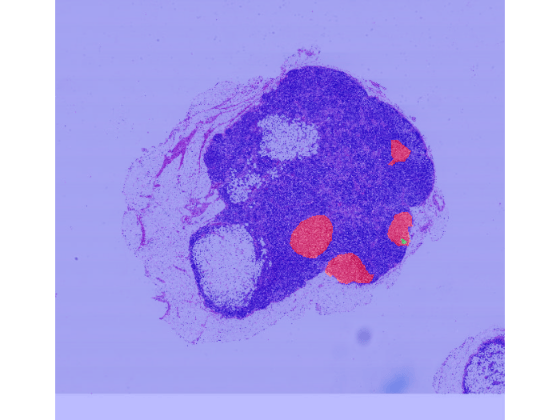
Convert Image Labeler Polygons to Labeled Blocked Image for Semantic Segmentation
Convert polygon labels stored in a groundTruth object into a labeled
blocked image for semantic segmentation workflows.

