バリアントの階層的コンポーネント
R2026b階層的バリアント ブロックを使用して、システムのすべての代替設計を単一のモデルで表現できます。設計の選択肢は、それぞれバリアントの選択として個別の階層でモデルに組み込まれます。このようなモデルには、共通の固定構造と、バリアント制御に応じてアクティブまたは非アクティブになる可変コンポーネントの有限セットがあります。
たとえば、次の 3 つのエンジンの構成を取りうる車両を表すモデルのシミュレーションを行うとします。4 気筒ガソリン、6 気筒ガソリン、8 気筒ガソリン。各エンジン モデルを Variant Subsystem ブロック内で別個のサブシステムとして実装し、それらのサブシステムをバリアント制御の選択に基づいて切り替えることができます。詳細については、バリアント制御の紹介を参照してください。
階層的バリアント ブロックの生成コードには、システムのすべてのバリアントの選択を含めることができます。Activate Variant During Different Stages of Simulation and Code Generation Workflowで説明されているように、コードのコンパイル前やモデルの起動時に選択を切り替えることができます。階層的バリアント ブロックのコード生成の詳細については、バリアントの構造 (Simulink Coder)を参照してください。
ブロック
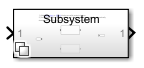 | Variant Subsystem | バリアント選択肢として Subsystem ブロックを含むテンプレート サブシステム |
クラス
Simulink.VariantUtils | Utility methods to work with variant elements (R2023b 以降) |
関数
enumeration | クラスの列挙型メンバーと名前 |
オブジェクト
struct | 構造体配列 |
Simulink.Parameter | パラメーター値の保存、共有、構成 |
Simulink.VariantControl | Create variant control variable object |
Simulink.VariantExpression | Specify conditions that control variant selection |
トピック
バリアント制御の構成
- Variant Control Modes in Variant Blocks
Learn how to control variant blocks. - Activate Variant During Different Stages of Simulation and Code Generation Workflow
Use variant activation time to set active choices during different stages of simulation and code generation workflows. - バリアントの選択の取り扱い
既定のバリアントの選択をアクティブ化、非アクティブ化または作成します。 - Use Variant Control Variables in Variant Blocks
This topic explains how to use different types of variant control variables in variant blocks. - Add or Remove Variant Choices of Variant Assembly Subsystem Blocks Using External Files
Understand how to add or remove variant choices of the Variant Assembly Subsystem block using external files without modifying model.
バリアント条件の伝播
- Propagate Variant Conditions to Define Variant Regions with Variant Blocks
Determine active model components by propagating variant conditions using variant blocks. - Assemble Variant Conditions Propagated from Variant Blocks
During simulation, Simulink® propagates the variant conditions specified on the variant blocks to the connecting blocks. - Propagate Variant Conditions to Define Variant Regions Outside Variant Subsystems to Promote Consistency and Reduce Errors
Propagate variant conditions outside a Variant Subsystem block to adapt its interface according to the state of underlying blocks. - Propagate Variant Conditions to Enable or Disable Model or Subsystem References in Hierarchy
Simulink® compiles referenced models before propagating variant conditions. - バス内のバリアント要素
この例では、異なるバリアント条件をもつ要素のあるバスの作成方法を示します。 - Propagate Variant Conditions to Control Execution of Conditional Subsystems
Understand how to use Variant Subsystem blocks with conditionally executed systems as variant choices. - Control Variant Condition Propagation Using Bounded Regions and Signal-Level Isolation
Limit the scope of variant condition propagation by confining variant conditions to bounded regions or terminating them at specific signal paths.
ワークスペースでのバリアント制御変数の定義
- Choose and Configure a Workspace for Variant Control Variables of Variant Blocks
Choose the workspace that matches your scoping, activation time, and hierarchy requirements for variant control variables in variant blocks. - Use Base Workspace to Define Globally Accessible Variant Control Variables for Variant Blocks
Control variant choices across models in a MATLAB session by defining variant control variables in the base workspace. - Use Data Dictionary to Define Shared Variant Control Variables for Variant Blocks
Control variant choices across multiple models by defining variant control variables in a data dictionary for version control, team sharing, and traceability. - Use Model Workspace to Define Variant Control Variables Scoped to the Model for Variant Blocks
Control variant choices by defining variant control variables in the model workspace to scope them to a single model so they persist with the model file. - Override Variant Control Variables of Variant Blocks in Simulation Runs
Override variant control variable values for individual simulation runs using a SimulationInput object without modifying persistent workspace or data dictionary values.
インスタンスごとのバリアント制御の構成
- Use Model Arguments with Fast Restart to Switch Variant Choices Per Instance Without Recompiling for Variant Blocks
Control variant choices per model instance by defining variant control variables as model arguments in a referenced model. - Use Mask Parameters for Per-Instance Variant Control in Variant Blocks
Control variant choices per block instance by defining a mask parameter as the variant control variable and setting its value from the mask dialog box. - Use Mask Parameters with Fast Restart to Switch Variant Choices Without Recompiling for Variant Blocks
Control the active variant choice per block instance without recompiling by using mask parameters as variant control variables with the startup activation time and fast restart. - Use Mask Initialization Code for Per-Instance Variant Control in Variant Blocks
Control active variant choices in a variant block by defining variant control values or mapping mask parameter selections to label names in a mask initialization script. - Use Mask Parameters with Enumeration Classes for Per-Instance Variant Control of a Variant Block in a Locked Library
Control variant choices per block instance in a locked custom library by using mask parameters as variant control variables with enumeration classes in condition expressions. - Use Mask Parameter Object to Control Variant Choices in Masked Variant Assembly Subsystem Block
Control variant choices in a masked Variant Assembly Subsystem block by instantiating subclasses of a shared superclass as the mask parameter object value. - Control Active Choice of Variant Subsystem During Simulation or Execution of Generated Code
Switch the active variant of a Variant Subsystem block during simulation or execution of generated code by using a Parameter Writer block.
トラブルシューティング
Convert Variant Subsystem to Variant Assembly Subsystem
Steps to convert Variant Subsystem block to Variant Assembly Subsystem block.
モデルをバリアント システムに変換 (Simulink Check)
モデル トランスフォーマー ツールを使用した、モデルのバリアント システムへの変換。
注目の例
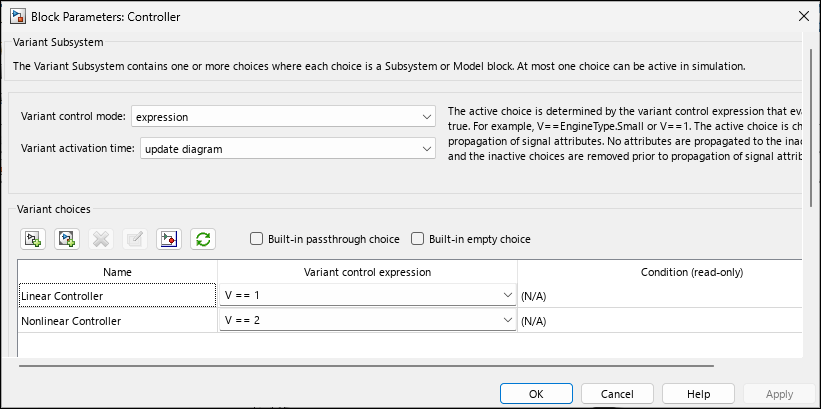
単純なバリアント モデルの作成
この例では、バリアント ブロックをもつ単純なモデルの作成方法を説明します。
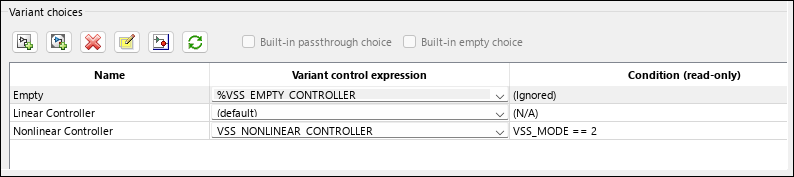
個別のモデルの階層構造で Variant Subsystem を使用した構造のバリエーションの実装
Variant Subsystem の基本機能を学習する。
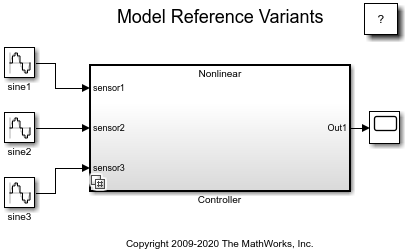
モデル参照のバリアント
この例では、モデル参照バリアントの使用方法を示します。Model ブロックは、ある Simulink® モデルを別の Simulink モデルから参照するために使用されます。Variant Subsystem ブロックにはバリアントとして Model ブロックを含めることができます。"バリアント" は、1 つの Variant Subsystem ブロックが動作できる N 個のモードのうちの 1 つを表します。各バリアントは、関連付けられているモデル固有の引数を使用して特定のモデルを参照します。シミュレーション中は、任意の Variant Subsystem ブロックについて 1 つのバリアントのみがアクティブになります。アクティブなバリアントは、ベース ワークスペース内の変数の値を変更するか、Variant Subsystem ブロックのダイアログ ボックスを使用してバリアントの選択を手動でオーバーライドして切り替えることができます。
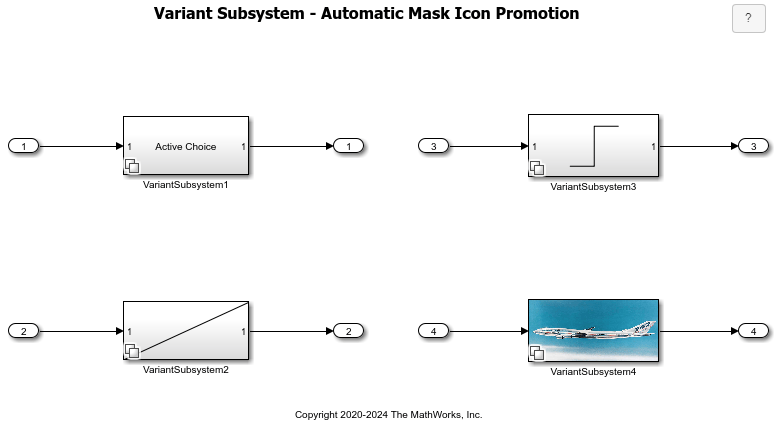
Variant Subsystem でのマスク アイコンの自動プロモーション
この例では、Simulink® で親の Variant Subsystem ブロックにアクティブなバリアント ブロックのマスク アイコンを自動的に表示する方法を示します。この例では、次のアイコン タイプについて、マスク アイコンのプロモーションを示します。

