Embedded Coder Support Package for Service-Oriented Applications on Linux
R2026bEmbedded Coder® Support Package for Service-Oriented Applications on Linux を使用すると、Simulink® モデルからコードを生成し、スタンドアロン アプリケーションをパッケージ化して Linux ターゲット コンピューターに展開し、実行中のアプリケーションをリアルタイムでキャリブレーションできます。単一の開発マシンから、複数のターゲット コンピューターを同時に操作できます。
サポート パッケージを使用すると、Linux ターゲット コンピューターに次のタイプのモデルを展開できます。
Software Component Designer アプリで構成されたソフトウェア コンポーネント モデル
Software Component Designer アプリで構成されたソフトウェア アーキテクチャ モデル
DDS Blockset モデル
AUTOSAR Adaptive ソフトウェア コンポーネント モデル
AUTOSAR Adaptive ソフトウェア アーキテクチャ モデル
Embedded Coder Support Package for Service-Oriented Applications on Linux は次をサポートしています。
パッケージ化および x86_64、ARM64、WSL2 ターゲットへの展開
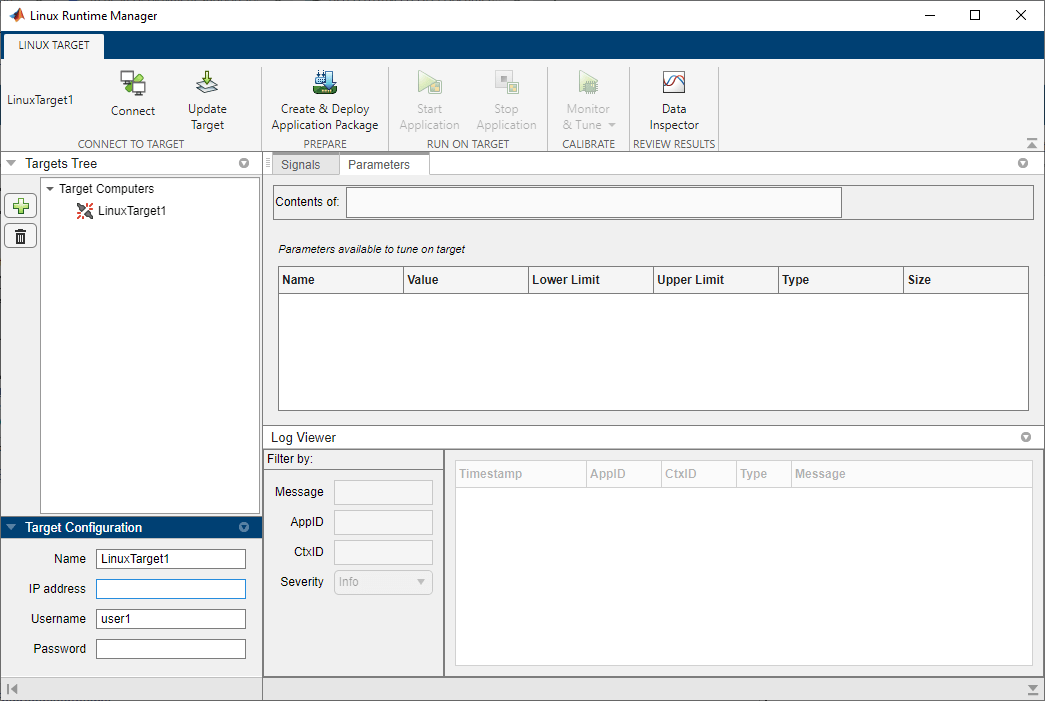
複数のターゲット コンピューター上のアプリケーションを管理するための Linux ランタイム マネージャー アプリ
信号のインストルメンテーションとパラメーターの調整
エクスターナル モード シミュレーション
アプリケーションおよびシステム メッセージのログ ビューアー
Linux ランタイム マネージャー アプリケーションは開発用コンピューターで実行され、複数のターゲット コンピューター上のアプリケーションを管理できるようにします。サポート パッケージの機能のほとんどは Linux ランタイム マネージャー アプリから適用します。
開始するには、サポート パッケージをインストールし、ターゲット コンピューターを設定します。詳細については、Embedded Coder Support Package for Service-Oriented Applications on Linux のインストールを参照してください。
サポート パッケージは、SSH およびネットワーク ポートを介してリモート ターゲット コンピューターと通信するため、セキュリティ リスクを軽減するために次のベスト プラクティスに従います。
ホスト コンピューターおよびターゲット コンピューターへのアクセスを信頼された IP アドレスだけに制限する。
ホスト コンピューターとターゲット コンピューターの間で専用ルーターによるプライベート ネットワークを使用する。
展開場所に対する権限を必要なユーザーだけに制限する。
オブジェクト
linux.Targets | ターゲット コンピューターの管理用のインターフェイス (R2022b 以降) |
linuxTarget | ターゲット コンピューターの管理用のインターフェイス (R2024a 以降) |
アプリ
| Linux ランタイム マネージャー | サービス指向アーキテクチャ (SOA) のアプリケーション コンポーネントの展開とプロトタイプ作成 (R2022b 以降) |
関数
トピック
- Embedded Coder Support Package for Service-Oriented Applications on Linux のインストール
Embedded Coder Support Package for Service-Oriented Applications on Linux をインストールする手順。
- Linux ターゲット コンピューターのセットアップ
ターゲット コンピューターをセットアップする。
- Simulink モデルのビルドとアプリケーションの展開
Simulink モデルをビルドしてアプリケーションをターゲット コンピューターに展開する。
- 展開済みアプリケーションのパラメーターの調整と信号データの測定
アプリケーションがターゲット コンピューターで実行されるときに、パラメーターを調整し、信号データを測定する。
- Calibrate Service-Oriented Application
Tune parameters and monitor signals on a running service-oriented application deployed to a Linux target.
- Analyze Logged Messages
View, filter, and analyze log messages by using the Linux Runtime Manager application or the command line.
- 展開されたアプリケーションのエクスターナル モード シミュレーション
エクスターナル モード シミュレーションを使用して、Linux ターゲットに展開されたアプリケーションにおいて、パラメーターを調整し、信号をリアルタイムで監視する。
- Troubleshooting
Troubleshoot problems that you encounter while using the Embedded Coder Support Package for Service-Oriented Applications on Linux.
注目の例
Embedded Coder Support Package for Service-Oriented Applications on Linux 入門
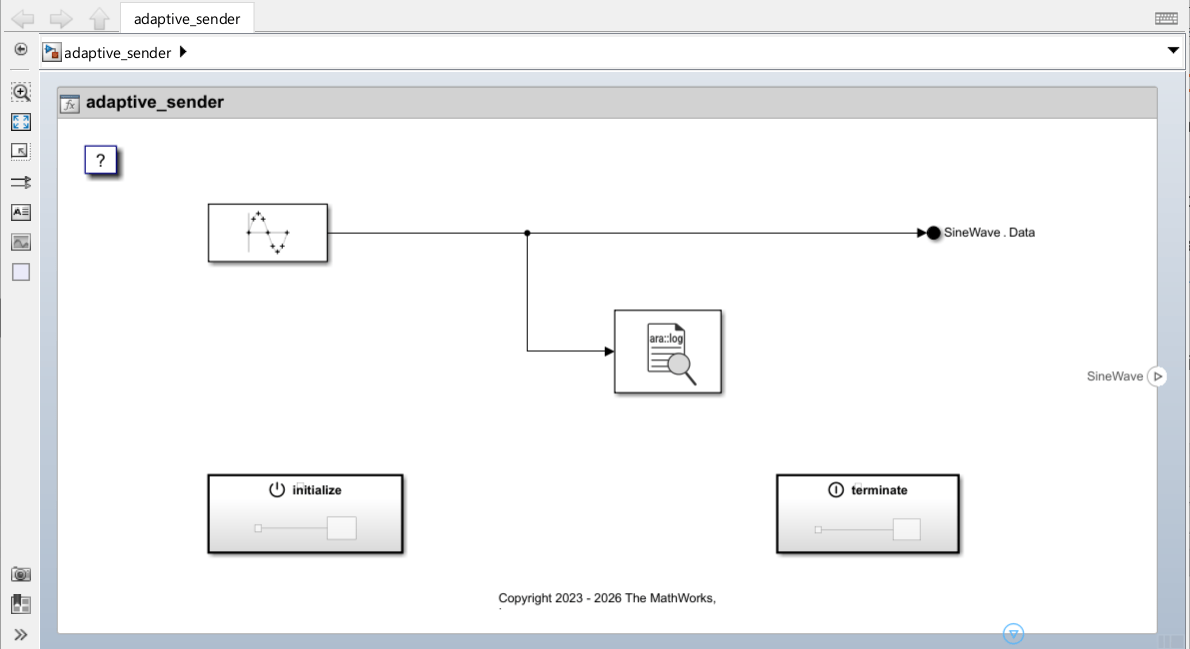
この例では、Embedded Coder® Support Package for Service-Oriented Applications on Linux® を使用して Linux ターゲット コンピューターにアプリケーションを展開する方法を示します。
AUTOSAR Adaptive アプリケーション間でのメッセージ ポーリングを使用したイベント通信
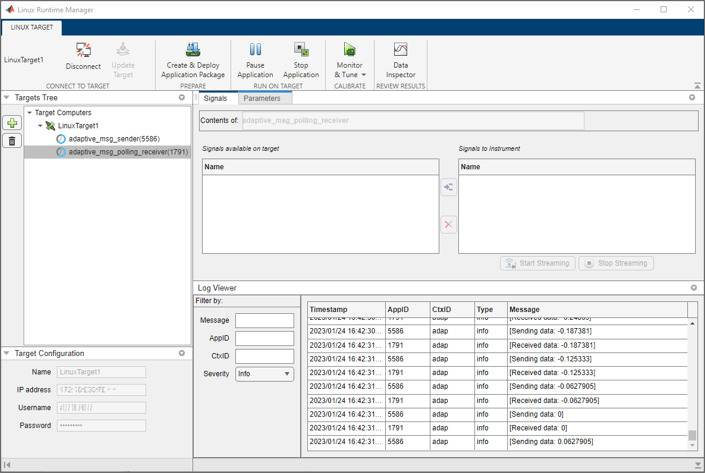
この例では、メッセージ ポーリング モードでイベントを使用して相互に通信する 2 つの AUTOSAR Adaptive アプリケーションを展開する方法を示します。
AUTOSAR Adaptive アプリケーション間でのメッセージ トリガーを使用したイベント通信
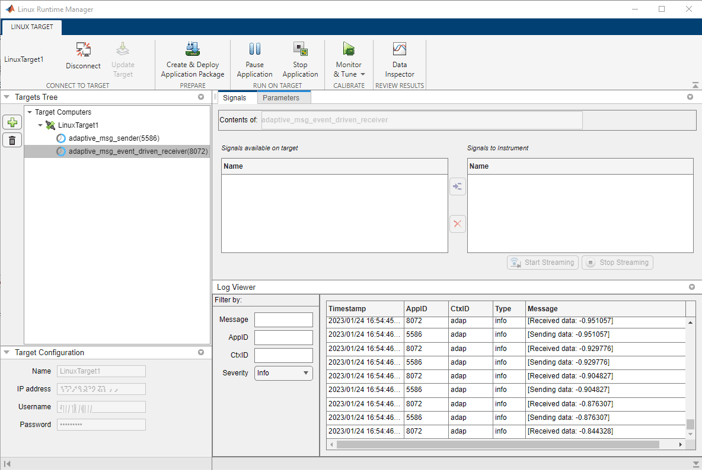
この例では、2 つの AUTOSAR 適応アプリケーションを展開する方法と、メッセージ トリガー モードでイベントを使用して相互に通信する方法を示します。
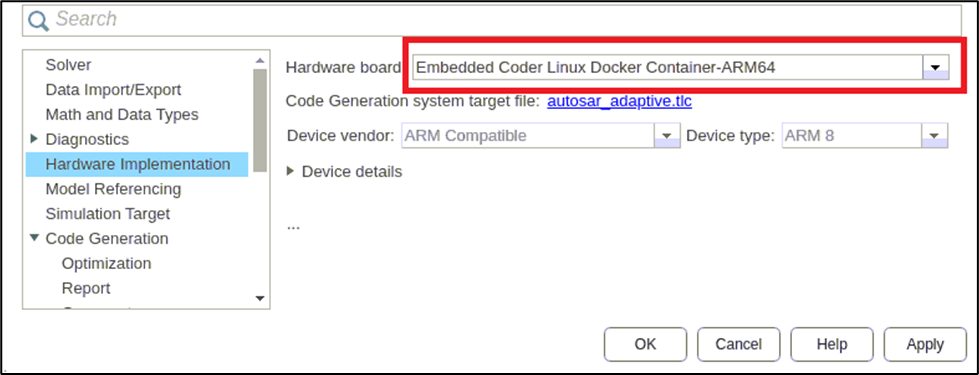
Deploy AUTOSAR Adaptive Application on Linux ARM64 Machine
Deploy an AUTOSAR adaptive model on a Linux ARM64 target machine using the Embedded Coder® Support Package for Linux Applications.
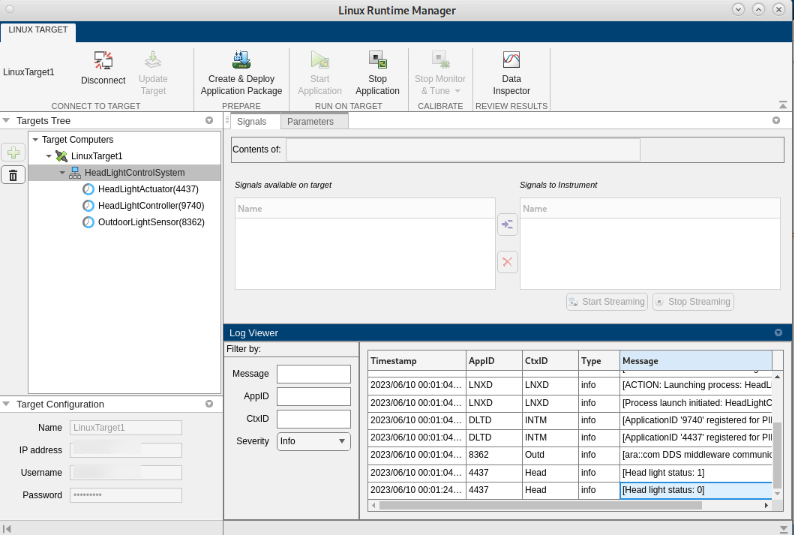
Deploy AUTOSAR Adaptive Architecture Model
Deploy an AUTOSAR(R) adaptive architecture model to a Linux(R) target and use external mode to monitor and tune a component using AUTOSAR Blockset(TM) and Embedded Coder(R). You deploy a headlight control system where three components communicate through adaptive events and methods, then use external mode to calibrate sensor thresholds while observing the end-to-end adaptive communication.

Deploy Over-the-Air Updates to Linux Target
Use over-the-air (OTA) updates with the Embedded Coder(R) Support Package for Service-Oriented Applications on Linux(R) to update deployed AUTOSAR(R) adaptive applications on a target machine. OTA updates enable remote software deployment without physical access to the device, using an Eclipse(TM) hawkBit server to roll out updates to target machines.

