データのインポートと準備
R2026b追跡データ インポーター アプリを使用して、対話形式で実際のトラッキング トゥルース データやシミュレーションによるトラッキング トゥルース データをインポートし、Sensor Fusion and Tracking Toolbox™ でサポートされる各種の標準化された形式に変換します。トラッキング データはバーチャル地球儀で可視化します。アプリでは、同じ形式に属するトラッキング データの一括変換用に TrackingTruthDataImporter オブジェクトを作成することもできます。
データのインポートと変換には、アプリのほかに、objectDetection オブジェクトや dataFormat 関数を使用できます。
関数
アプリ
| 追跡データ インポーター | Import, convert, and visualize tracking data (R2025a 以降) |
注目の例
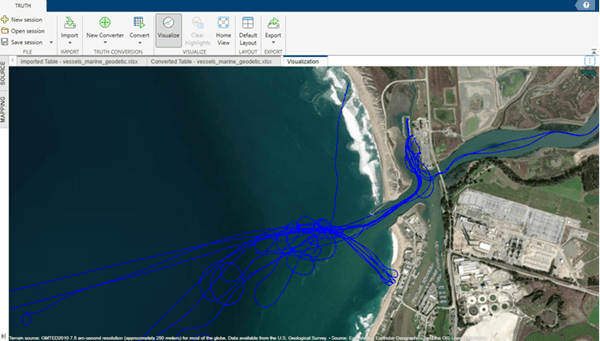
Import Multi-Domain Truth Data Using Tracking Data Importer
Import multi-domain truth data from marine, ground, and aerial platforms using the Tracking Data Importer app. The imported data sets span different file types, time formats, and coordinate reference frames.
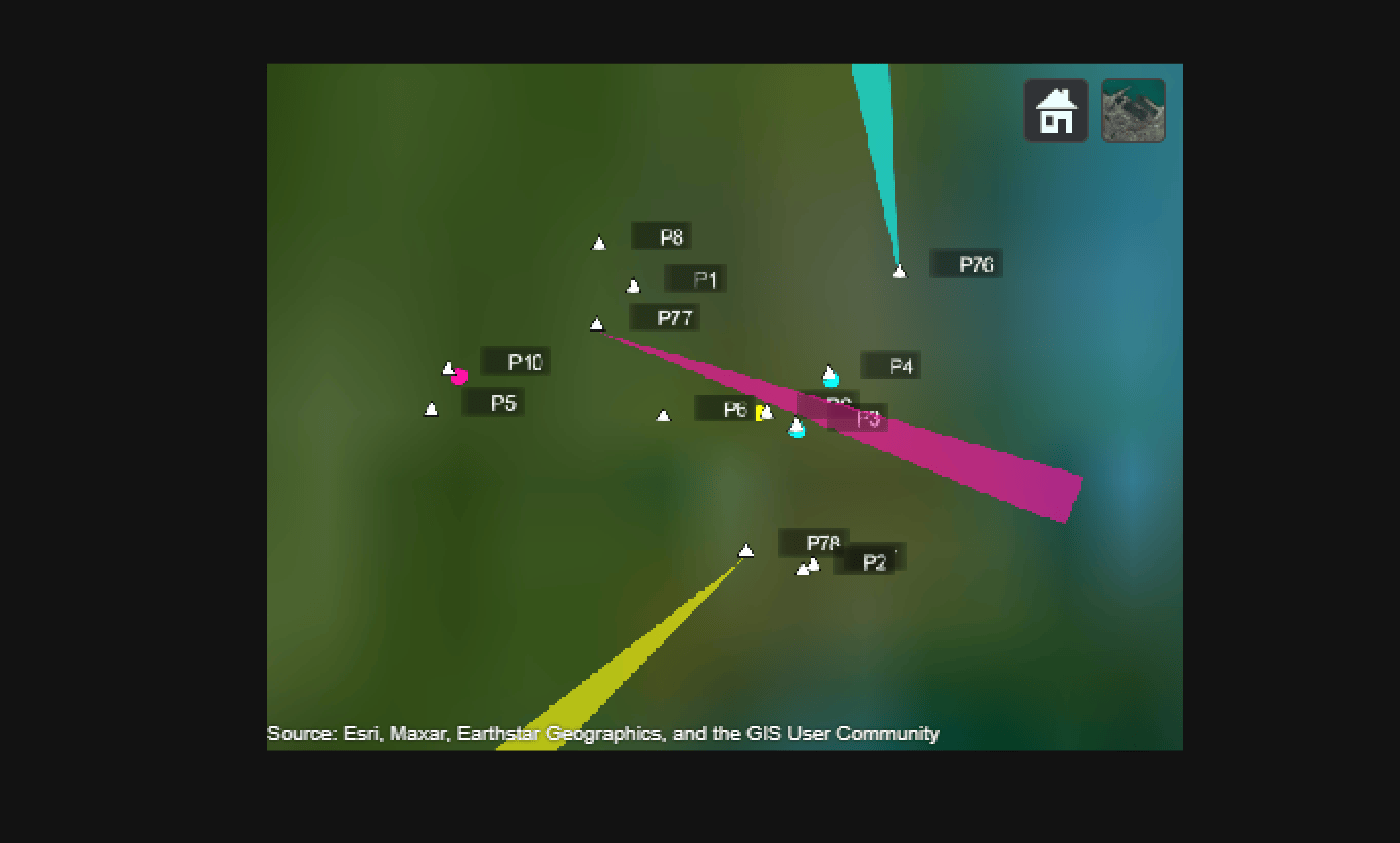
Create Tracking Scenario Using Imported ADS-B Data
Demonstrates how to use the Tracking Data Importer app to import recorded Automatic Dependent Surveillance–Broadcast (ADS-B) data, create a tracking scenario based on the imported data, and generate detections of flight targets by adding radar sensors to the scenario.
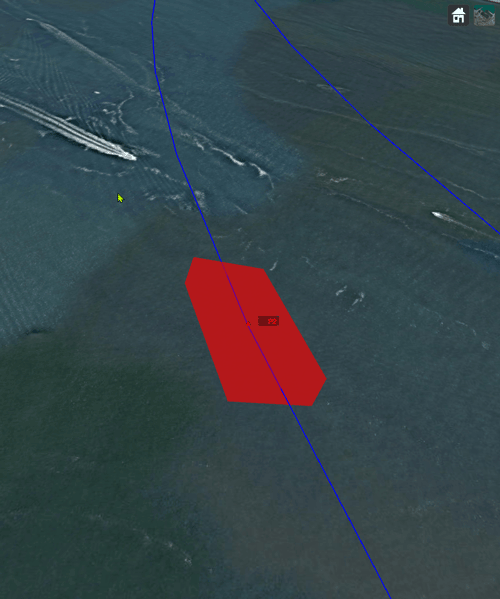
Import Flight Log Data Using Tracking Data Importer App
The Tracking Data Importer app enables you to process the truth data by identifying the data information, visualizing the data on a map, and ultimately exporting the data in formats compatible with Sensor Fusion and Tracking Toolbox™ functionalities.
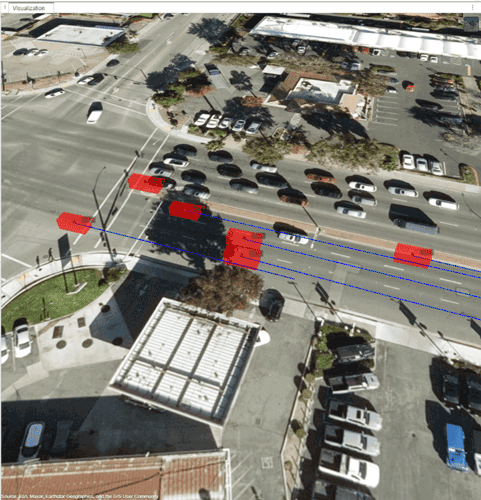
Import Driving Data in Tracking Data Importer App
Import estimated ground truth data in the Tracking Data Importer to visualize track data information and export it for tracking purposes.
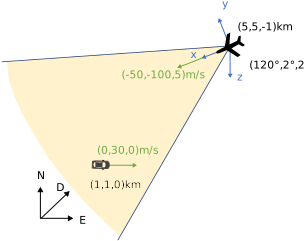
Convert Detections to objectDetection Format
These examples show how to convert actual detections in the native format of the sensor into objectDetection objects. objectDetection is the standard input format for most tracking filters and trackers in the toolbox. The six examples progressively show how to set up objectDetection with varied tracking scenarios.
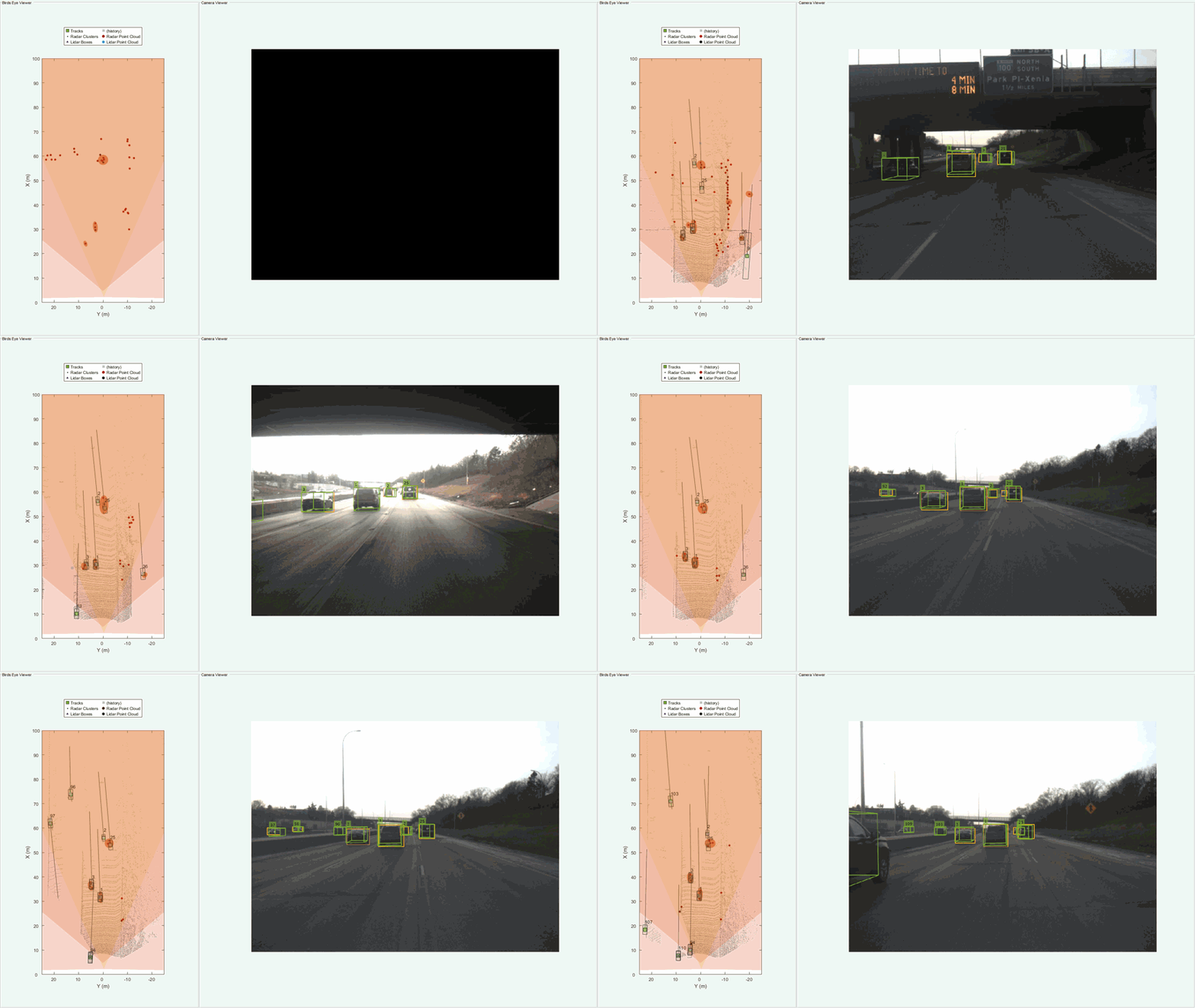
Highway Vehicle Tracking Using Multi-Sensor Data Fusion
Track vehicles on a highway with commonly used sensors such as radar, camera, and lidar. In this example, you configure and run a Joint Integrated Probabilistic Data Association (JIPDA) tracker to track vehicles using recorded data from a suburban highway driving scenario.
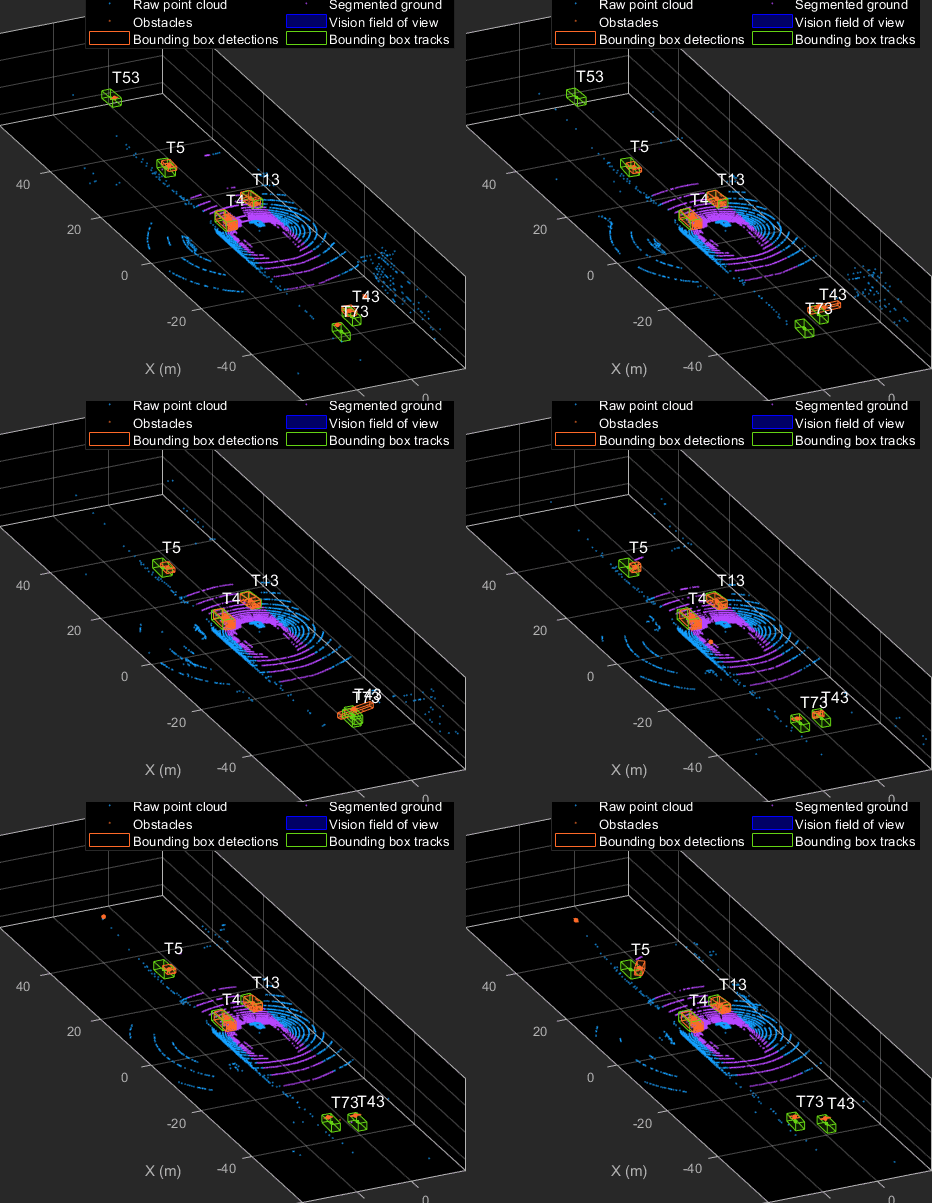
Track Vehicles Using Lidar: From Point Cloud to Track List
Track vehicles using measurements from a lidar sensor mounted on top of an ego vehicle.
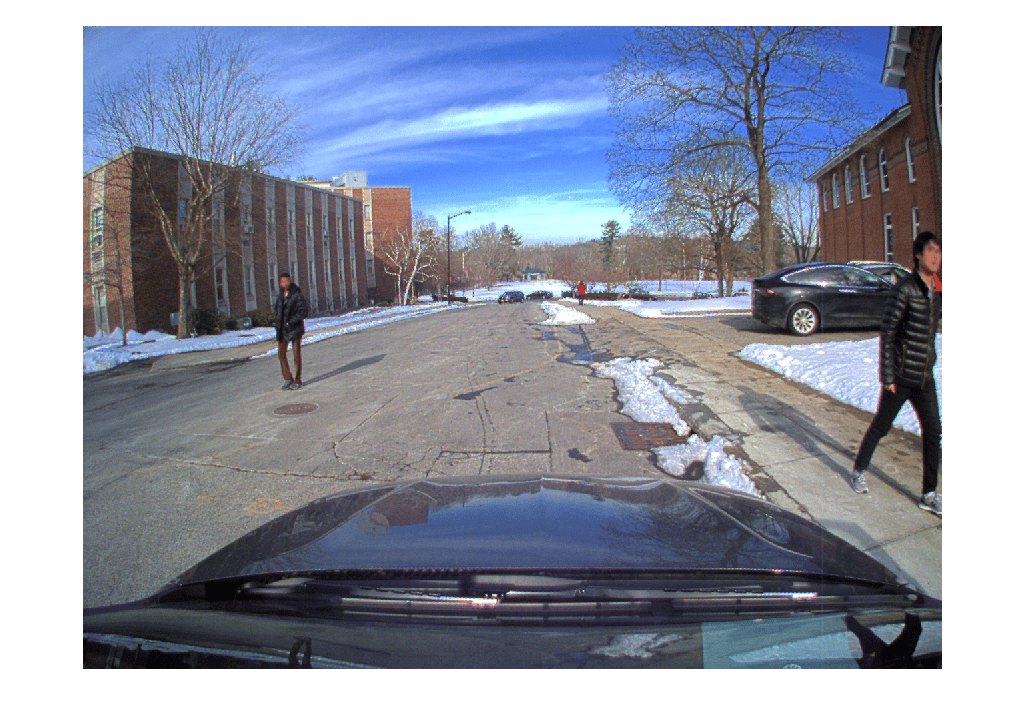
Import Camera-Based Datasets in MOT Challenge Format for Object Tracking
Read camera image sequences and import ground truth and detections in MOT Challenge format.
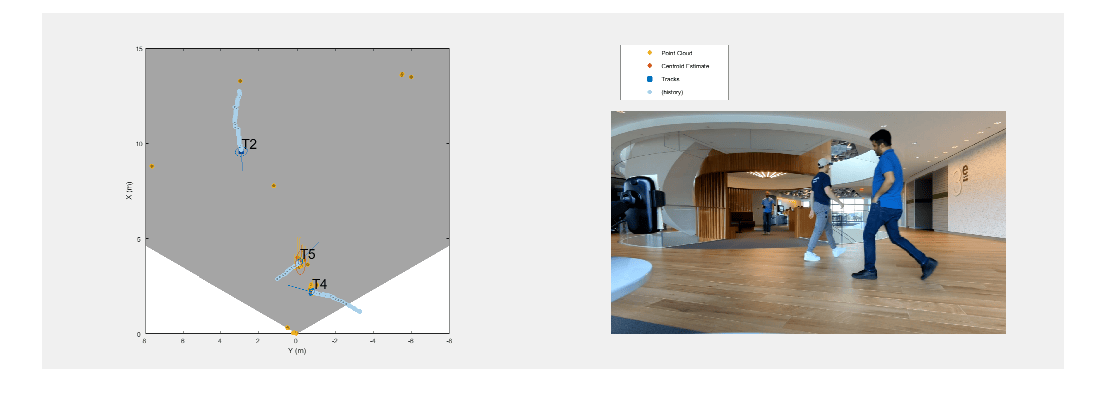
People Tracking Using TI mmWave Radar
Use data captured using the Texas Instruments® (TI) mmWave radar for tracking people in an indoor environment. You learn how to use a processing chain to process radar point clouds and estimate the number of people in the scene as well as their states such as position and velocity.
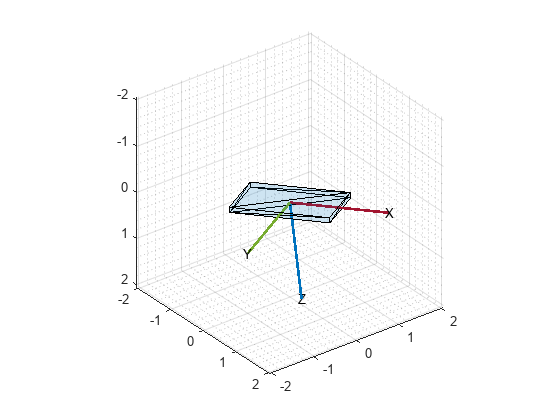
センサー フュージョンを使用した電話の向きの推定
MATLAB® Mobile™ は、Apple または Android® のモバイル デバイスの加速度計、ジャイロスコープ、および磁力計からのセンサー データをレポートします。各センサーからの生データまたは融合した向きのデータを取得できます。この例では、電話からの融合した向きのデータをahrsfilter (Navigation Toolbox)オブジェクトからの向きの推定と比較する方法を示します。
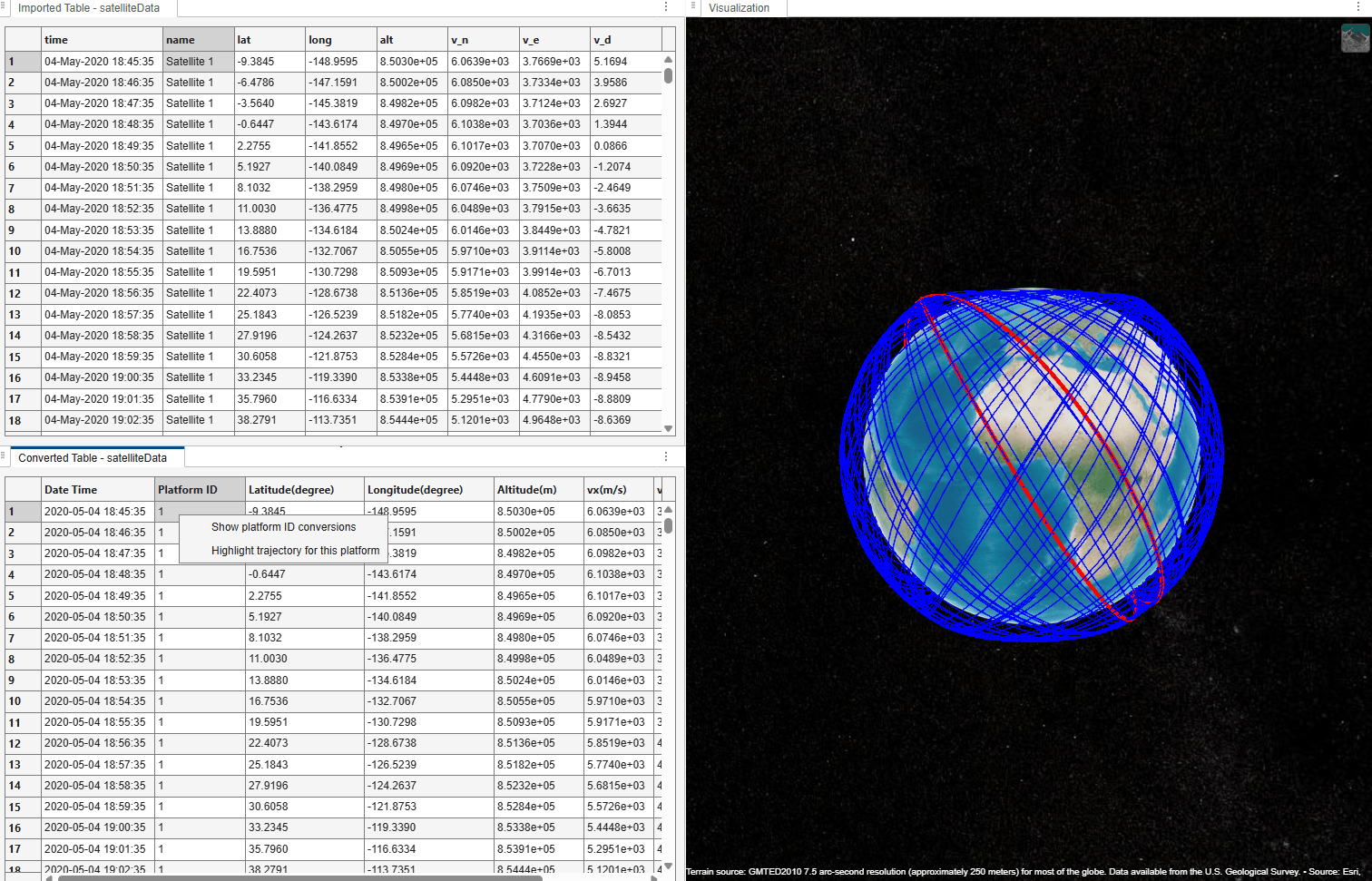
Import Satellite TLE Data Using Tracking Data Importer App
Import satellite trajectory data from a Two-Line Element (TLE) file into the Tracking Data Importer app. You then propagate satellite orbits to generate a truth data table, import it into the app, and map, convert, and visualize the satellite trajectories on a globe.

