このページの内容は最新ではありません。最新版の英語を参照するには、ここをクリックします。
高速化
R2026aプロトタイピング時にコードの速度を上げるには、次の方法があります。
parfor関数を使用して複数のコアまたはワーカーを活用する。GPU 上でコードを実行する。通常、
gpuArray(Parallel Computing Toolbox) 関数を使用してデータを GPU に転送し、gather(Parallel Computing Toolbox) 関数を使用して GPU から出力データを取得します。Communications Toolbox™ の機能の一覧については、GPU 配列をサポートする関数と System object を参照してください。クラウド上または複数のワーカーをもつクラスター内でシミュレーションを実行する。詳細については、MathWorks Cloud Center (Parallel Computing Toolbox)を参照してください。
関数
backgroundPool | バックグラウンドでコードを実行するための環境 |
gather | 分散配列、Composite オブジェクト、または gpuArray オブジェクトをローカル ワークスペースに転送する |
gpuArray | GPU に格納される配列 |
parfor | 並列 for ループ |
トピック
- Background Data Generation
Generate simulation input data in the background while running your simulation loop on parameterized conditions rather than generating the data in advance and recalling the stored data and run time. (R2026a 以降)
- Simulation Acceleration Using Parallel Computing Toolbox
Ways to accelerate the simulation of communications algorithms in MATLAB.
- GPU を使用したシミュレーションの高速化
GPU を使用して通信システムのシミュレーションを高速化する。
注目の例
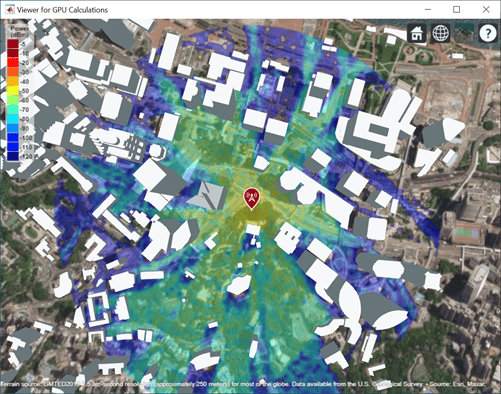
Accelerate Ray Tracing Analysis Using GPU
Perform accelerated ray tracing analysis using a GPU.
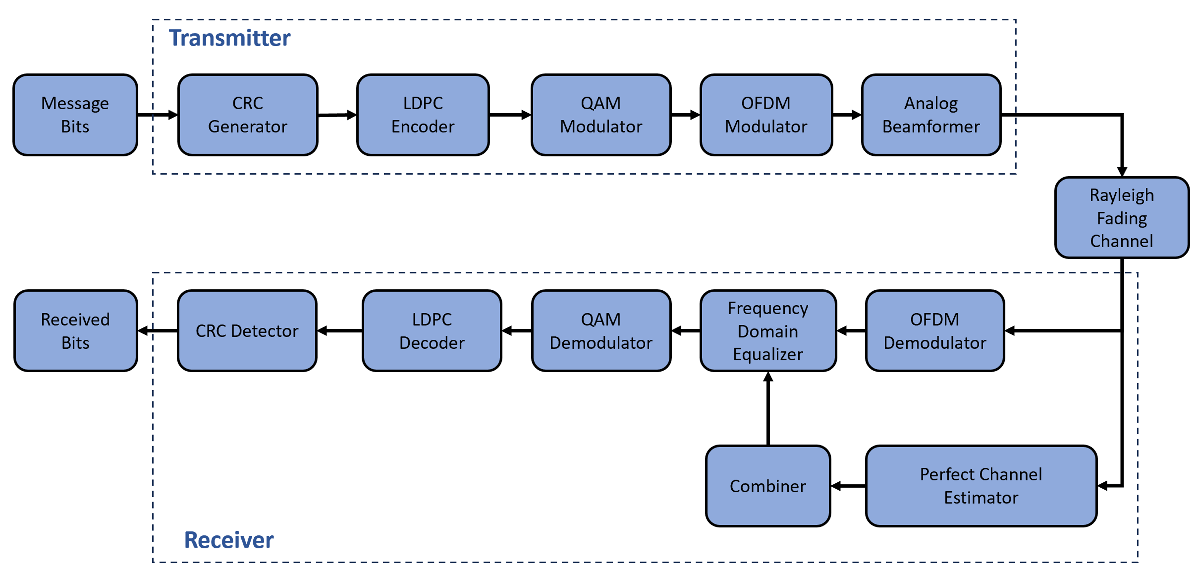
Accelerate MIMO-OFDM Link Simulation Using GPU
Accelerate a MIMO-OFDM link simulation with LDPC channel coding by using a GPU.
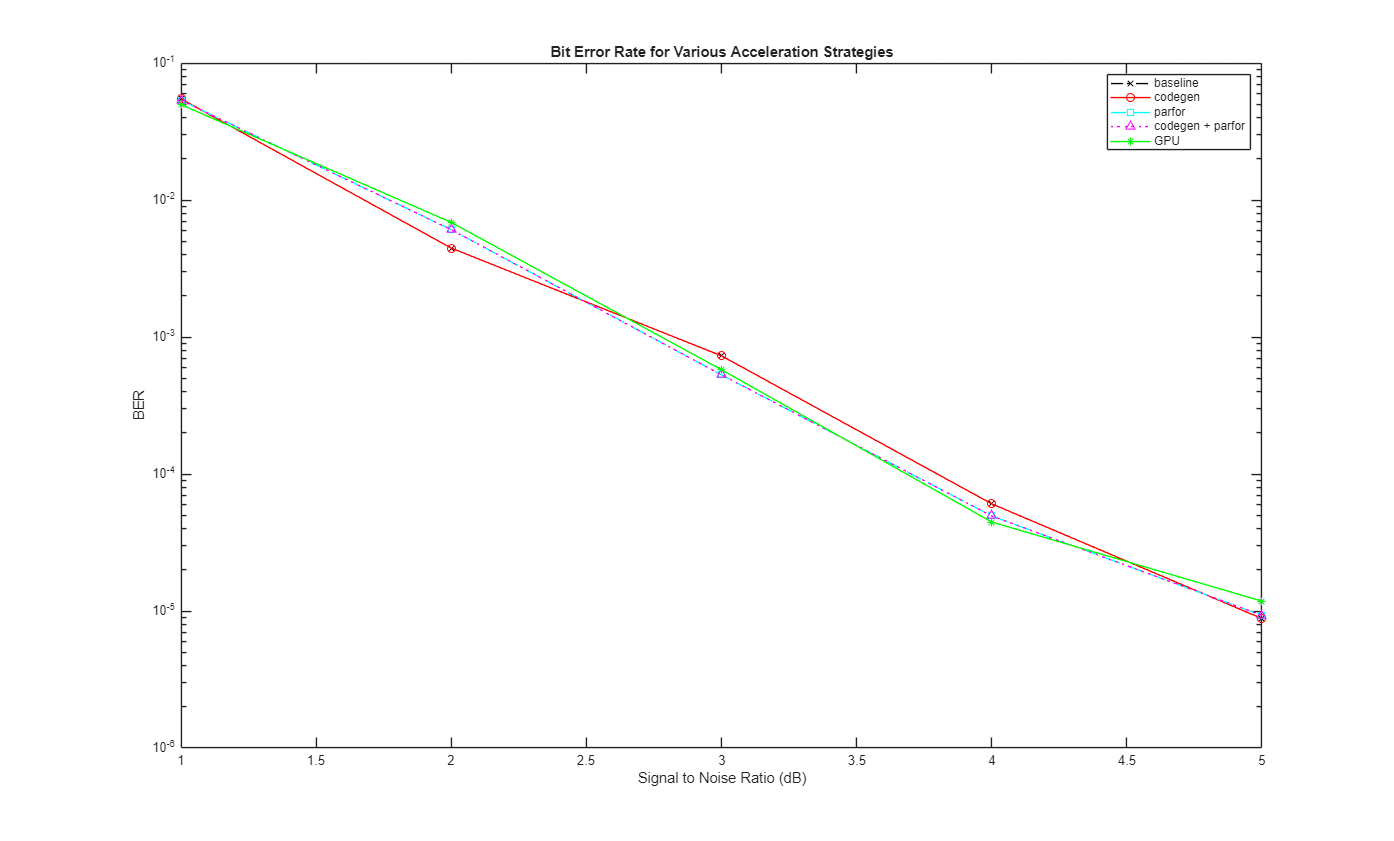
Accelerate SISO Single-Carrier Link Simulation Using GPU
Compare four techniques to accelerate SISO single-carrier link bit error rate (BER) simulations.

GPU の使用によるターボ符号化ビット エラー レートのシミュレーションの高速化
GPU を使用してビット エラー レートのシミュレーションを大幅に高速化する。
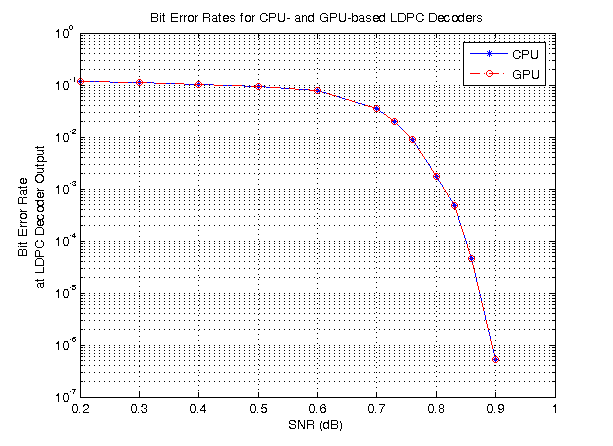
LDPC Link Simulation Using GPU Processing
Use the ldpcDecode function and gpuArray to increase the speed of a communications system simulation.
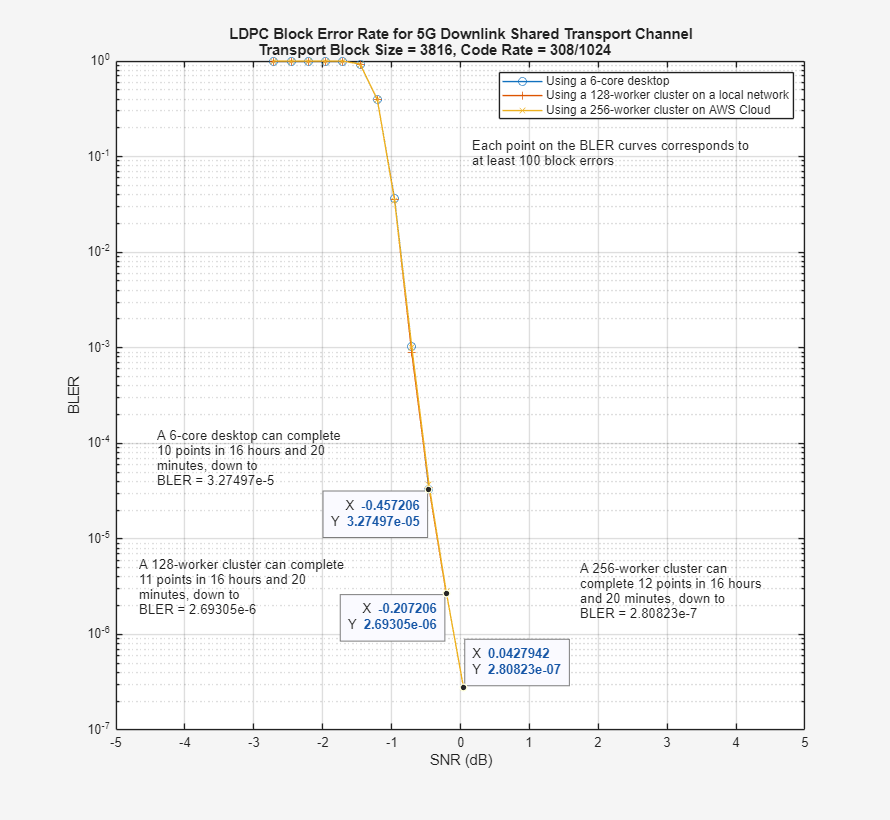
5G LDPC Block Error Rate Simulation Using the Cloud or a Cluster
Use the cloud or a cluster for block error rate (BLER) simulation of low-density parity-check (LDPC) coding for the 5G NR downlink shared transport channel (DL-SCH).

