Unreal Engine シナリオ シミュレーション
R2026bリアルなグラフィックスでシーンを作成し、忠実度の高いセンサー データを生成する
"Unreal Engine® シミュレーション環境" では、シナリオは Epic Games® の Unreal Engine を使用してレンダリングされます。この環境を使用してより現実的なグラフィックスを使用したシナリオを可視化し、高忠実度のカメラや LiDAR センサー データの生成、知覚インザループ システムのテストを行います。この環境は Simulink® で使用できます。詳細については、ロボット用の Unreal Engine シミュレーションを参照してください。
ブロック
 | Simulation 3D Scene Configuration | Scene configuration for 3D simulation environment |
 | Simulation 3D Camera | Camera sensor model with lens in 3D simulation environment (R2024a 以降) |
 | Simulation 3D Lidar | Lidar sensor model in 3D simulation environment (R2024a 以降) |
 | Simulation 3D Robot | Implement robot in 3D environment (R2024a 以降) |
 | Simulation 3D Physics Backhoe | Backhoe physics model in 3D simulation environment (R2024b 以降) |
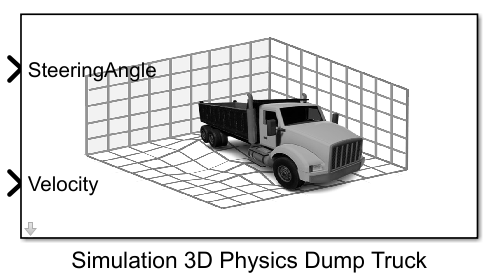 | Simulation 3D Physics Dump Truck | Dump truck physics model in 3D simulation environment (R2024a 以降) |
シーン
トピック
シミュレーションの基本
- ロボット用の Unreal Engine シミュレーション
Simulink でロボティクス アルゴリズムを使用し、Epic Games の Unreal Engine を使用してバーチャル環境でパフォーマンスを可視化する方法を学習する。 - Unreal Engine シミュレーション環境の要件と制限
Unreal Engine 環境でシミュレーションするときに留意する必要があるソフトウェア要件、最小ハードウェア要件、および制限。 - ロボット用の Unreal Engine シミュレーションの仕組み
Simulink と Unreal Engine のコシミュレーション フレームワークおよびシミュレーションへのブロック実行順序の影響について説明します。 - Interact with Unreal Engine Simulation Environment
Control actors in Unreal Engine environment using the Simulation 3D Viewer interface and programmatically control the simulation. - Navigate in Unreal Engine Environment
Control the view of the 3D environment in the Simulation 3D Viewer using keyboard shortcuts and pointer controls. - Coordinate Systems for Unreal Engine Simulation in Robotics System Toolbox
Understand the world and robot coordinate systems when simulating in the Unreal Engine environment.
シーンのダウンロード
- 3D Scenes for Simulation in Unreal Engine Environment
Install 3D scenes for simulation in Unreal Engine environment.
シーンのカスタマイズ
- Customize Unreal Engine Scenes for Robots
Customize Unreal Engine scenes for robotics applications.
注目の例
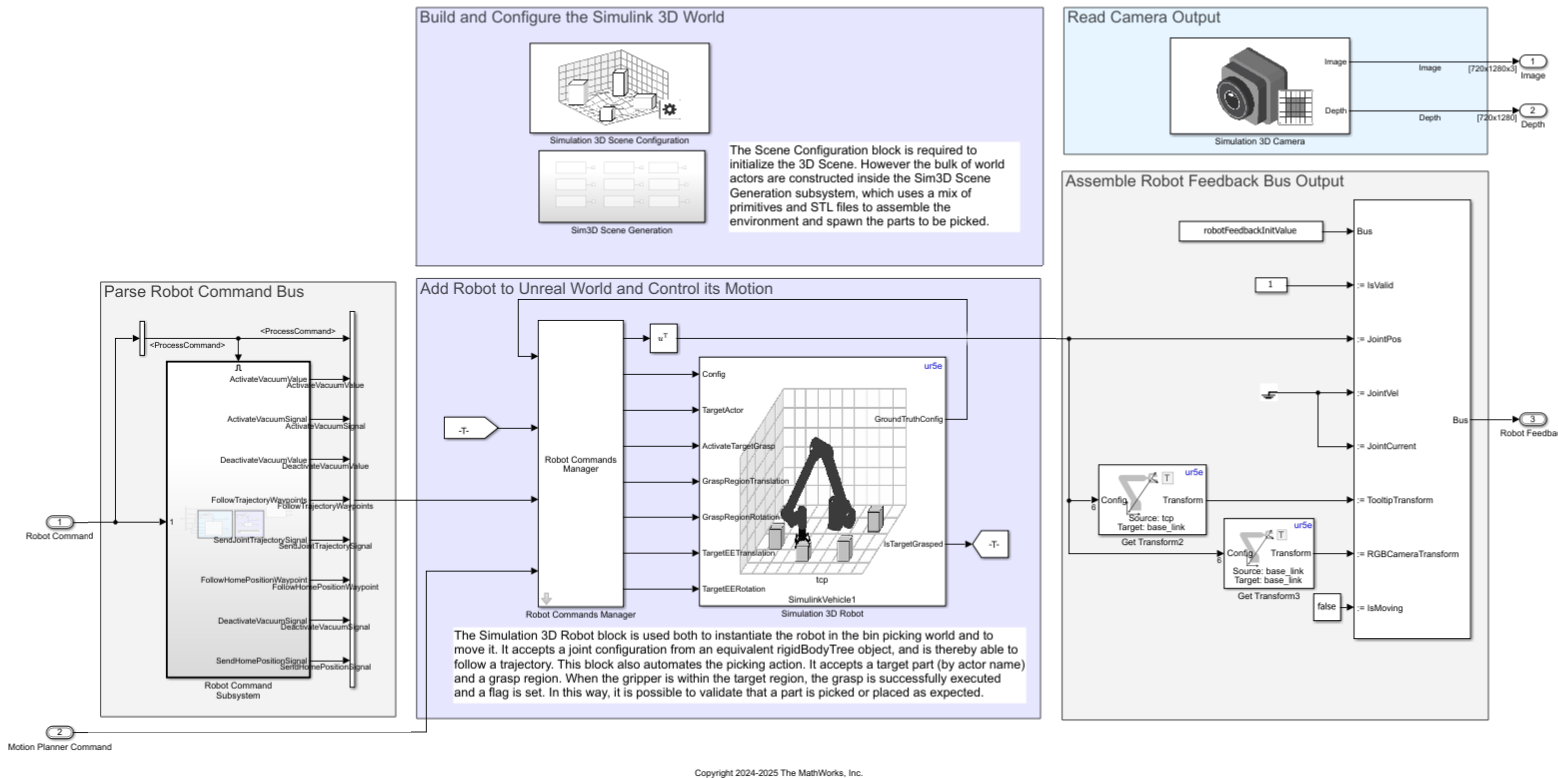
Design Bin Picking Scene and Sensors in Unreal Engine
Set up and interface with a bin-picking, Unreal Engine, simulation environment using Simulink 3D Animation™.
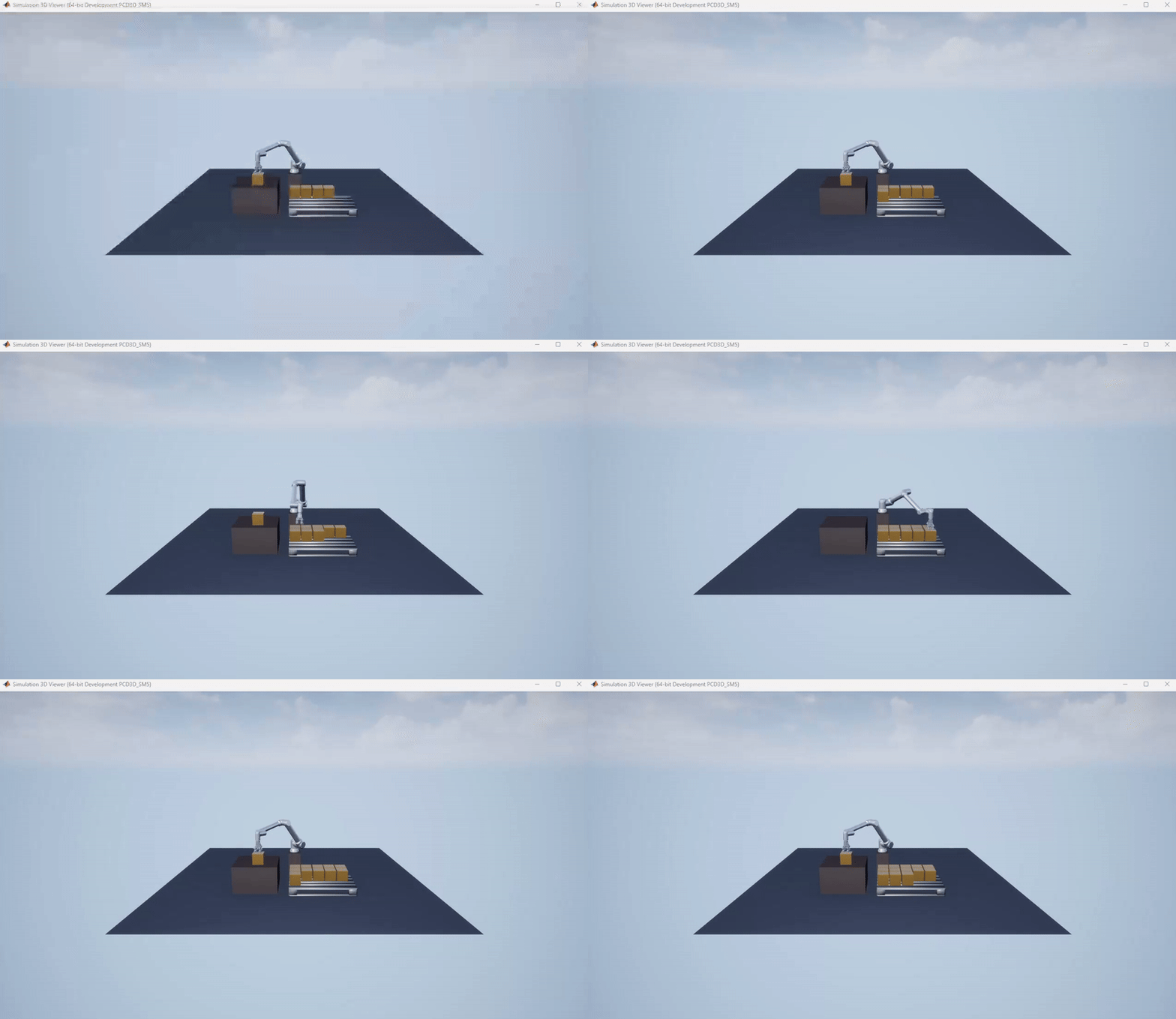
Palletize Boxes Using Cobot with Simulink 3D Animation™
Use UniversalRobots UR10e cobot to palletize boxes in Unreal Engine.
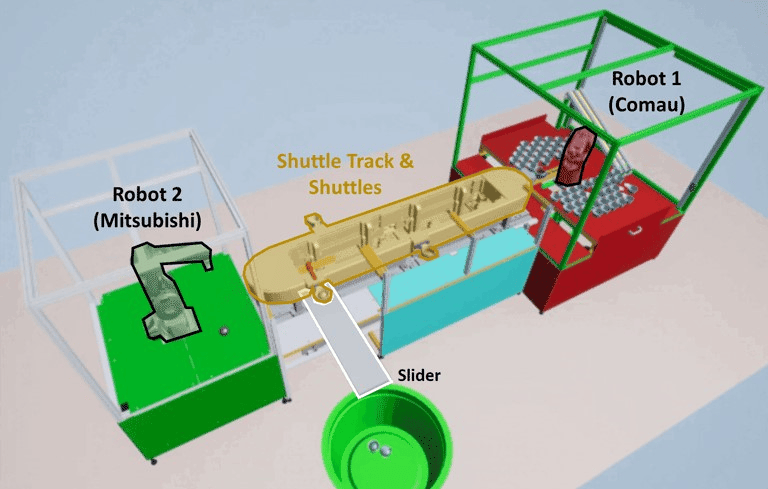
Automate Virtual Assembly Line with Two Robotic Workcells
Simulate an automated assembly line using Stateflow® for system control and Unreal Engine for virtual commissioning in Simulink.

