Locate Template in Image Using FFT-Based Correlation
R2026bThis example shows how to use FFT to perform correlation between a template and an image and locate instances of the template in the image. In this context, correlation is often called template matching.
Read an image of some text into the workspace. Observe that the image has size 256-by-256, and display the image.
textImage = imread("text.png");
[M,N] = size(textImage)
M = 256
N =
256
imageshow(textImage)
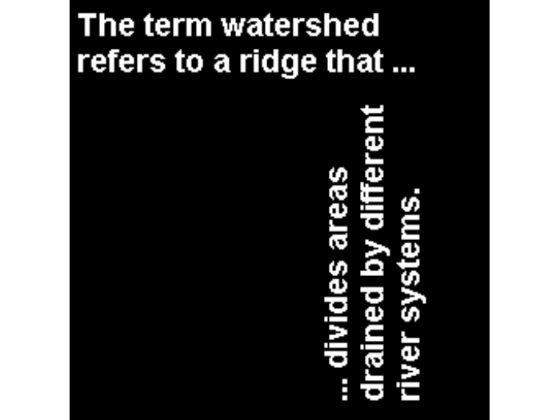
To identify the instances of the letter a occurring in the text, create a template for matching by extracting the letter a from the image. You can also create the template by using the interactive syntax of the imcrop function.
a = textImage(32:45,88:98);
imageshow(a)

To identify the instances of the letter in the horizontally oriented text, calculate the correlation of the template image with the original image.
Take the Fourier transform of the text image.
fft_textImage = fft2(textImage);
Correlation of an image with a template is the same as the convolution of the image with the template rotated by 180 degrees. Rotate the template by 180 degrees, then take the Fourier transform of the template. When taking the Fourier transform, pad the template with zeros to the size of the image.
template = rot90(a,2);
fft_template = fft2(template,M,N);
Perform fast convolution using the FFT-based convolution technique between the image and the template.
fft_corrImage = fft_textImage.*fft_template;
Convert the correlation to an image by taking the inverse Fourier transform. To avoid complex values, take the magnitude of the image, then display the result.
corrImage = ifft2(fft_corrImage);
corrImage = abs(corrImage);
imageshow(corrImage,DisplayRangeMode="data-range")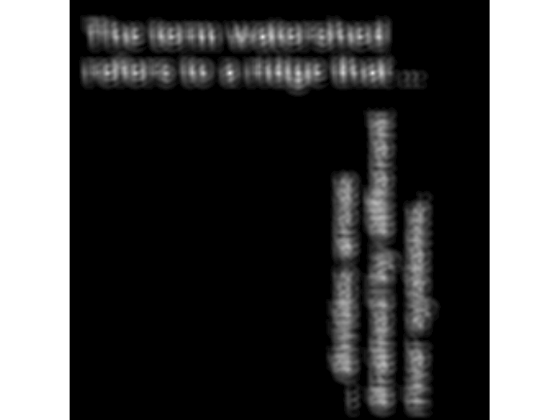
Calculate the maximum pixel value, and then define a threshold value that is 99% of this maximum. To view the locations of the instances of the template in the image, apply the threshold to the image. The thresholded image shows the locations of these peaks as spots.
thresh = max(corrImage(:));
thresh = thresh*0.99;
locationsHorz = corrImage > thresh;
imageshow(locationsHorz)

To make the locations easier to see in this figure, dilate the thresholded image with a small structuring element to enlarge the points.
se = strel("disk",2);
locationsHorz = imdilate(locationsHorz,se);
imageshow(locationsHorz)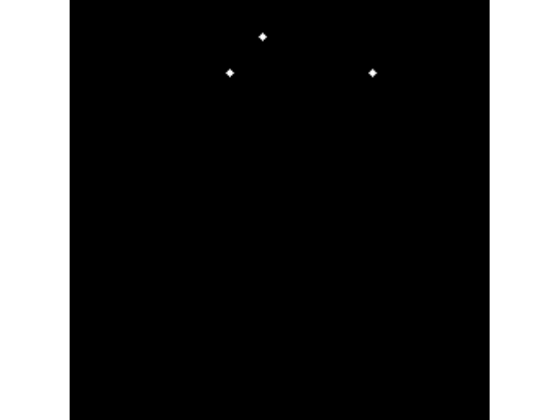
To identify the instances of the letter a in the vertically oriented text, repeat the process with the template image rotated counter-clockwise by 90 degrees.
template = rot90(template,1);
fft_template = fft2(template,M,N);
fft_corrImage = fft_textImage.*fft_template;
corrImage = ifft2(fft_corrImage);
corrImage = abs(corrImage);
imageshow(corrImage,DisplayRangeMode="data-range")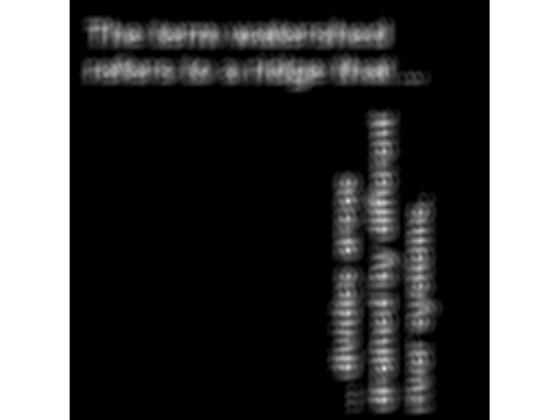
thresh = max(corrImage(:));
thresh = thresh*0.99;
locationsVert = corrImage > thresh;
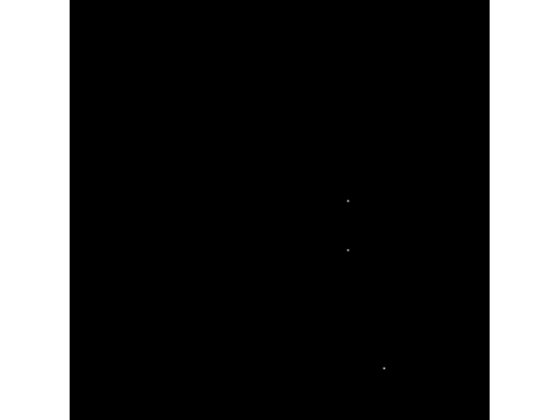
imageshow(locationsVert)
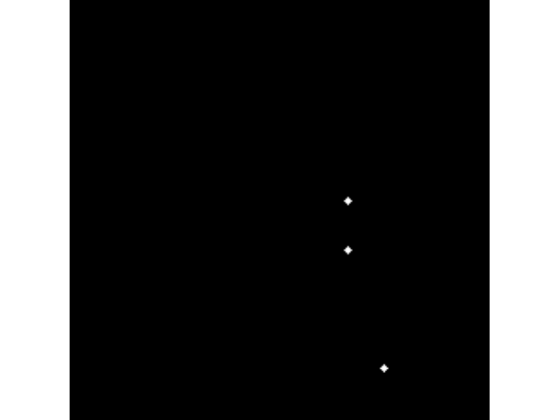
locationsVert = imdilate(locationsVert,se);
imageshow(locationsVert)
Combine the locations of the horizontally and vertically oriented letters to get the locations of all instances of the letter a in the text.
locations = locationsHorz + locationsVert;
Annotate the text image with the green labels at the positions of the template, then display the annotated image.
textAnnotated = labeloverlay(im2double(textImage),locations, ...
    Colormap=[0 1 0],Transparency=0);
imageshow(textAnnotated)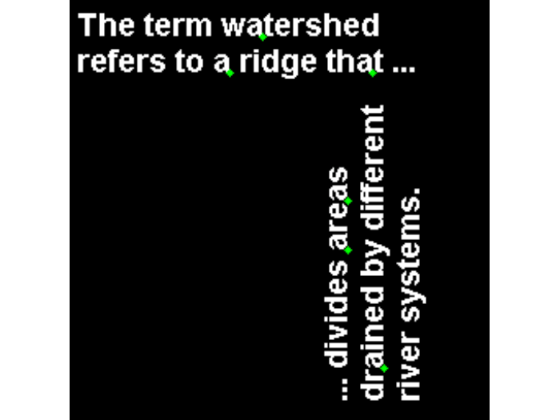
See Also
fft2 | fftn | ifft2 | ifftn | fftshift | ifftshift | freqz2

