現在この提出コンテンツをフォロー中です。
- フォローしているコンテンツ フィードに更新が表示されます。
- コミュニケーション基本設定に応じて電子メールを受け取ることができます
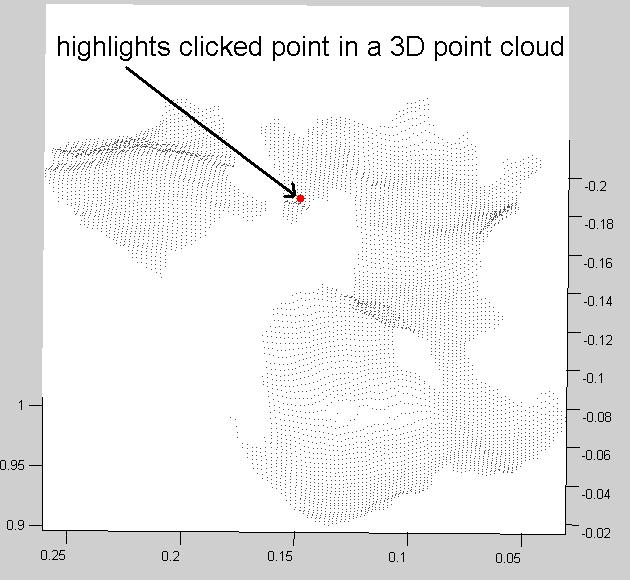
Lets the user select a point from a 3D point cloud by clicking on it. The selected point is highlighted and its index is printed.
This is a useful tool if you work with 3D point clouds. You can change the mouse click callback function so instead of highlighting the selected point other operations are done.
The math is pretty simple:
First, the transformation between the viewing frame and the point cloud frame is calculated using the camera viewing direction and the 'up' vector. Then, the point cloud is transformed into the viewing frame. Finally, The z coordinate in this frame is ignored and the x and y coordinates of all the points are compared with the mouse click location and the closest point is selected.
引用
Babak Taati (2026). Click3dPoint (https://jp.mathworks.com/matlabcentral/fileexchange/7594-click3dpoint), MATLAB Central File Exchange. に取得済み.
謝辞
ヒントを与えたファイル: Get Rotation Matrix from 2 Orthogonal Planes, portfolio_sortino_ratio