このページの内容は最新ではありません。最新版の英語を参照するには、ここをクリックします。
実験の管理
R2026aMATLAB® コードを実行するための計算実験を設計する
実験マネージャー アプリを使用することで、さまざまなパラメーター値で MATLAB コードを実行する計算実験を作成し、実験アーティファクトを自動的に管理し、結果を比較します。はじめに、Explore Parameters Using Simple Computational Experimentを参照してください。
このページには、実験マネージャーの使用に関する一般的な情報が含まれています。AI ワークフローの実験の詳細については、実験マネージャー (Deep Learning Toolbox)を参照してください。
アプリ
| 実験マネージャー | Explore parameters in your MATLAB code and compare experiment results (R2023b 以降) |
トピック
実験の構成
- Explore Parameters Using Simple Computational Experiment
Interactively explore parameters in your MATLAB code and organize the results by using the Experiment Manager app. (R2023b 以降) - Visualize Experiment Results with Plots
Generate plots to visualize your experiment trial results by including plotting code in the experiment function. (R2023b 以降) - Configure Experiment to Solve Ordinary Differential Equations Using Template
Set up an experiment to solve ordinary differential equations using a provided experiment template. (R2024b 以降) - Debug General-Purpose Experiments
Diagnose problems in your experiment function. - Keyboard Shortcuts for Experiment Manager
Navigate Experiment Manager using only your keyboard.
実験実行時間の短縮
- Optimize Experiment Performance Using Initialization Function
Improve the performance of your experiment trials by moving setup code into an initialization function. (R2023b 以降) - Run Experiments in Parallel
Run multiple simultaneous trials or one trial at a time on multiple workers. - Offload Experiments as Batch Jobs to a Cluster
Run experiments on a cluster so you can continue working or close MATLAB.
注目の例
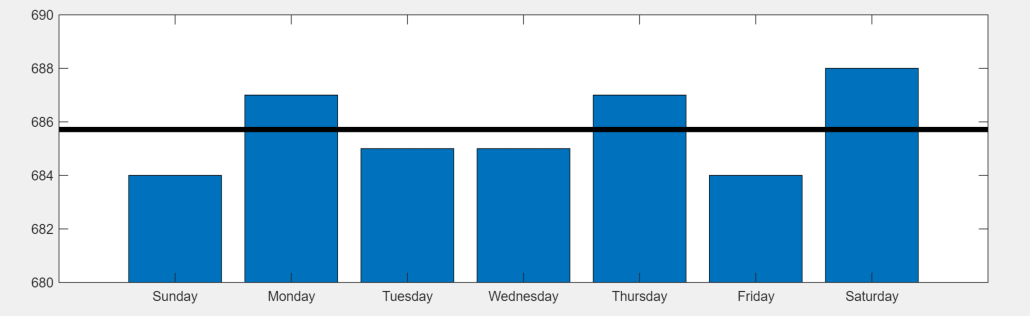
Convert MATLAB Code into Experiment
Convert your existing MATLAB code into an experiment that you can run using the Experiment Manager app.
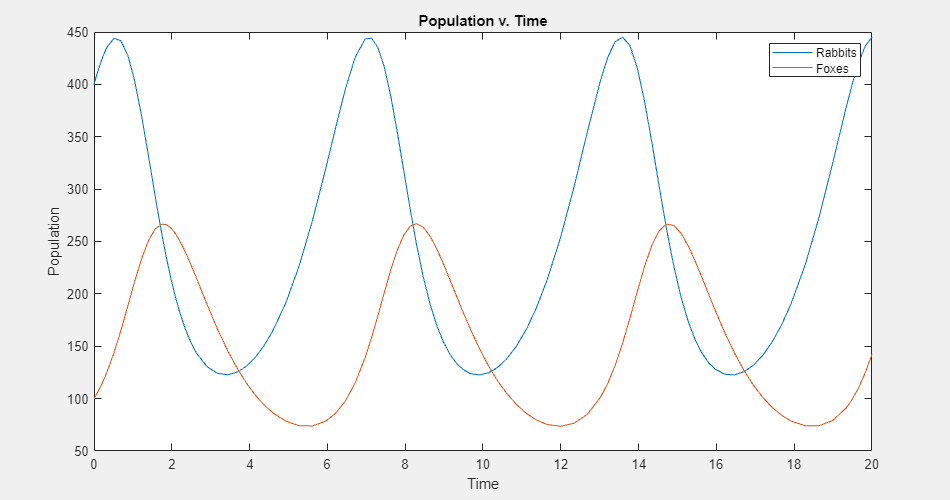
Experiment with Predator-Prey Equations
Explore different coefficients and initial values for a system of differential equations.
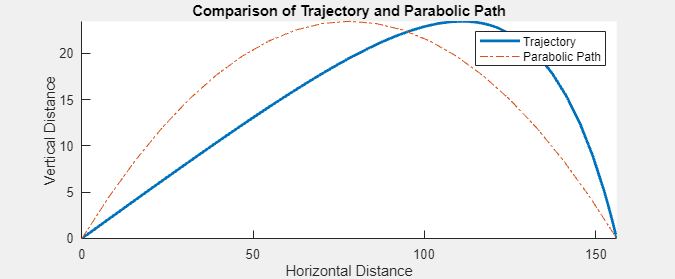
Compare Air Resistance Models for Projectile Motion
Calculate projectile trajectories assuming different models for air resistance.

