現在この提出コンテンツをフォロー中です。
- フォローしているコンテンツ フィードに更新が表示されます。
- コミュニケーション基本設定に応じて電子メールを受け取ることができます
Maximize the size of figures and GUIs to fill the entire screen.
The function was tested under the following conditions:
screen resolutions:
[800x600]
[1024x768]
[1152x864]
[1280x960]
Matlab version: R12, R13
OS: WinXP
The function was calibrated to handle WinXP standard toolbar (at the bottom of the screen, one icon row) and standard screen (4x3 ratio - not wide).
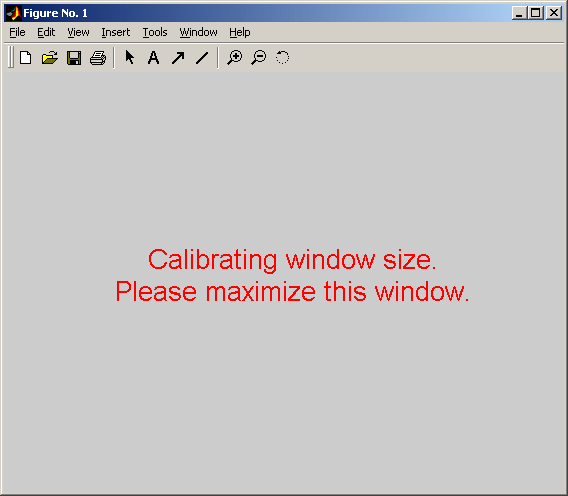
If you are using different settings, the maximized figure size could be wrong. If you find yourself in such a position, fear not. Run the function in 'calibrate' mode to calibrate the settings.
The application will ask you to maximize a figure window manually and use these settings as a reference from now on.
2005-03-21 update - contribution of Tim Myers
Maximize can set the image to fill any portion of the screen.
引用
Yuval Cohen (2026). Maximize window (https://jp.mathworks.com/matlabcentral/fileexchange/3812-maximize-window), MATLAB Central File Exchange. に取得済み.
謝辞
ヒントを与えたファイル: subfig, Simulation of Random Walk
一般的な情報
- バージョン 1.0.0.0 (1.59 KB)
-
ライセンスがありません
MATLAB リリースの互換性
- すべてのリリースと互換性あり
プラットフォームの互換性
- Windows
- macOS
- Linux
| バージョン | 公開済み | リリース ノート | Action |
|---|---|---|---|
| 1.0.0.0 | New feature - resize image to fill a portion of the screen |