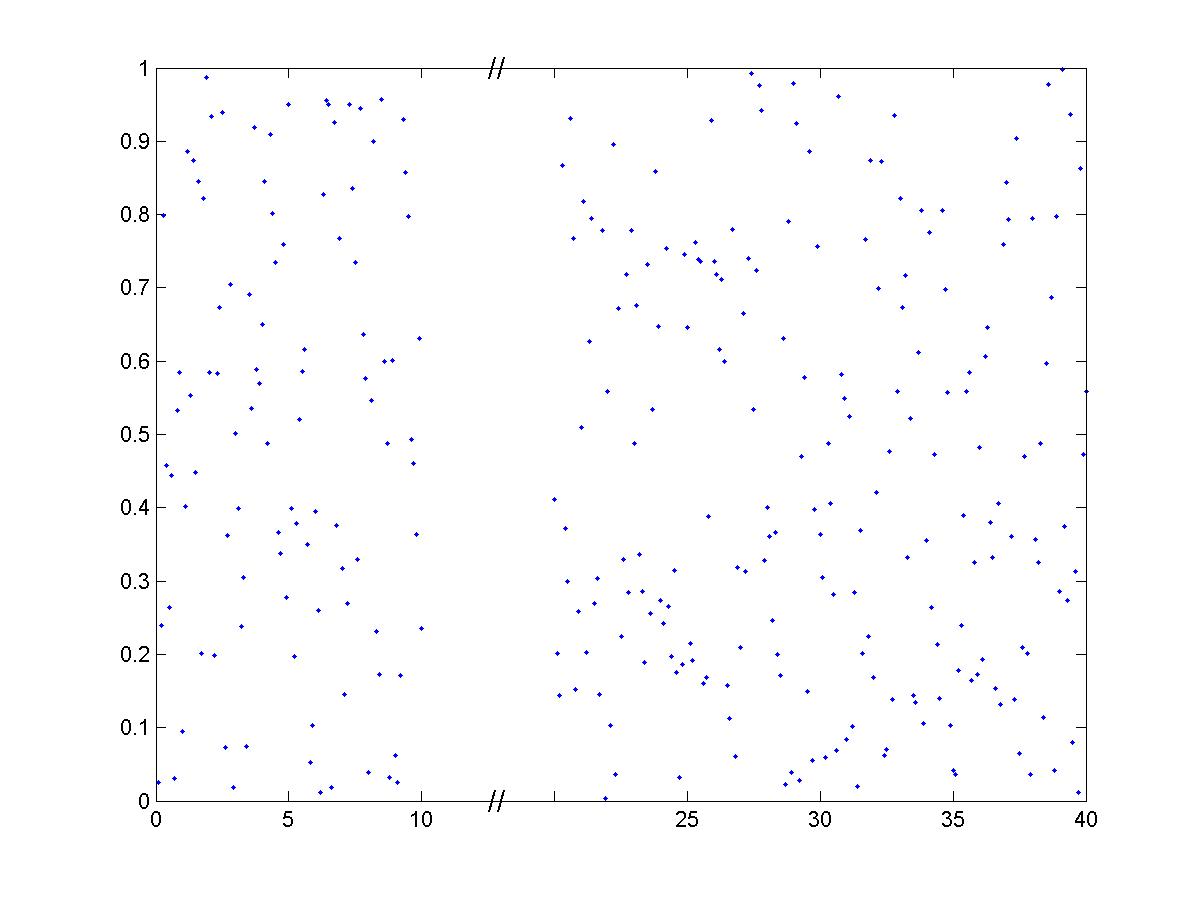

BreakXAxis

Inserts < // > into a 'broken' or discontinuous x-axis.

現在この提出コンテンツをフォロー中です。

h=BreakXAxis(x,y,start,stop,width) plots (x,y) and breaks the plot's x-axis between <start> and <stop>, by inserting a broken-axis symbol < // > into a space <width> wide. This type of plot is often used in scientific papers, when the data between <start> and <stop> isn't interesting. The code can be easily modified (swap y for x) to break the y-axis.

引用

Julie Haas (2026). BreakXAxis (https://jp.mathworks.com/matlabcentral/fileexchange/3683-breakxaxis), MATLAB Central File Exchange. に取得済み.

謝辞

ヒントを得たファイル: BreakAxis

ヒントを与えたファイル: Break X Axis

カテゴリ

Help Center および MATLAB AnswersLine Plots についてさらに検索

一般的な情報

MATLAB リリースの互換性

  • すべてのリリースと互換性あり

プラットフォームの互換性

  • Windows
  • macOS
  • Linux
バージョン 公開済み リリース ノート Action
1.0.0.0