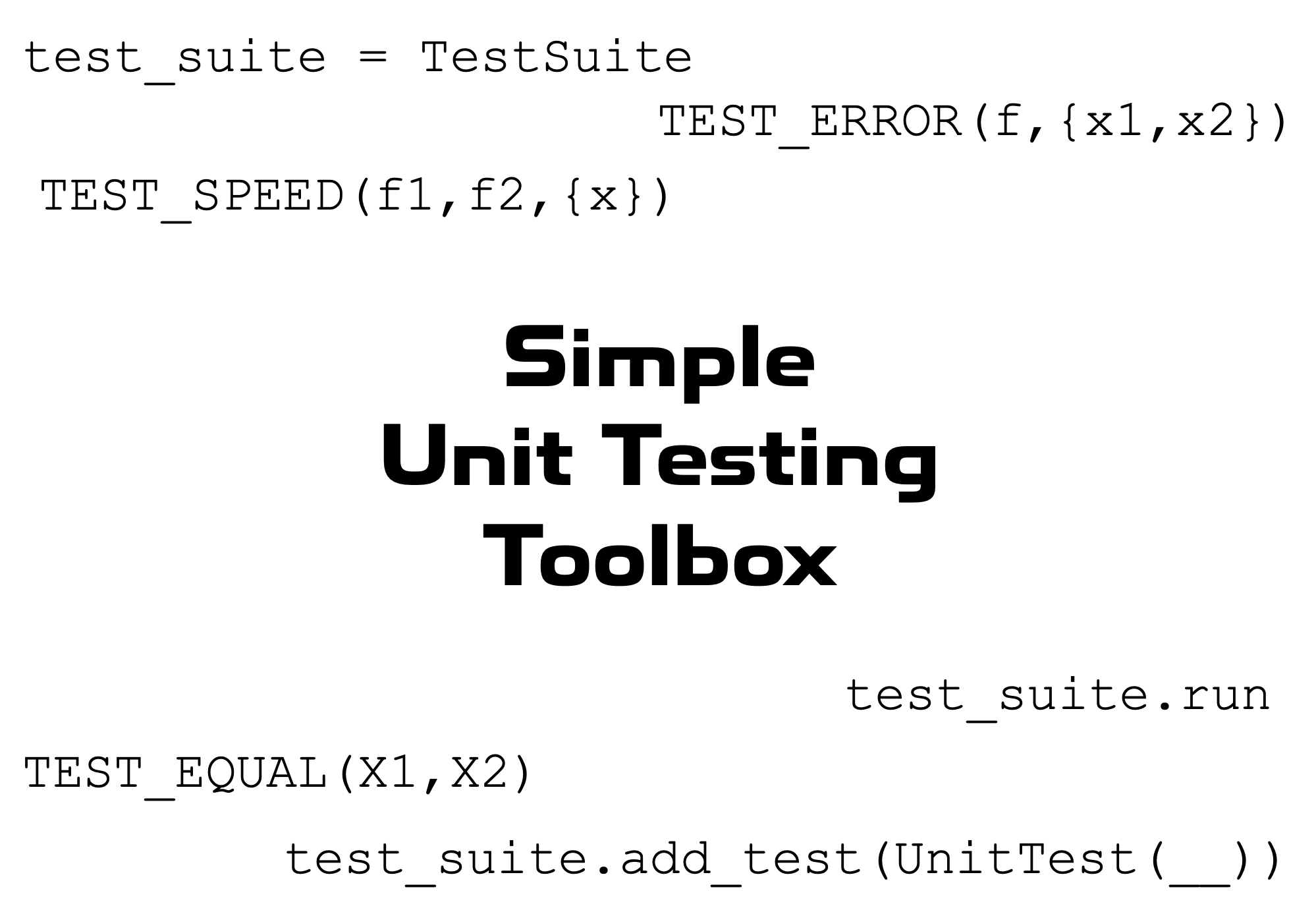
Simple unit testing framework for MATLAB.
https://tamaskis.github.io/Simple_Unit_Testing_Toolbox-MATLAB/
現在この提出コンテンツをフォロー中です。
- フォローしているコンテンツ フィードに更新が表示されます。
- コミュニケーション基本設定に応じて電子メールを受け取ることができます
This toolbox defines a simple unit testing framework for MATLAB.
- Download the toolbox from File Exchange or GitHub.
- Open the
INSTALLfolder. - Double-click on
Simple Unit Testing Toolbox.mltbx.
MATLAB will automatically perform the installation and add all the contents of the toolbox folder to the MATLAB search path.
To open the home page of the toolbox documentation in MATLAB, type the following in the Command Window:
doc_SUTT
To open the documentation of a specific function or class with name name, type the following in the Command Window:
doc_SUTT name
test_suite = TestSuite(name,terminate,color)
test_suite.add_test(TestEqual(X1,X2,name,n))
test_suite.add_test(TestNotEqual(X1,X2,name,n))
test_suite.add_test(TestError(f,args,name))
test_suite.add_test(TestNoError(f,args,name))
test_suite.add_test(TestSpeed(f1,f2,args,name))
test_suite.add_test(TestFunctionCount(f,g,name))
test_suite.run
TEST_EQUAL(X1,X2,n)
TEST_NOT_EQUAL(X1,X2,n)
TEST_ERROR(f,args)
TEST_NO_ERROR(f,args)
TEST_SPEED(f_fast,f_slow,args,n_eval)
TIME_EVALUATION(f,args,n_eval)
TEST_FUNCTION_COUNT(f,g)
Note that in the examples in the documentation, all of the test output is in black. However, when you run the tests locally in MATLAB, passed tests will print in green, while failed tests will print in red; this is accomplished using the cprintf function.
引用
Tamas Kis (2026). Simple_Unit_Testing_Toolbox-MATLAB (https://github.com/tamaskis/Simple_Unit_Testing_Toolbox-MATLAB/releases/tag/v4.1.4), GitHub. に取得済み.
一般的な情報
- バージョン 4.1.4 (473 KB)
-
GitHub でライセンスを表示
MATLAB リリースの互換性
- すべてのリリースと互換性あり
プラットフォームの互換性
- Windows
- macOS
- Linux
