このページは機械翻訳を使用して翻訳されました。最新版の英語を参照するには、ここをクリックします。
展開と検証
R2025b展開は通常、モデルベースのワークフローの最終段階です。このページの例では、プロセッサインザループ (PIL) シミュレーションを使用してコード検証と妥当性確認を実行できます。リアルタイム実行プロファイリングを使用して、生成されたコードがリアルタイムのパフォーマンス要件を満たしているかどうかを確認します。

トピック
- Examples Supporting Texas Instruments C2000 Processors
C2000™ Microcontroller Blockset reference examples that are supported for each processor family.
- PILシミュレーション
Texas Instrumentsハードウェアボード用の Processor-in-the-Loop ( PIL)シミュレーション手法。
- Serial Configuration for External Mode and PIL
Configure your model to run in external mode and PIL over different baud rates based on the SCI module.
- Detect and Fix Task Overruns on Texas Instruments C2000 Hardware
Understanding and fixing overruns on Texas Instruments® C2000 hardware.
- Log Signals on an SD Card
Log signals from Simulink models on an SD card mounted on the target hardware.
- ステップ 1: 信号のログ記録に関する前提条件
- ステップ 2: Configure Board Parameters and Enable MAT-File Logging
- ステップ 3: Configure Model to Log Signals on SD Card
- ステップ 4: Run Model on Target Hardware
- ステップ 5: Import MAT-Files into MATLAB
- Exploring TI C2000 Toolchain Options
Utilize TI C2000 toolchains like COFF ABI, EABI, and ARM® to generate code.
トラブルシューティング
Memory and Signal Logging limitations on SD Card
Memory and signal logging limitations of SD card mounted on Texas Instruments C2000 hardware.
Optimizing Baud Rate Settings for External Mode Communication
Optimize baud rates of SCI-A, on-board FTDI, and windows COM port for external mode communication.
注目の例
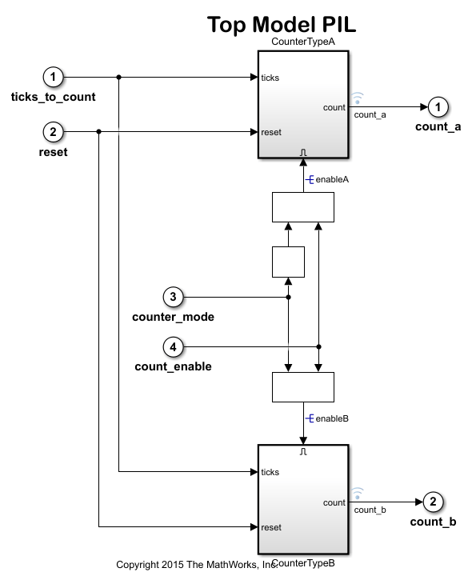
Code Verification and Validation with PIL
Use Texas Instruments™ C2000™ Processor for code verification and validation using PIL in C2000™ Microcontroller Blockset.

Code Verification and Validation with External Mode
Use C2000™ Microcontroller Blockset for code verification and validation using External mode.
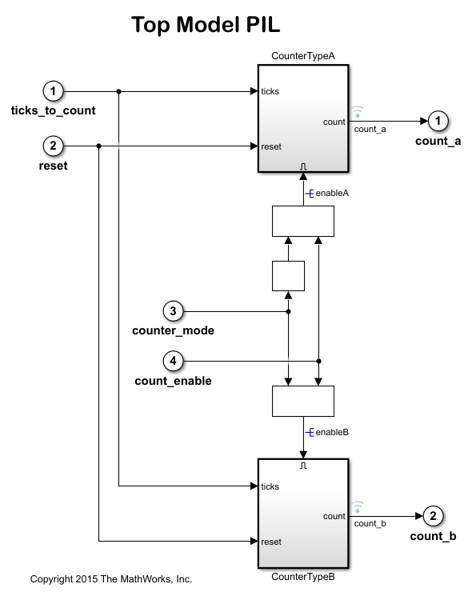
Code Verification and Validation with PIL on the ARM Cortex M3 Core of the F28M3x Concerto Processor
Use Texas Instruments C2000 F28M3x Concerto Processor for code verification and validation using PIL in C2000™ Microcontroller Blockset.
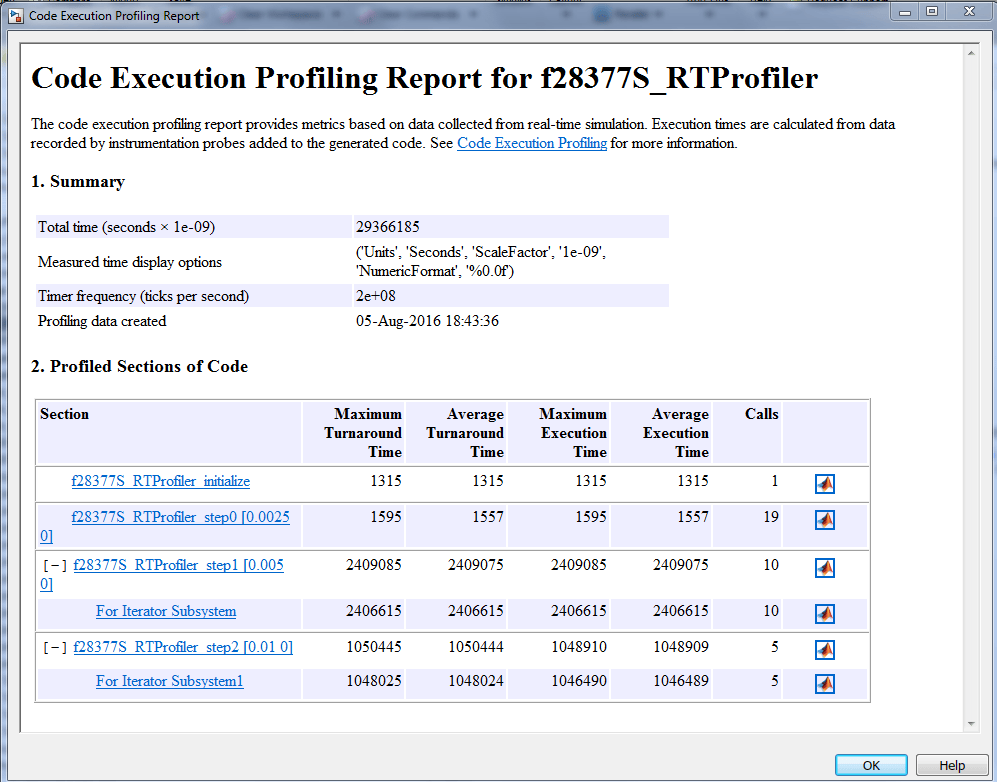
Real-Time Code Execution Profiling
Use C2000™ Microcontroller Blockset for real-time execution profiling of generated code.
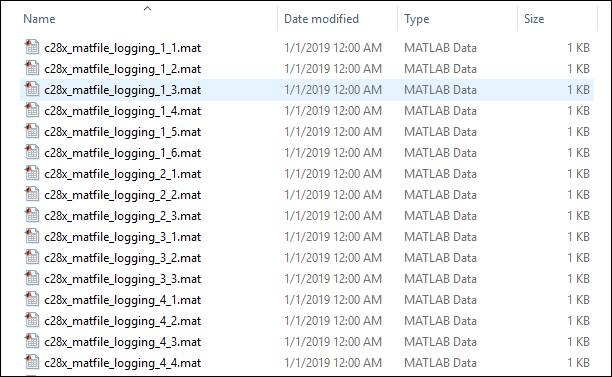
MAT-file Logging on SD Card for Texas Instruments C2000 Processors
Perform MAT-file logging using Simulink® model on a Micro SD card mounted on Texas Instruments™ C2000™ Microcontroller Blockset.

