Transition Between SoC Modeling and IP Core Generation Workflows
R2026bTransition from the SoC modeling and generation workflow to the IP core generation
workflow. Use the socExportReferenceDesign function to export a reference design from an
SoC model. Then, integrate your IP core to the reference design and deploy it to an
SoC device using the HDL Workflow Advisor tool.
Transition from the IP core generation workflow to the SoC modeling and generation workflow. Create an SoC model based on the selected reference design for the supported AMD® MPSoC, RFSoC, and Versal® adaptive SoC devices by using the SoC Model Creator tool. Use the created model as a template to design and simulate your FPGA algorithm and processor algorithm. Then, generate a bitstream and host I/O model, build a software application, and program the board by using the SoC Builder tool.
Tools
| SoC Model Creator | Create SoC model based on selected reference design |
| SoC Builder | Build, load, and execute SoC model on SoC, FPGA, and MCU boards |
Functions
socExportReferenceDesign | Export custom reference design for HDL Workflow Advisor |
Topics
- SoC Targeting Workflows
Choose between IP core generation workflow and SoC modeling and generation workflow for deploying your design on an SoC device.
- Export Custom Reference Design from SoC Model
Use the
socExportReferenceDesignfunction to export a custom reference design from an SoC Blockset™ for AMD model. - Configure Design Using SoC Model Creator
Customize and design an SoC model by using the SoC Model Creator tool.
- Generate Design Using SoC Builder
Generate an SoC design and run it on the target hardware board using the SoC Builder tool.
Featured Examples
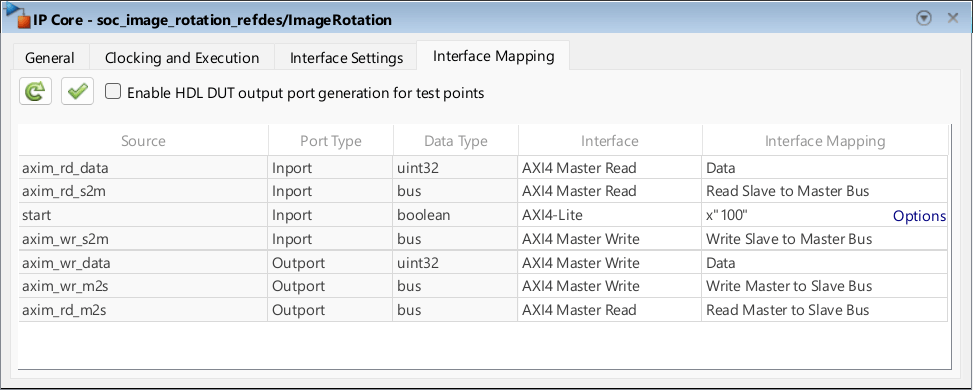
Use IP Core Generation Workflow with SoC Models
Use the IP core generation workflow to deploy an SoC model on an SoC board. In this example, you simulate, implement, and verify your design on hardware.
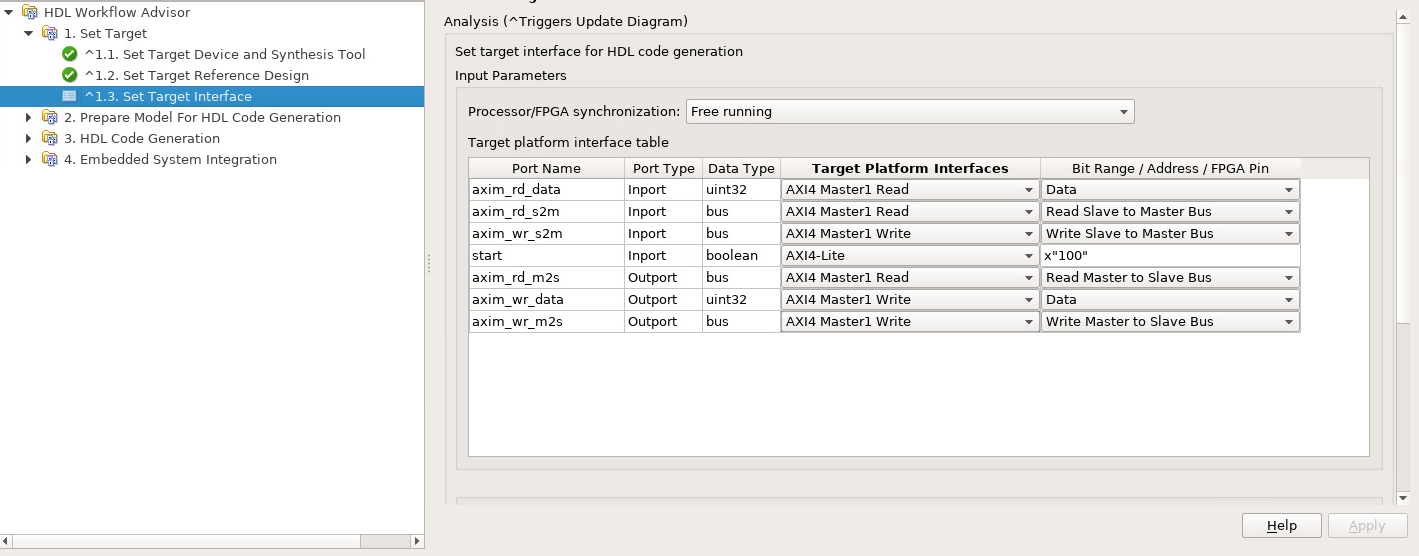
Export Custom Reference Design
Export a custom reference design from an SoC model by using socExportReferenceDesign function provided by Soc Blockset™ for AMD product. After creating the custom reference design, use the HDL Workflow Advisor tool from HDL Coder™ to integrate an IP core into the reference design.
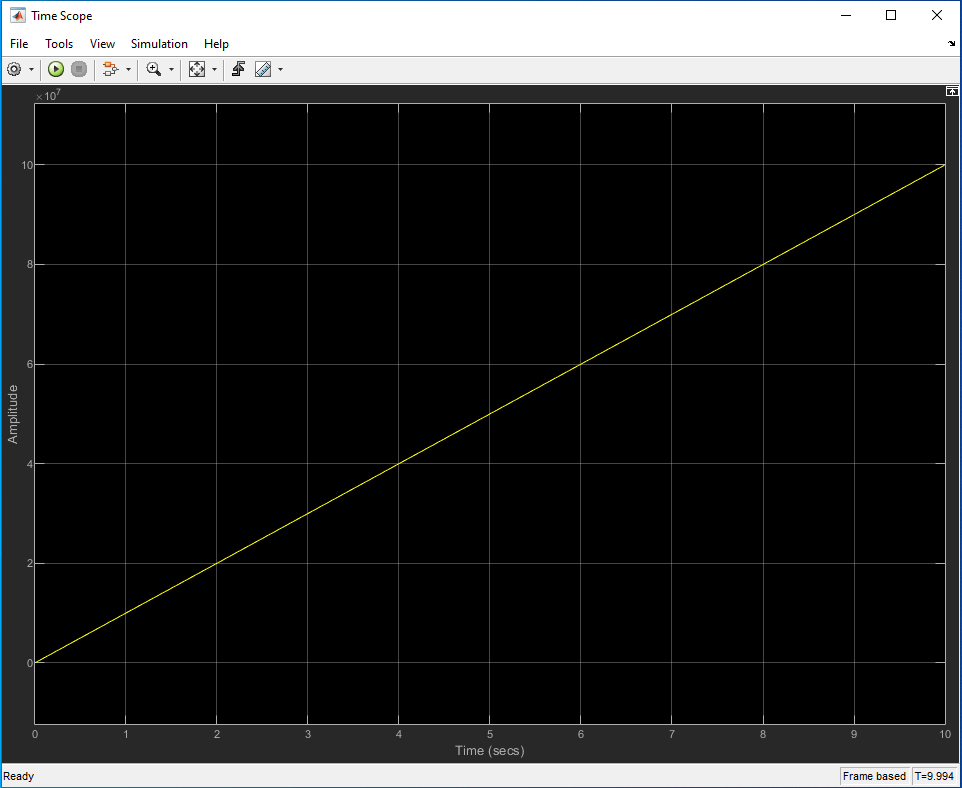
Full Duplex Data Streaming between Software and Hardware on Versal Platform
Deploy system for full duplex data streaming between hardware and software using SoC Blockset for AMD on Xilinx® Versal AI Core Series VCK190 Evaluation Kit.

