bring_figure_front()
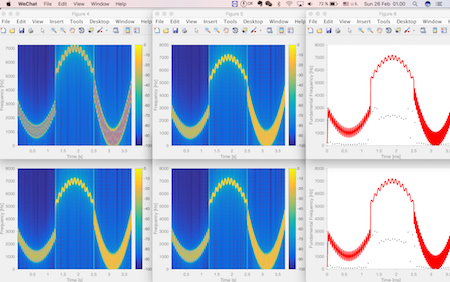
This small program will put all of your matlab figures sequentially and orderly in your screen.

現在この提出コンテンツをフォロー中です。
- フォローしているコンテンツ フィードに更新が表示されます。
- コミュニケーション基本設定に応じて電子メールを受け取ることができます
引用
Liming Shi (2026). bring_figure_front() (https://jp.mathworks.com/matlabcentral/fileexchange/61404-bring_figure_front), MATLAB Central File Exchange. に取得済み.
謝辞
ヒントを得たファイル: "Smart"/Silent Figure
| バージョン | 公開済み | リリース ノート | Action |
|---|---|---|---|
| 1.0.0 | We use a matlab built-in function findobj to find all the figure handles (Thank Avery Berman for pointing out this better solution). Moreover, we use a sfigure function written by Daniel Eaton to avoid the annoying jumping behaviors of the figures. |

