Compositing
R2026bCombine two images or apply mask to image
Compositing block

To add a block to a model, double-click the canvas and start typing the block name. Then, select the block from the list.
Libraries:
Computer Vision Toolbox /
Text & Graphics
Description
The Compositing block combines two images, overlays one image over another, or highlights selected pixels in an image. When combining two images, the block uses this equation, in which the output image O is a linear combination of the two images and :
The opacity factor X scales each pixel before combining the images, where .
When overlaying one image over another image, or highlighting selected pixels in an input image, the block uses a binary mask to specify which pixels to overwrite or highlight.
Note
This block supports binary, intensity, and color images.
Examples
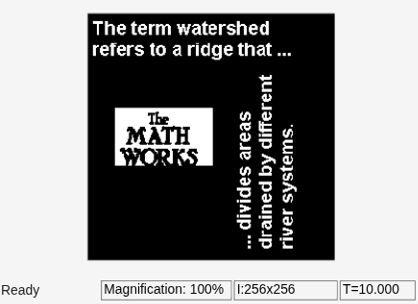
Overlay Images Using Binary Mask
Overlay one image on another image using a binary mask.
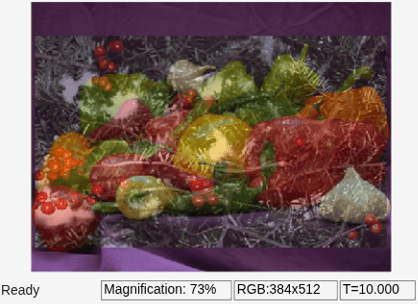
Linearly Combine Two Images
Linearly combine two images using the blend operation.
Ports
Input
Output
Parameters
Block Characteristics
Data Types |
|
Multidimensional Signals |
|
Variable-Size Signals |
|
Programmatic Use: Add Block
To add the block programmatically, use the add_block function with one of these library block paths as the source.
"visiontextngfix/Compositing"
Example: add_block("visiontextngfix/Compositing","myModel/myBlock",MakeNameUnique="on")
Extended Capabilities
Version History
Introduced before R2006a

