Hardware Setup
R2026bSetup, connect, and configure your hardware boards, development kits, or devices
Since R2022b
Description
Add-On Required: This feature requires the SoC Blockset Support Package for AMD FPGA and SoC Devices add-on.
Hardware boards, development kits, and devices supported by MathWorks® require additional configuration and setup steps to connect to MATLAB® and Simulink®. Each support package provides a hardware setup process that guides you through registering, configuring, and connecting to your hardware board.
The Hardware Setup tool guides you through the hardware setup process. Use this tool to configure a target hardware board for use with an SoC Blockset™ for AMD or HDL Coder™ support packages.
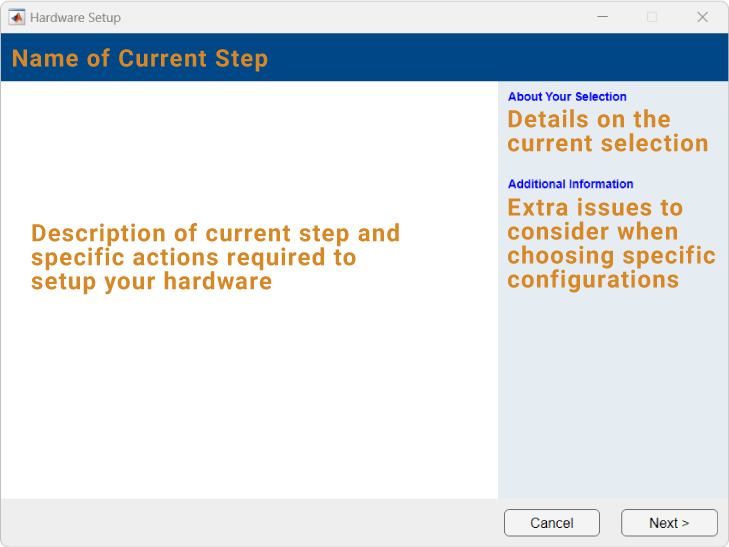
Open the Hardware Setup
In MATLAB command window, enter
hdlHardwareSetupcommand:hdlHardwareSetup
In the install window, at the end of the workflow, click the Setup Now button.
After installing the support package, use Get and Manage Add-Ons. When the installation is complete, in the Installed section of the Add-Ons panel, click the Options button
 to the right of the support package that you want to set
up. Then, select Setup.
to the right of the support package that you want to set
up. Then, select Setup.To open the Add-Ons panel, click the Add-Ons icon
 on the left sidebar.
Simulink Toolstrip: On the System on Chip tab, click
Setup Hardwarein Hardware Board.
Version History
Introduced in R2022b
See Also
Set Up AMD FPGA and SoC Devices | Set Up Intel Hardware Boards (HDL Coder) | Set Up Microchip FPGA and SoC Devices (HDL Coder)

