Logging Blocks
R2026bTo observe the signal data behavior of your real-time application and the target computer on which it is running, use logging blocks.
Blocks
 | File Log | Write signal data file log on target computer |
 | Enable File Log | Enable or disable file logging of signals on target computer |
Objects
Target | Represent real-time application and target computer status |
Target.FileLog | Target Computer file logger |
Targets | Configure and manage target objects |
Instrument | Create real-time instrument object |
Properties
| Target Object Properties | slrealtime Target object properties for configuration and status |
Functions
Troubleshooting
Troubleshoot Signal Data Logging from Nonvirtual Bus, Fixed-Point, and Multidimensional Signals
Investigate issues that can occur when signal data logging from signals in nonvirtual buses, signals with fixed-point data type, and multidimensional signals.
Troubleshoot Signal Data Logging from Inport in Referenced Model
Investigate issues that prevent some signals from streaming to the Simulation Data Inspector.
Troubleshoot Signal Data Logging from Inport in Referenced Model in Test Harness
Investigate issues that can occur when signal data logging from signals in referenced models in test harnesses.
Troubleshoot Signal Data Logging from Send and Receive Blocks
Investigate issues that can occur when signal data logging from Send and Receive blocks.
Troubleshoot Signals for Streaming or File Logging
Investigate issues related to an error that a signal cannot be streamed or logged.
Related Information
Featured Examples
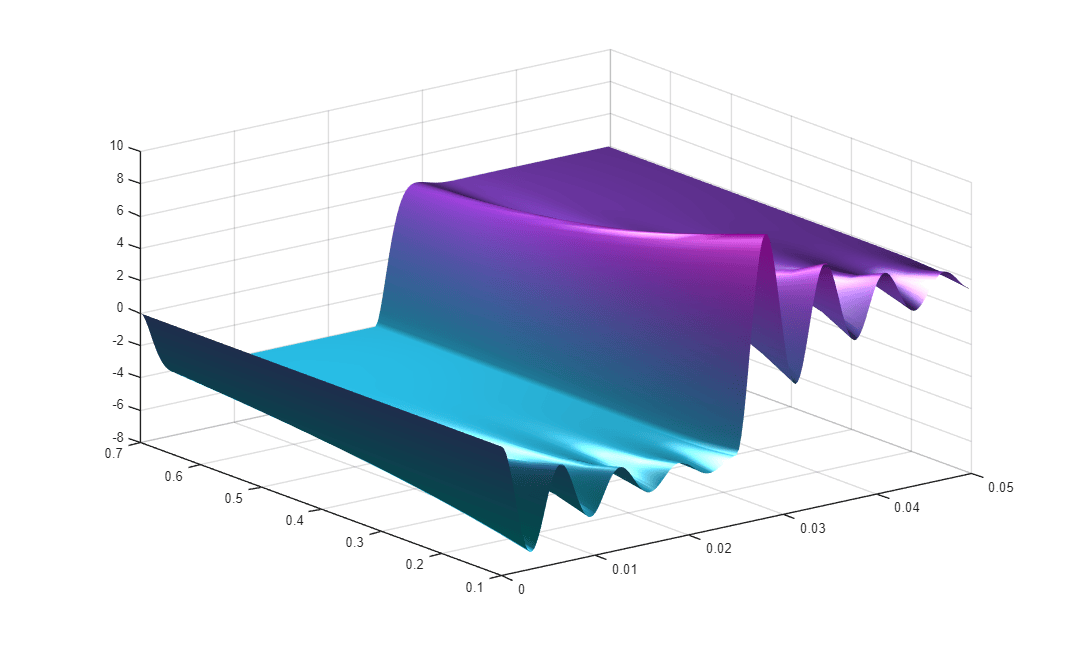
Real-Time Signal Logging and Parameter Tuning
Use real-time parameter tuning and data logging with Simulink® Real-Time™.

