このページの内容は最新ではありません。最新版の英語を参照するには、ここをクリックします。
展開
R2026aSimulink® モデルをビルドしてスタンドアロンの実行可能ファイルを生成し、BeagleBone® ハードウェアでリアルタイムで実行します。
トピック
- Build and Run an Executable on BeagleBone Blue Hardware
Build and run executable on the hardware.
- Tune and Monitor an Executable Running on BeagleBone Blue Hardware
Use your computer to monitor and control an application running on the hardware.
- Stop or Restart an Executable Running on BeagleBone Blue Hardware
Stop or restart an executable running on the hardware.
- Run an Executable on Remote BeagleBone Blue Hardware
Configure a model to load and run executables on a remote hardware.
- Log Signals on a Hardware
Log signals from Simulink models on the hardware.
- ステップ 1: 信号のログ記録に関する前提条件
- ステップ 2: Configure Board Parameters and Enable MAT-File Logging
- ステップ 3: Configure Model to Log Signals on the Hardware
- ステップ 4: Run Model on the Hardware
- ステップ 5: Import MAT-Files into MATLAB
トラブルシューティング
Get the IP Address of a BeagleBone Blue Hardware
Get the IP address of the hardware.
Open a Secure Shell Command-Line Session with BeagleBone Blue Hardware
Open a Secure Shell (SSH) command-line session with hardware.
Tune and Monitor an Executable Running on BeagleBone Blue Hardware
Use your computer to monitor and control an application running on the hardware.
注目の例
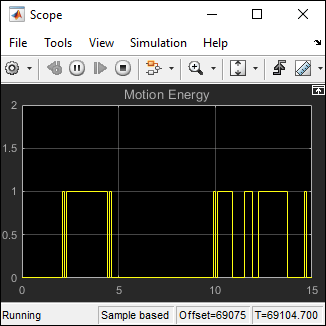
Communicating with BeagleBone Blue Hardware
Tune the parameters and monitor the signals of a model running on BeagleBone® Blue hardware.
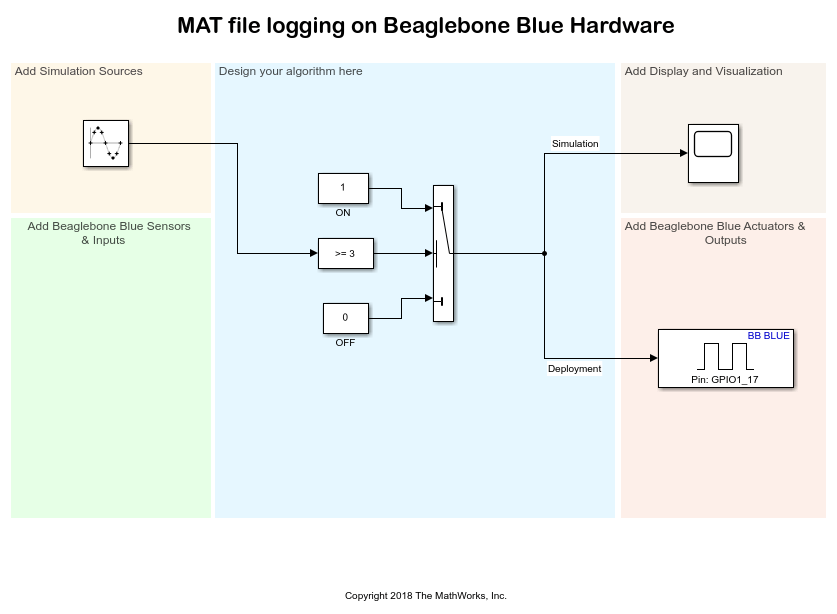
MAT-File Logging on BeagleBone Blue Hardware
Log signals from a Simulink® model on BeagleBone® Blue hardware in the MAT-file format.

Counting Steps Using BeagleBone Blue Hardware
Demonstrates a pedometer that counts the number of steps a person walked while holding a BeagleBone® Blue hardware.

