センサー
R2026b異なるセンサーに接続してデータを読み取ります。
Arduino エクスプローラーの Pin Explorer ペインおよび Pin Configuration ペインを使用して、MATLAB® と MATLAB Online™ の両方でセンサーとのインターフェイスを作成し、センサーからのデータを可視化します。
MATLAB のインストール バージョンでサポートされているハードウェアの全リストについては、Supported Hardwareを参照してください。MATLAB Online でサポートされているボード、ワークフロー、およびプラットフォームの詳細については、Get Started with MATLAB Online for Arduinoを参照してください。
[Pin Configuration] パネルで [Mode] を設定し、必要に応じて、ピンを一意的に識別するために [Label] を指定します。アプリのプロット パネルを使用して、Arduino ボードから読み取られたデータを対話的に表示することもできます。詳細については、Use Arduino Explorer Appを参照してください。
関数
トピック
- Read and Plot Real-Time Data from BNO055 Sensor in NDOF Mode
This example shows you how to read and plot calibrated data from a Bosch Sensortec BNO055 a 9-axis absolute orientation sensor in real time.
- Calibrate BNO055 Sensors
Steps to calibrate the BNO055 sensors.
- Limitations
Limitations when using sensors and GPS receiver.
- Calculate Pitch and Roll on Arduino Using IMU Sensor (Simulink)
This example shows how to read the acceleration and angular velocity data from IMU sensor mounted on Arduino® hardware and calculate the pitch and roll angles.
- Measure LSM9DS1 Sensor Outputs Using Nano 33 BLE Sense
Read data from a LSM9DS1 sensor using Bluetooth®.
- Use Arduino Explorer App
Learn how to use the Arduino Explorer app to configure GPIO pins and communication protocol interfaces and visualize data.
トラブルシューティング
Troubleshoot sensors.
注目の例
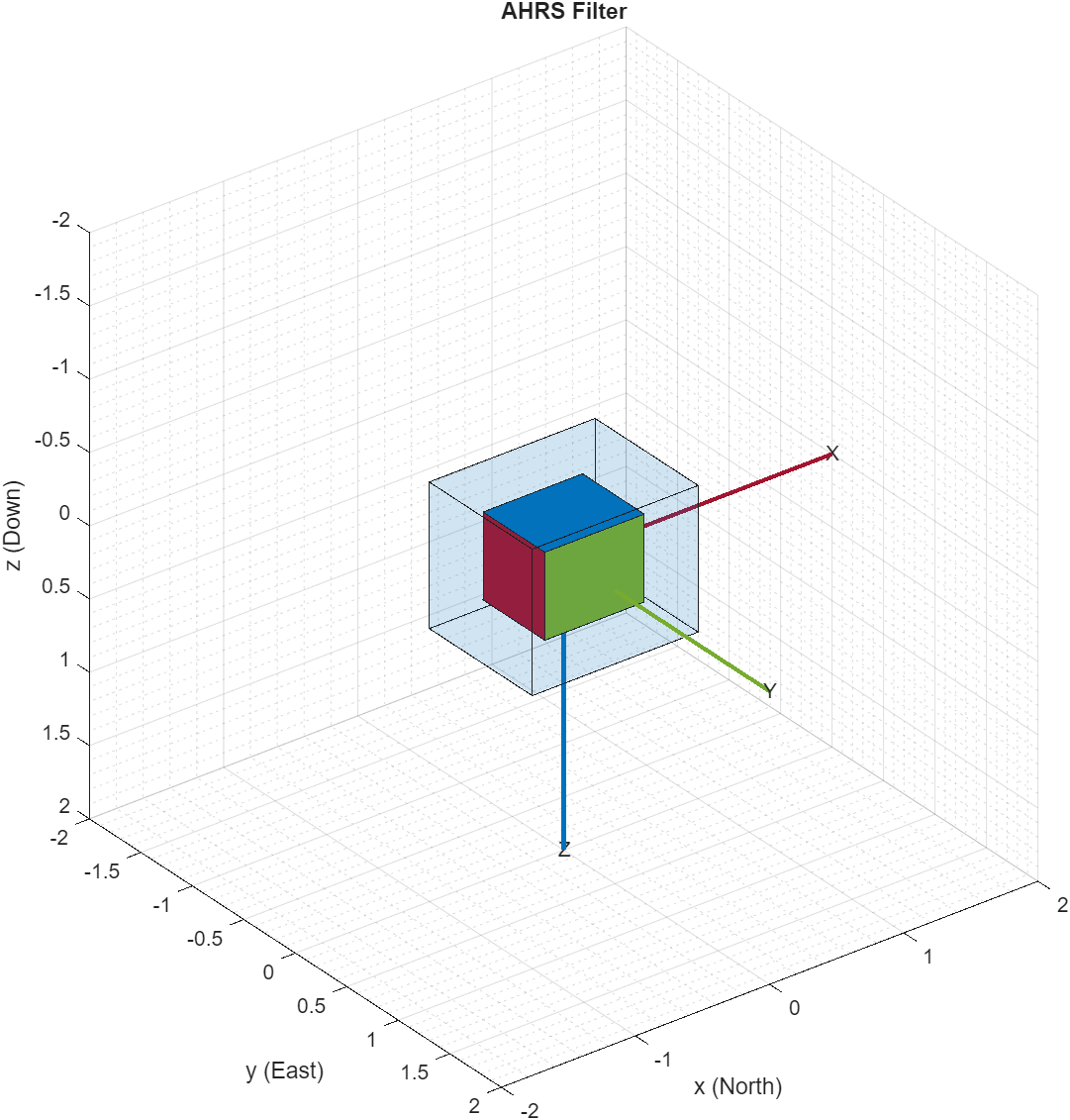
Estimating Orientation Using Inertial Sensor Fusion and MPU-9250
Get data from an InvenSense MPU-9250 IMU sensor, and to use the 6-axis and 9-axis fusion algorithms in the sensor data to compute orientation of the device.
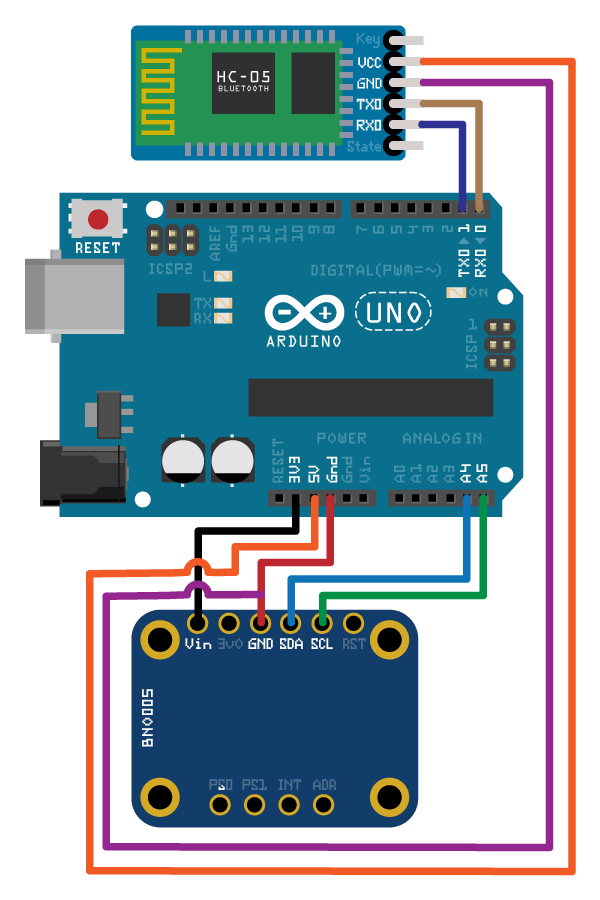
Wireless Data Streaming Using BNO055 and Bluetooth and Estimating Orientation Using Sensor Fusion
Get data from a Bosch BNO055 IMU sensor through HC-05 Bluetooth® module and to use the 9-axis AHRS fusion algorithm on the sensor data to compute orientation of the device. The example creates a figure which gets updated as you move the device.
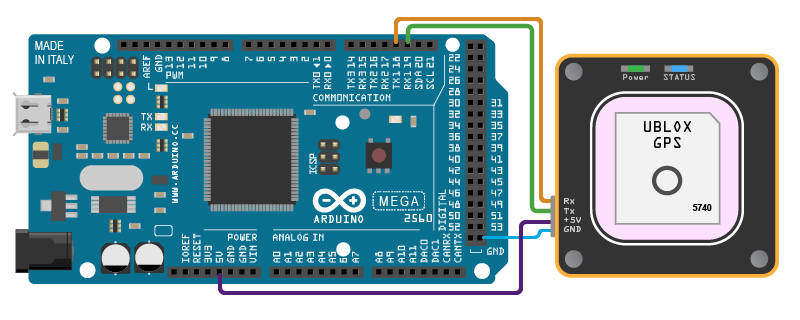
Plot Position Using GPS Connected to Arduino Hardware
Get the geographic location using the GPS module connected on Arduino hardware and plot the location in a map.

