Pressure Sensor
R2026bPressure Sensor block

To add a block to a model, double-click the canvas and start typing the block name. Then, select the block from the list.
Libraries:
Simscape Acoustics /
Acoustic Sensors
Description
Add-On Required: This feature requires the Simscape Acoustics add-on.
The Pressure Sensor block represents an ideal pressure sensor, that is, a device that converts pressure measured between two points of an acoustic circuit into a physical signal proportional to the pressure.
Use the + and - ports to connect the sensor in parallel with the block (or several blocks) where you want to measure the pressure. Port p outputs the measurement result as a physical signal. Use a PS-Simulink Converter (Simscape) block to connect this port to Simulink® blocks, such as Scope or Display.
Examples
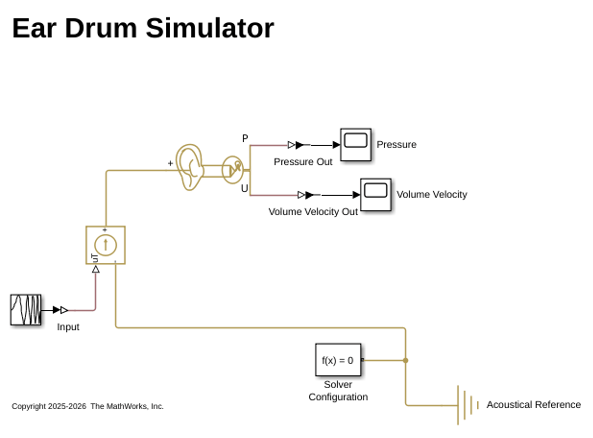
Simulate Ear Drum
Simulate the acoustic response of an ear drum using Simscape™ Acoustics.
Ports
Output
Conserving
Version History
Introduced in R2026b
See Also
Far-Field Pressure Sensor | Volume Velocity Sensor | PS-Simulink Converter (Simscape)

