Import Classification Models
R2026bUsing classification models, including support vector machine (SVM) or discriminant classifiers, Model-Based Calibration Toolbox™ can differentiate between operating modes when you specify boundary constraints for calibrations.
Use the Statistics and Machine Learning Toolbox™ to classify data using a classification model, for example a discriminant or SVM model.
Use the Classification Learner App to export the classification model to the workspace.
In CAGE, select File > Import > Classification Model.
In the Import dialog box, click OK to import the classification model, for example
svm.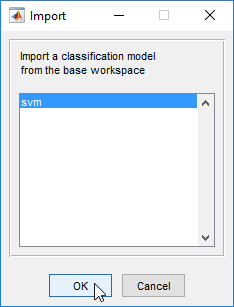
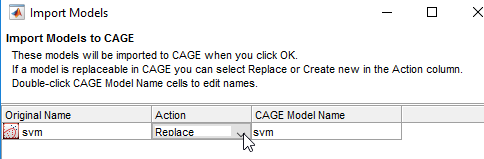
In the Import Models dialog box, accept the defaults and click OK.
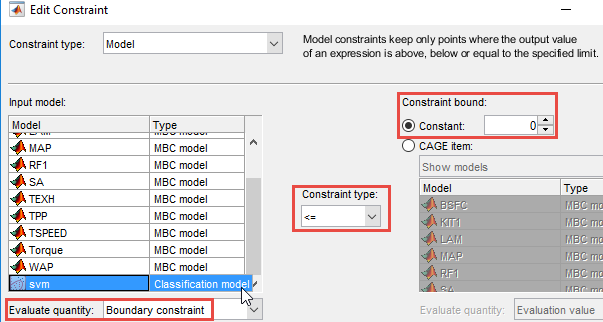
In CAGE, select Optimization > Constraints > Edit Constraint. For the svm input model:
Set Evaluate quantity to
Boundary constraint.Specify the Constraint type and Constraint bound.