Optical System Designer
R2026bDescription
Add-On Required: This feature requires the Optical Design and Simulation Library for Image Processing Toolbox add-on.
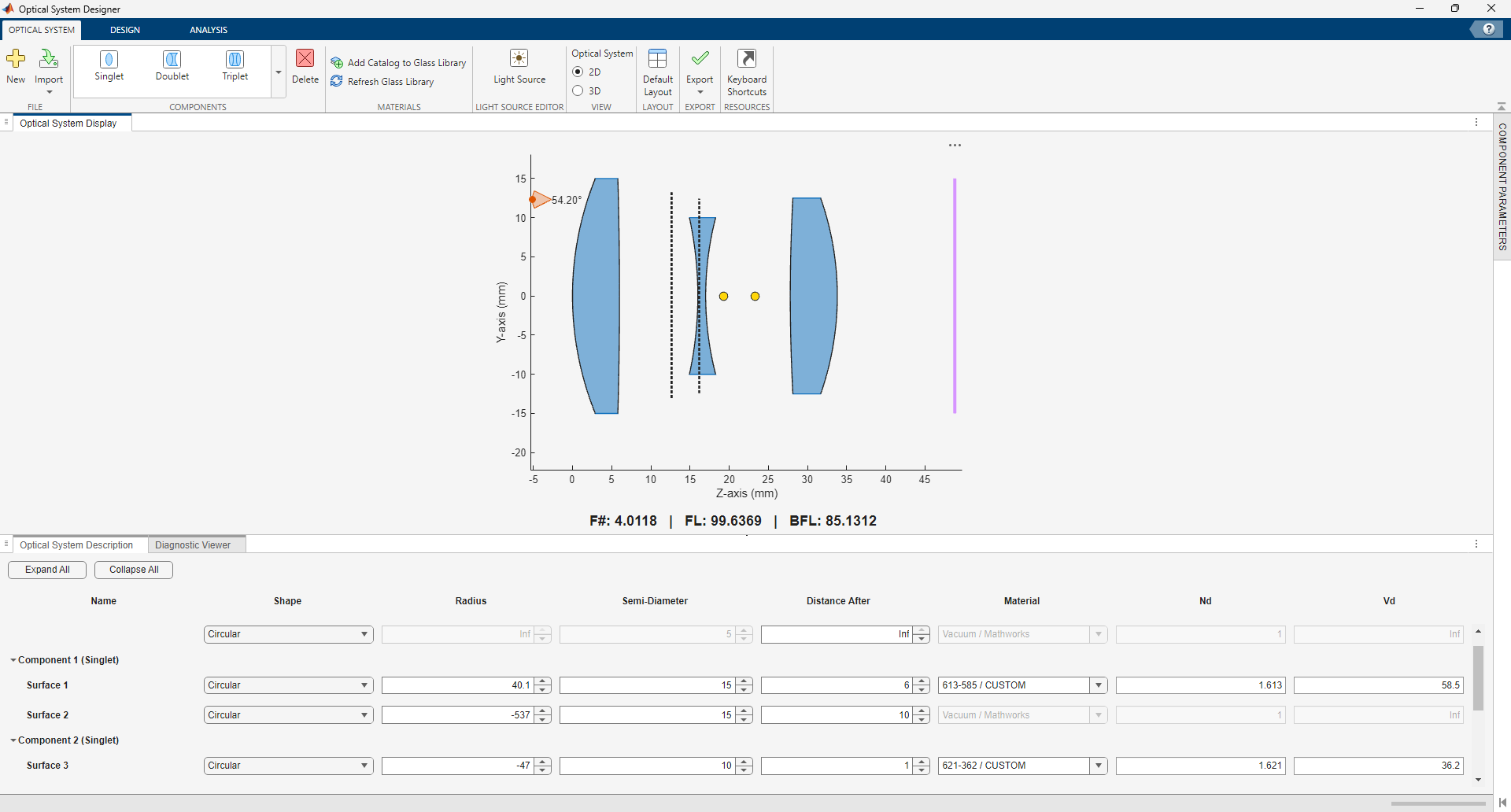
The Optical System Designer app enables you to design, modify, simulate, and analyze optical systems. Using the app, you can:
Create a new optical system or load an existing optical system from a ZMX file or the MATLAB® workspace.
Visualize the optical system in 2-D or 3-D.
Design a new optical system using various components, coatings, materials, and light sources, or modify an existing optical system.
Simulate ray tracing, and focus the optical system.
Analyze the optical system using spot diagrams, ray and chromatic aberration analysis, lens distortion analysis, and field curvature analysis.
Export the designed optical system as an
opticalSystemobject to the workspace or as a function you can use to create similar optical systems.
Open the Optical System Designer App
MATLAB Toolstrip: On the Apps tab, under Image Processing and Computer Vision, select the Optical System Designer app icon.
MATLAB command prompt: Enter
opticalSystemDesigner.

