PTC Creo
R2026bEnable the Simscape Multibody Link plug-in on your PTC Creo installation to begin exporting your CAD assemblies. Get started with a robotic arm export example or read about the assembly constraints that you can export and the Simscape Multibody joint and constraint blocks that they map into. You must have the Simscape Multibody Link plug-in installed before continuing.
Topics
- Enable Simscape Multibody Link Plug-In in Creo-Pro/E
Use Simscape Multibody Link to export CAD assembly files from Creo or Pro/E to generate Simscape Multibody models.
- Export a PTC Creo Robot Assembly Model
Generate an XML multibody description file for a robotic arm assembly.
- Constraints and Joints
You create a CAD assembly by applying constraints between parts.
Featured Examples

Joints
A set of complete CAD assemblies in Creo.
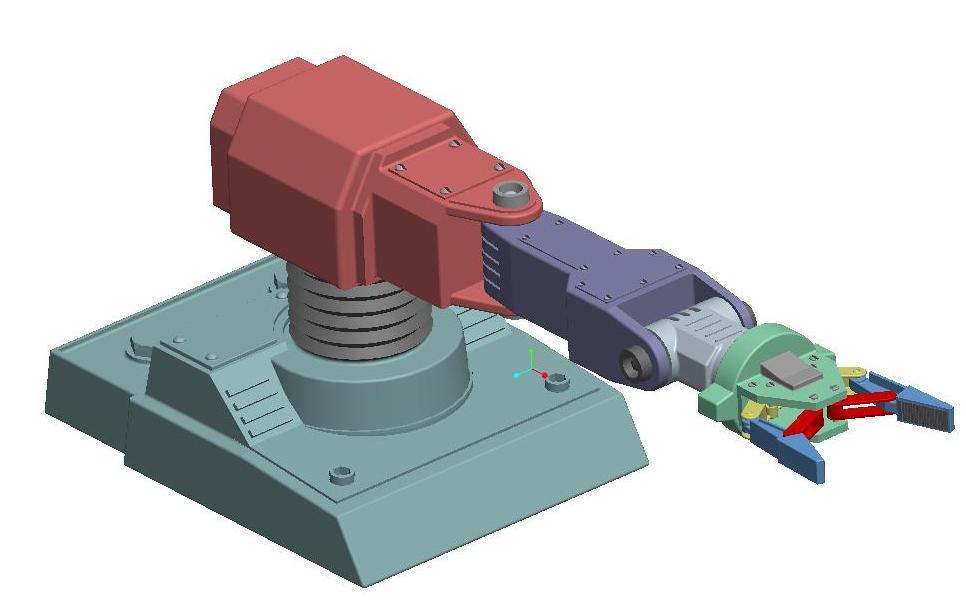
Robot Arm
A robot arm assembly in Creo.
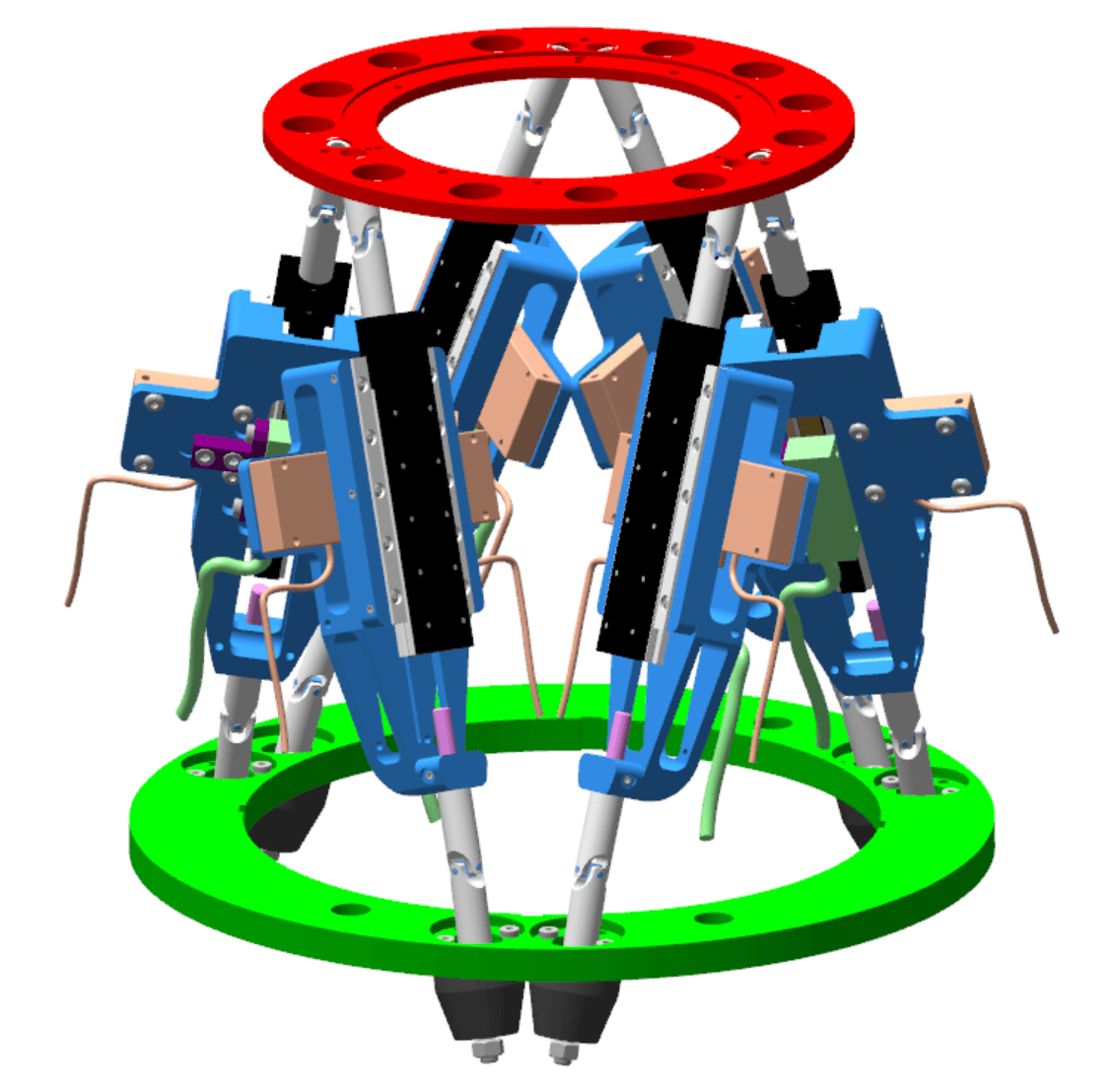
Stewart Platform
A Stewart platform assembly in Creo.

