Perform a Tradeoff Calibration

A tradeoff calibration is the process of calibrating lookup tables by adjusting the control variables to result in table values that achieve some desired aim.
For example, you might want to set the spark angle and the air/fuel ratio (AFR) to achieve the following objectives:
Maximize torque
Restrict CO emissions
The data in the tradeoff is presented in such a way as to aid the calibrator in making the correct choices. For example, sometimes the model is such that only a slight reduction in torque results in a dramatic reduction in CO emissions.
Follow these steps to perform a tradeoff calibration.
| Step | |
|---|---|
| 1 | Set Up Variables and Constants |
| 2 | Set Up Models for Calibration |
| 3 | Set Up a Tradeoff Calibration |
| 4 | Fill Lookup Tables in a Tradeoff Calibration |
| 5 | Export Calibrations |
You can also use regions to enhance your calibration. See Control Table Extrapolation Regions.
In CAGE, you can navigate between the tradeoff plots and the optimization results.
| Goal | Option |
|---|---|
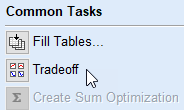
Navigate from optimization results to tradeoff plots. | In the Common Tasks, select Tradeoff.
|
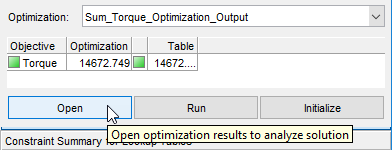
Navigate from tradeoff plots to optimization results. | In the right-hand-pane, select Open.
|